
Blog / Google Forms
10 Best Google Form Alternatives to Try in 2026
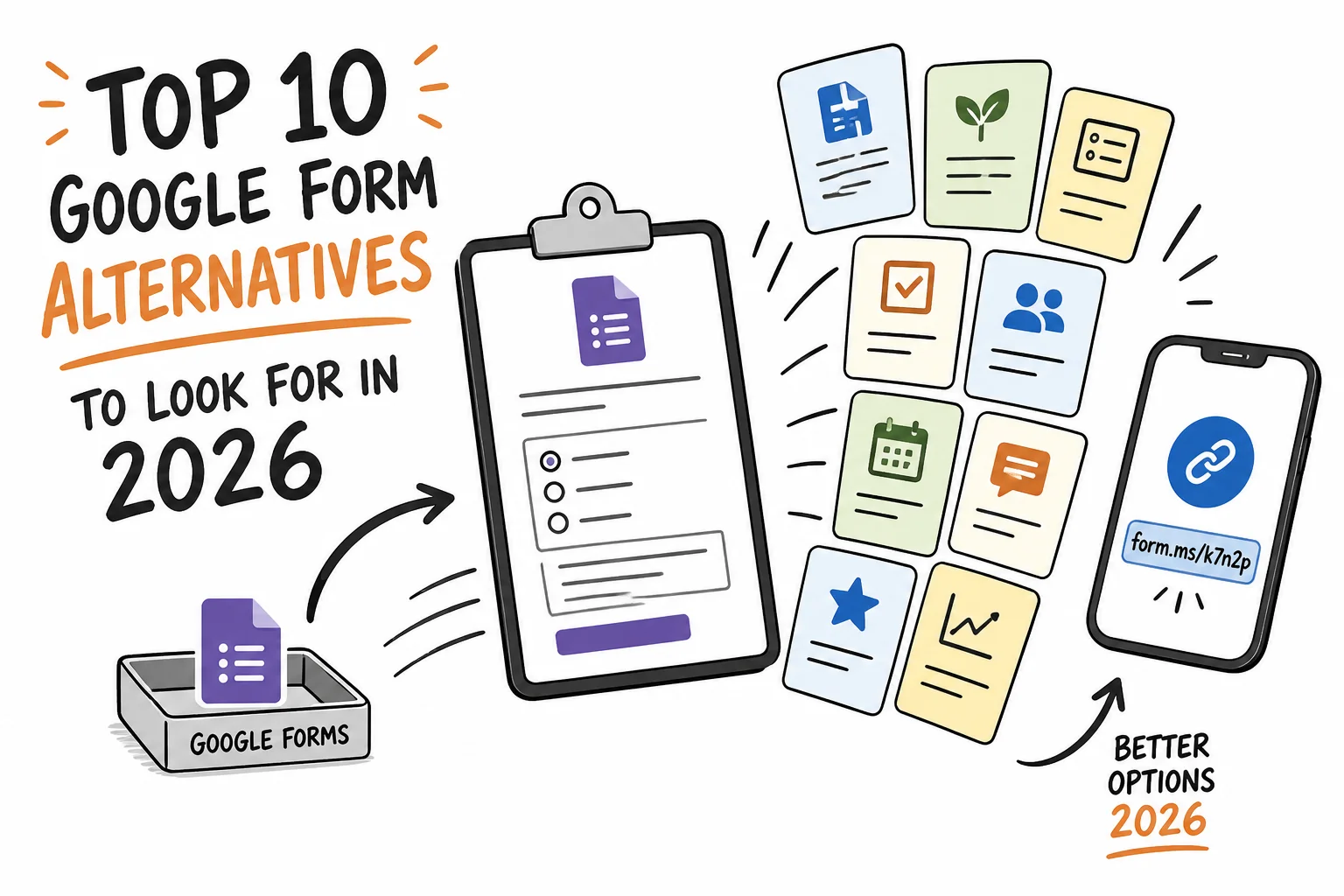
Context
Compare 10 Google Forms alternatives for 2026, including Formms, Typeform, Jotform, Tally, and Microsoft Forms, with strengths, limits, and when each tool fits.
On this page
Google Forms is still the default for many teams. It is free, familiar, and already sitting inside Google Workspace. That is why so many signup sheets, class quizzes, and feedback polls still live there.
It is also why so many teams eventually outgrow it. Branding stays limited. Logic stays basic. Payments are missing. Mobile creation feels secondary. Respondent experience looks like a spreadsheet wearing a form costume.
If you are shopping for Google Form alternatives in 2026, this list gives you ten options worth a serious look. Formms is first because phone-first creation and short share links solve the everyday gap most people actually feel: getting a usable form live before the moment passes. For the fuller case for building away from a desk, see why your next form should start on your phone.
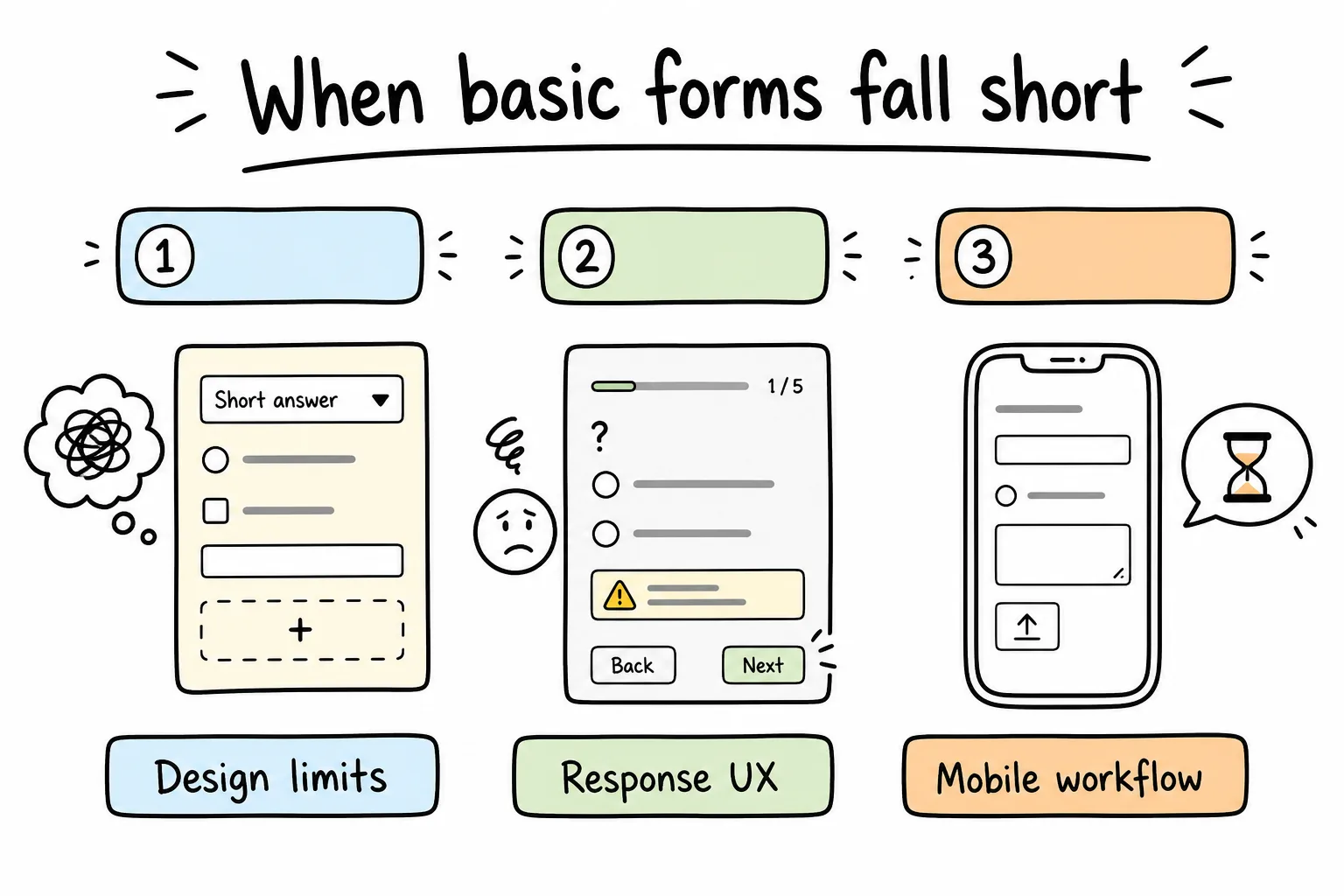
Design limits, weak response UX, and clunky mobile workflows are the usual reasons teams leave Google Forms.
Why People Look Beyond Google Forms in 2026
Google Forms remains excellent for internal polls, classroom quizzes, and one-off data grabs tied to Sheets. The friction appears when forms become customer-facing or operational. Teachers comparing classroom survey options side by side may prefer the dedicated best survey tools for teachers roundup.
Common breaking points:
- You need a branded or conversational experience, not a gray Workspace skin.
- You need payments, calculations, file workflows, or deeper conditional logic.
- You need to create and manage forms from a phone, not only fill them on one.
- You need analytics or research tooling beyond a raw response sheet.
- You need templates and automation without rebuilding every form from scratch.
None of that means Google Forms is “bad.” It means the job changed. The right alternative matches the job, not a feature checklist you will never use.
Tip: Before you switch tools, write down the last three forms you struggled with. Those pain points matter more than any marketing page.
How to Choose a Google Forms Alternative
Pick against outcomes, not logos.
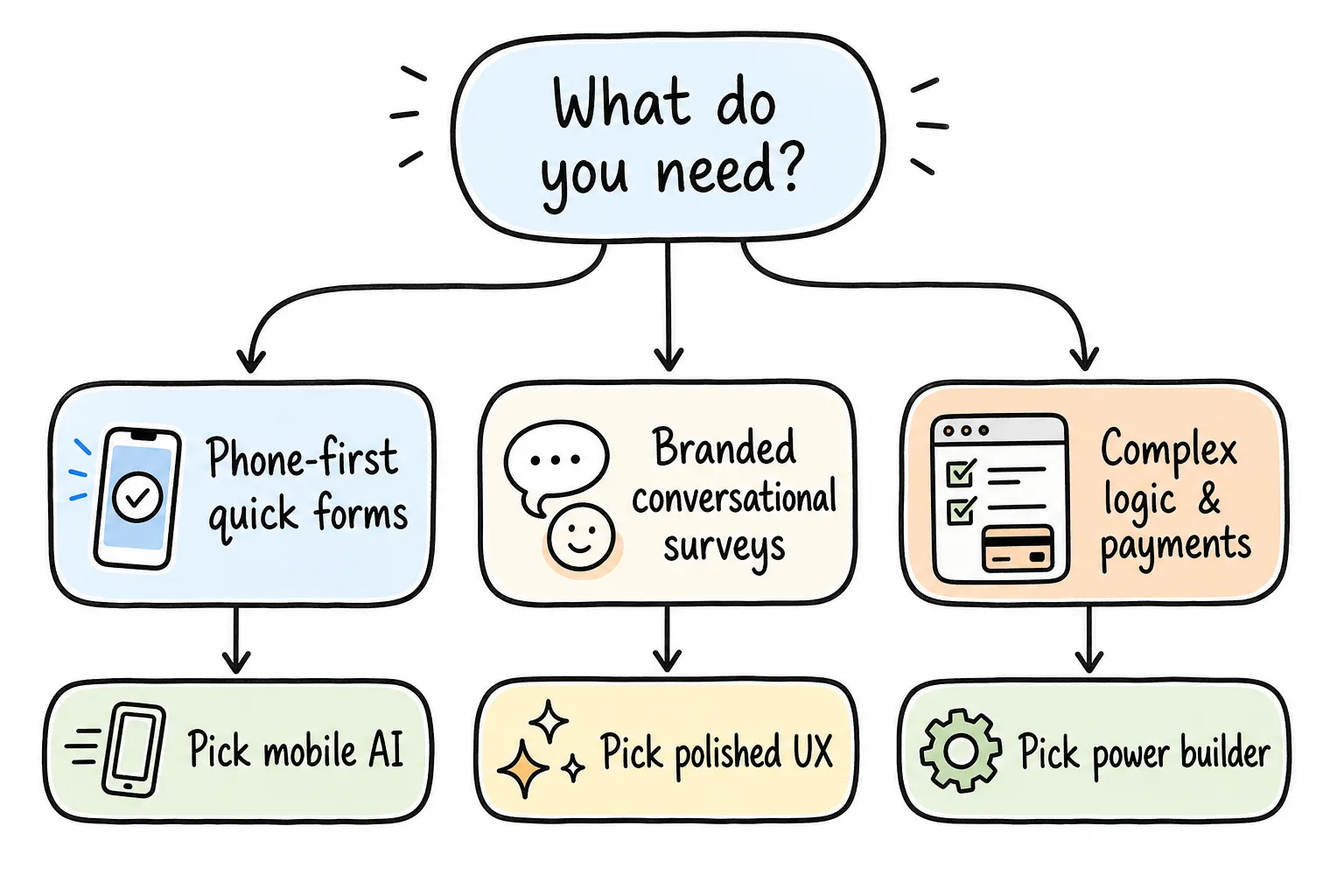
Start with the job: phone-first quick forms, branded surveys, or complex logic and payments.
Ask these questions:
- Where will you build? Desk browser, phone, or both?
- Who fills it out? Employees, customers, students, event guests?
- What happens after submit? Sheet export, CRM, payment, notification, PDF?
- How much polish do you need? Internal utility vs public brand moment.
- What can you afford monthly? Free forever, freemium, or team plan.
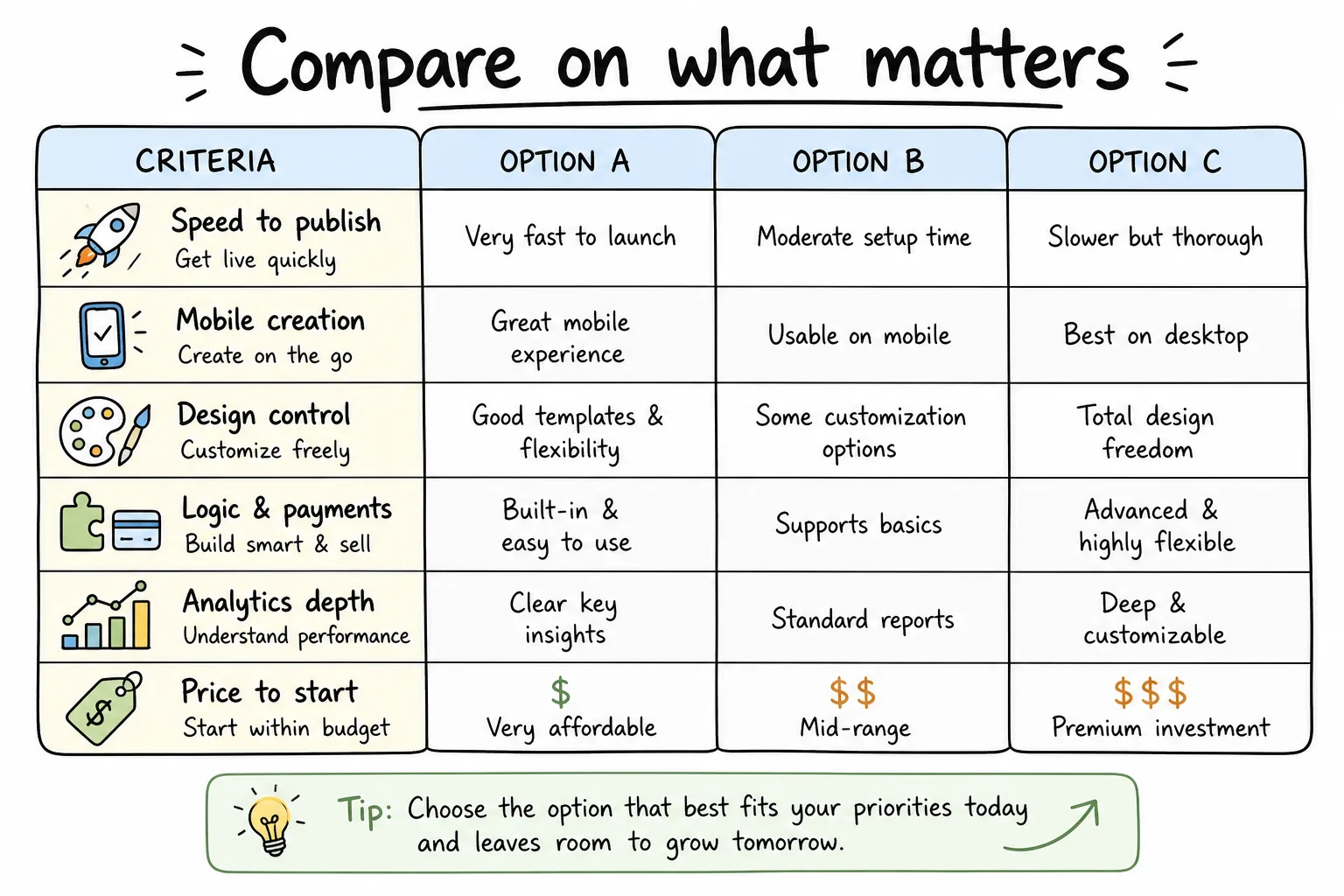
Score tools on publish speed, mobile creation, design, logic, analytics, and price to start.
Quick comparison snapshot
| Tool | Best for | Standout strength | Watch-out |
|---|---|---|---|
| Formms | Phone-first AI forms | Describe → share → read replies on phone | Best when speed beats desktop page builders |
| Typeform | Conversational surveys | Premium one-question flow | Free tier is tight for active campaigns |
| Jotform | Templates + workflows | Huge template library, many add-ons | Interface can feel heavy |
| Tally | Generous free forms | Notion-like editor, strong free plan | Less “marketing page” polish than Typeform |
| Fillout | Logic + database sync | Deep free features, Notion/Airtable sync | Response caps on free tier |
| Paperform | Form-as-page | Document-style builder, payments | Free limits are stricter |
| Microsoft Forms | Microsoft 365 teams | Native Teams/Outlook fit | Design and branding stay limited |
| Cognito Forms | Calculations + ops forms | Conditional math and workflows | UI is utilitarian |
| Zoho Forms | Zoho ecosystem | AI + Zoho suite integrations | Best value inside Zoho stack |
| SurveyMonkey | Research programs | Survey methodology and analysis | Overkill for simple signups |
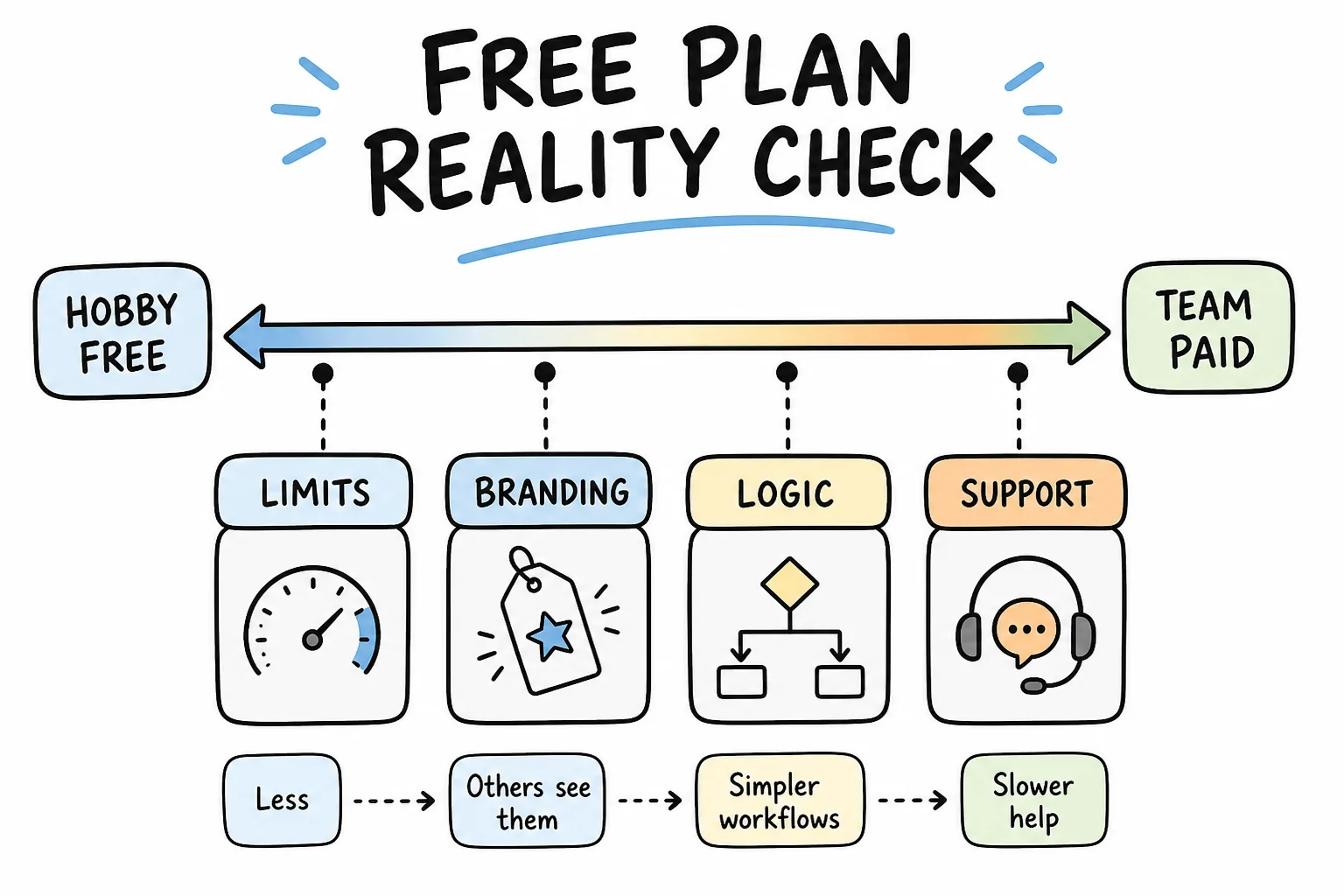
Free plans differ on branding, logic, response caps, and support. Read the limits before you migrate.
1. Formms: Best Phone-First AI Form Builder
Best for: creators, organizers, freelancers, and small teams who want a form live in minutes from a phone.
Formms is a free AI form builder built around a simple loop: describe the form you need, review the draft, share a short link, and read answers on your phone. Respondents open the form in a browser. They do not need the app.
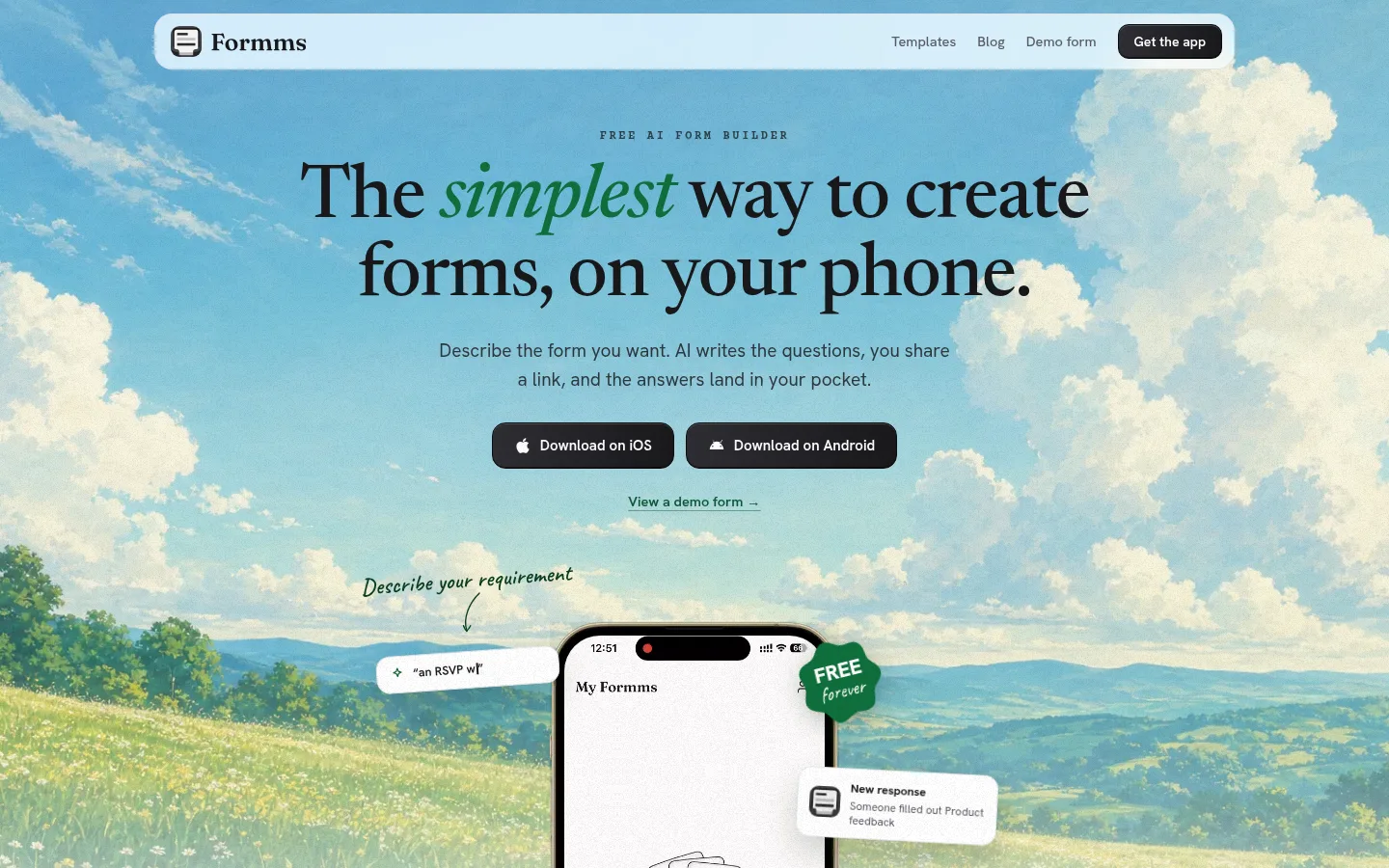
Formms homepage: describe a form on your phone, share a link, and collect replies where you already work.
Why it ranks first in 2026
Most “Google Forms alternatives” still assume a laptop. Formms assumes the opposite: the need appears while you are walking into an event, standing at a counter, or coordinating from Messages. You type a prompt like “RSVP for Saturday meetup with name, email, and meal choice,” edit the draft, then share something like form.ms/demo or a short link such as form.ms/k7n2p. For stronger prompt wording and field choices, use how to turn a prompt into a shareable form.
That speed matters more than another desktop field palette for a huge share of everyday forms. If you want to measure what desk-later habits cost you, see how much time you lose building forms.
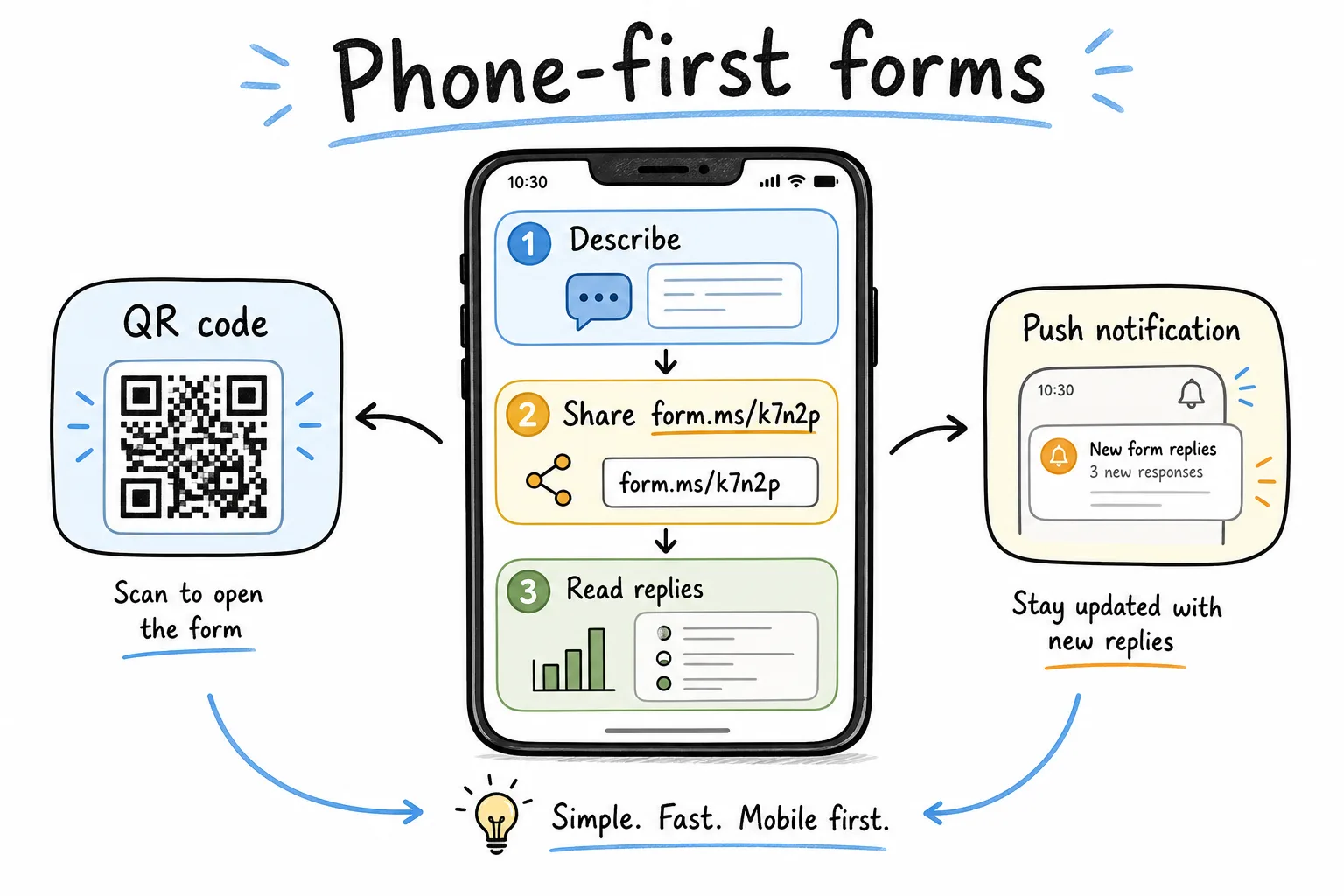
Describe, share a short form.ms link, and read replies with phone-native notifications.
Strengths
- AI draft from a plain-language prompt
- Mobile-first creation and response reading
- Short share links and QR-friendly distribution
- Free forever positioning for core use
- Clean respondent experience without Workspace chrome
Limitations
- Not positioned as a heavy enterprise workflow suite
- Teams that need deep desktop report builders may still want a research tool alongside it
Who should pick Formms
Choose Formms when the bottleneck is time-to-publish, not a 40-field compliance workflow. It is a strong Google Forms alternative for RSVPs, feedback, waitlists, quick quizzes, and any form you would rather start on your phone. For a head-to-head with Google Forms alone, see the Formms vs Google Forms alternative page.
Key takeaway: If your forms die in drafts because building feels heavy, start with Formms.
2. Typeform: Best Conversational Experience
Best for: marketing, research, and brand teams that care about completion rates and polish.
Typeform popularized the one-question-at-a-time pattern. In 2026 it still leads on respondent feel: calm pacing, strong branding, and a product story built around AI forms plus automation.
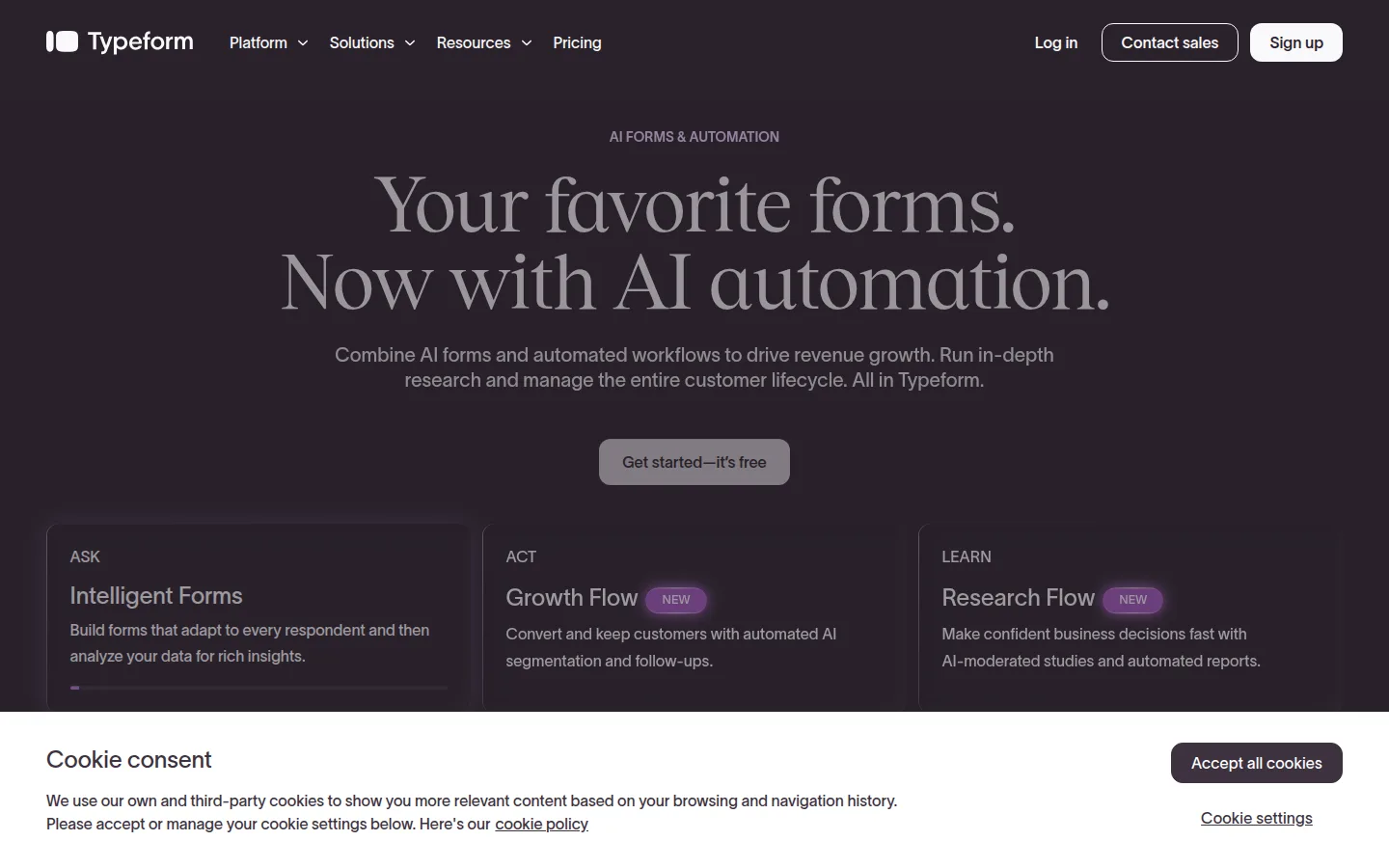
Typeform markets AI forms and automation around a premium conversational experience.
Strengths
- Excellent conversational UI
- Strong branding and theme control
- Good fit for lead gen and qualitative research
- Mature template and logic options on paid plans
Limitations
- Free plan response limits are tight for active campaigns
- Price climbs quickly if volume is high
- Overkill for internal attendance sheets
Who should pick Typeform
Pick Typeform when the form is the brand moment: product waitlists, customer research, onboarding questionnaires, or high-intent lead forms. For a free phone-first option without response metering, see the Formms vs Typeform alternative page.
3. Jotform: Best Template Library and Workflow Breadth
Best for: teams that want templates, payments, approvals, and a little of everything.
Jotform is the Swiss Army knife of the list. It has a massive template catalog, payment widgets, PDF tools, and workflow features that stretch far past “ask three questions.”
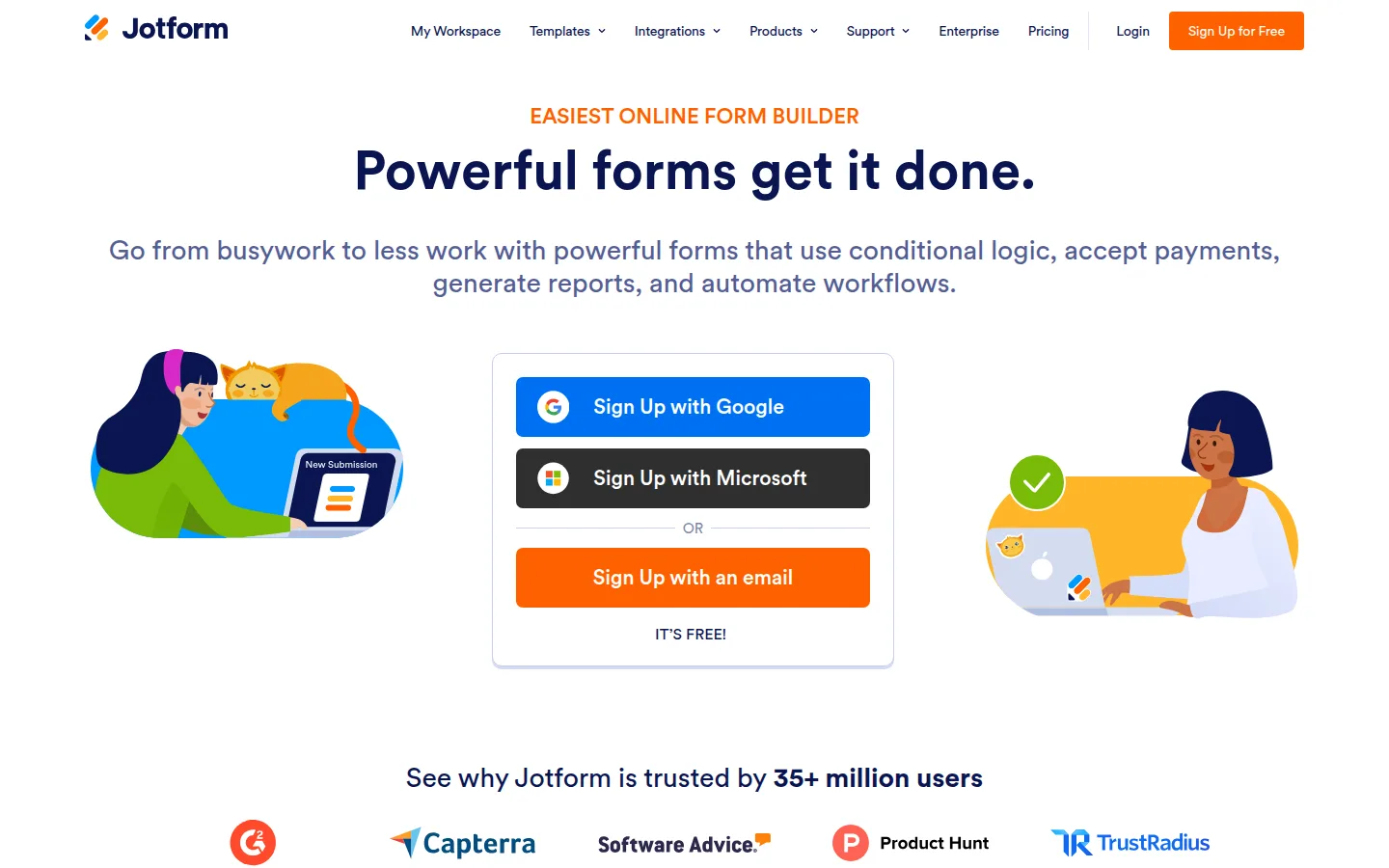
Jotform leans on powerful forms, templates, and a large installed user base.
Strengths
- Huge template library
- Payments, approvals, and document generation options
- Broad integrations and add-ons
- Enterprise and compliance paths for larger orgs
Limitations
- Can feel busy compared with minimal builders
- Free tier caps matter once you go live with traffic
- Easy to overbuild forms nobody finishes
Who should pick Jotform
Choose Jotform when you need one vendor for many form jobs: registrations, invoices-ish payment forms, applications, and internal requests. Prefer something simpler and phone-first? See the Formms vs Jotform alternative page.
4. Tally: Best Generous Free Form Builder
Best for: startups, creators, and operators who want Typeform-like simplicity without harsh free limits.
Tally’s Notion-style editor made it a favorite for teams that want clean forms fast. The free plan is widely cited as unusually generous: unlimited forms and submissions with solid logic and payment options compared with many rivals.
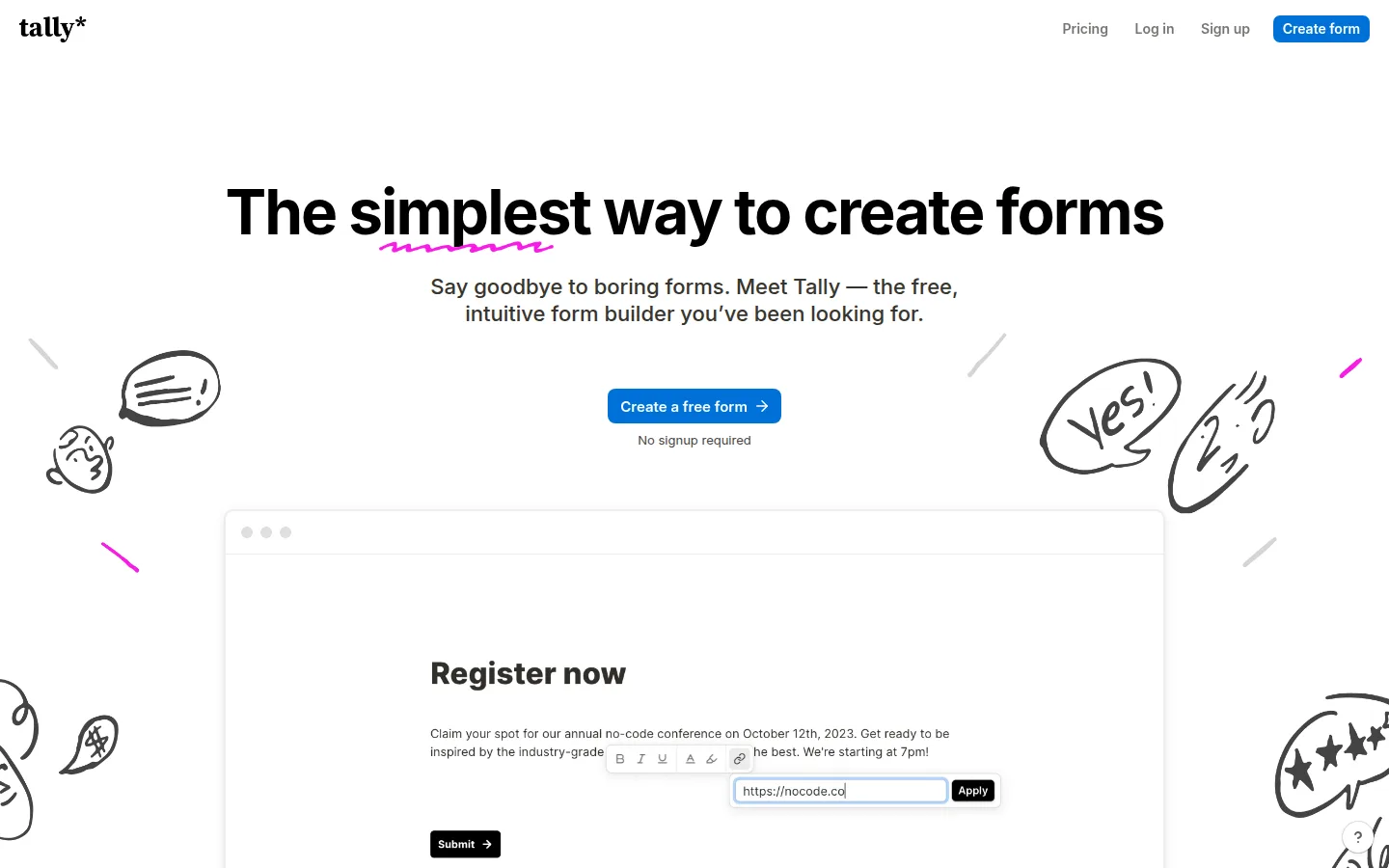
Tally sells simplicity: a free, intuitive builder with a Notion-like editing feel.
Strengths
- Strong free plan for external-facing forms
- Fast, document-like editing
- Conditional logic and payments without forcing a paid start
- Lightweight aesthetic that still looks modern
Limitations
- Less “premium brand theater” than Typeform
- Advanced collaboration and remove-branding features often sit on paid tiers
- Not a full survey research suite
Who should pick Tally
Pick Tally when budget matters and you still want a customer-facing form that does not look like a default Workspace survey. Prefer a free phone-first builder with Tally import? See the Formms vs Tally alternative page.
5. Fillout: Best Logic and Database Sync Value
Best for: product and ops teams that sync responses into Notion, Airtable, or similar tools.
Fillout punches above its price. Free plans commonly include advanced logic, scheduling, payments, and a meaningful monthly response allotment, with native database sync that Google Forms does not match natively.
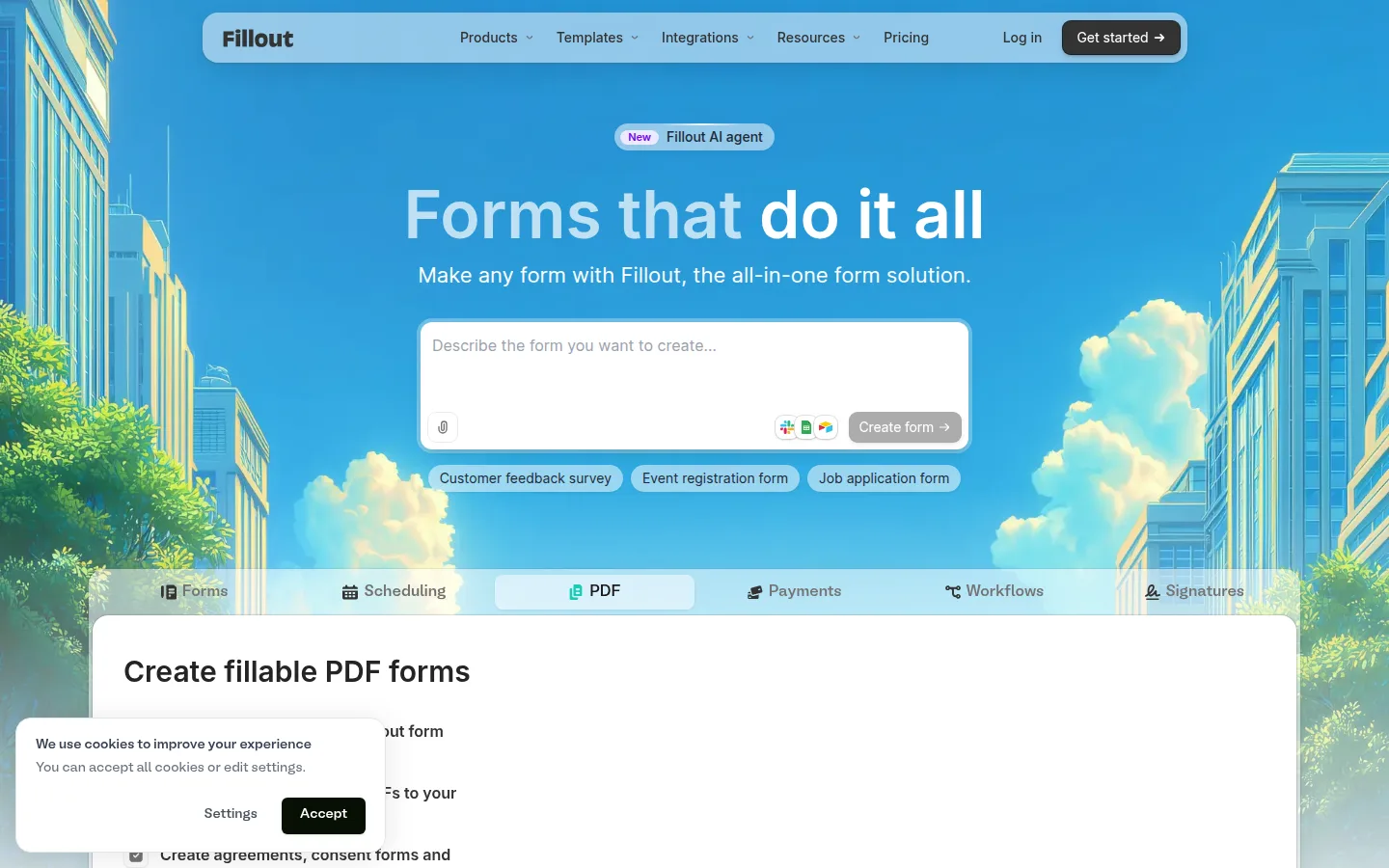
Fillout positions itself as an all-in-one form solution with AI-assisted creation.
Strengths
- Deep logic on affordable plans
- Strong Notion/Airtable-style workflows
- AI form generation and broad field types
- Good migration story for teams leaving Google Forms
Limitations
- Free response caps can bite busy public forms
- Feature breadth means a steeper learning curve than minimal tools
- Brand polish varies by how much you customize
Who should pick Fillout
Choose Fillout when the form is a front door to an existing database or ops stack, not only a sheet dump.
6. Paperform: Best Form-as-Page Builder
Best for: freelancers and SMBs that want forms that feel like landing pages.
Paperform treats a form like a document or mini page. That makes it strong for product orders, client onboarding, bookings, and any flow where copy, media, and questions should live together.
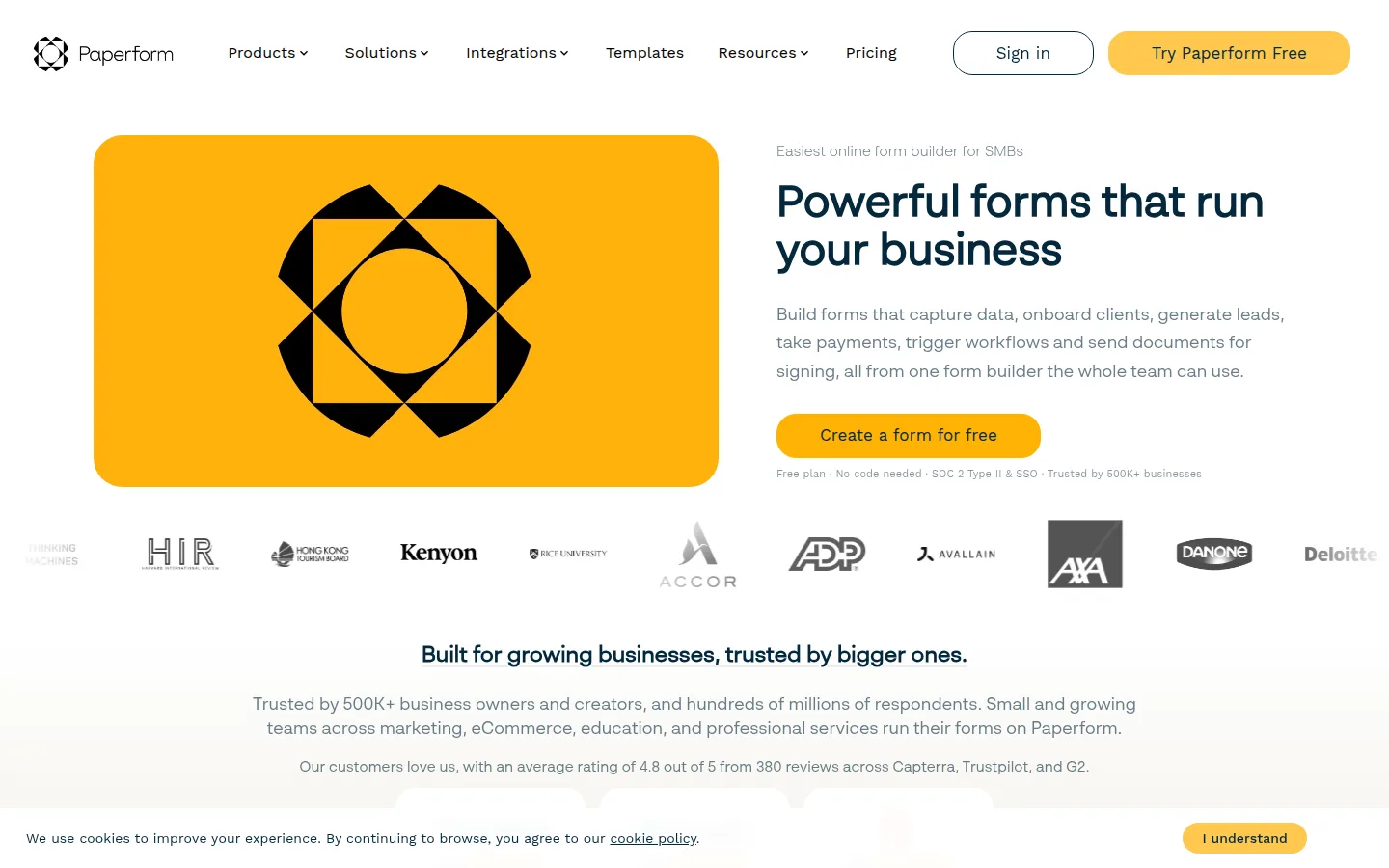
Paperform markets powerful SMB forms that capture data, payments, and workflows in one place.
Strengths
- Document-style editing with rich content
- Payments and e-signature style workflows
- Strong for productized services and client intake
- Polished public-facing pages
Limitations
- Free or trial limits are stricter than Tally-style free plans
- Can be more tool than you need for a three-field RSVP
- Pricing fits business use more than casual classroom polls
Who should pick Paperform
Pick Paperform when the form should sell, onboard, or take payment, not only collect cells.
7. Microsoft Forms: Best for Microsoft 365 Teams
Best for: schools and companies already living in Teams, Outlook, and Microsoft 365.
Microsoft Forms is the closest peer to Google Forms inside another productivity suite. If your org already authenticates through Microsoft accounts, it is often the lowest-friction upgrade path that is not really an “upgrade” so much as a lateral move.
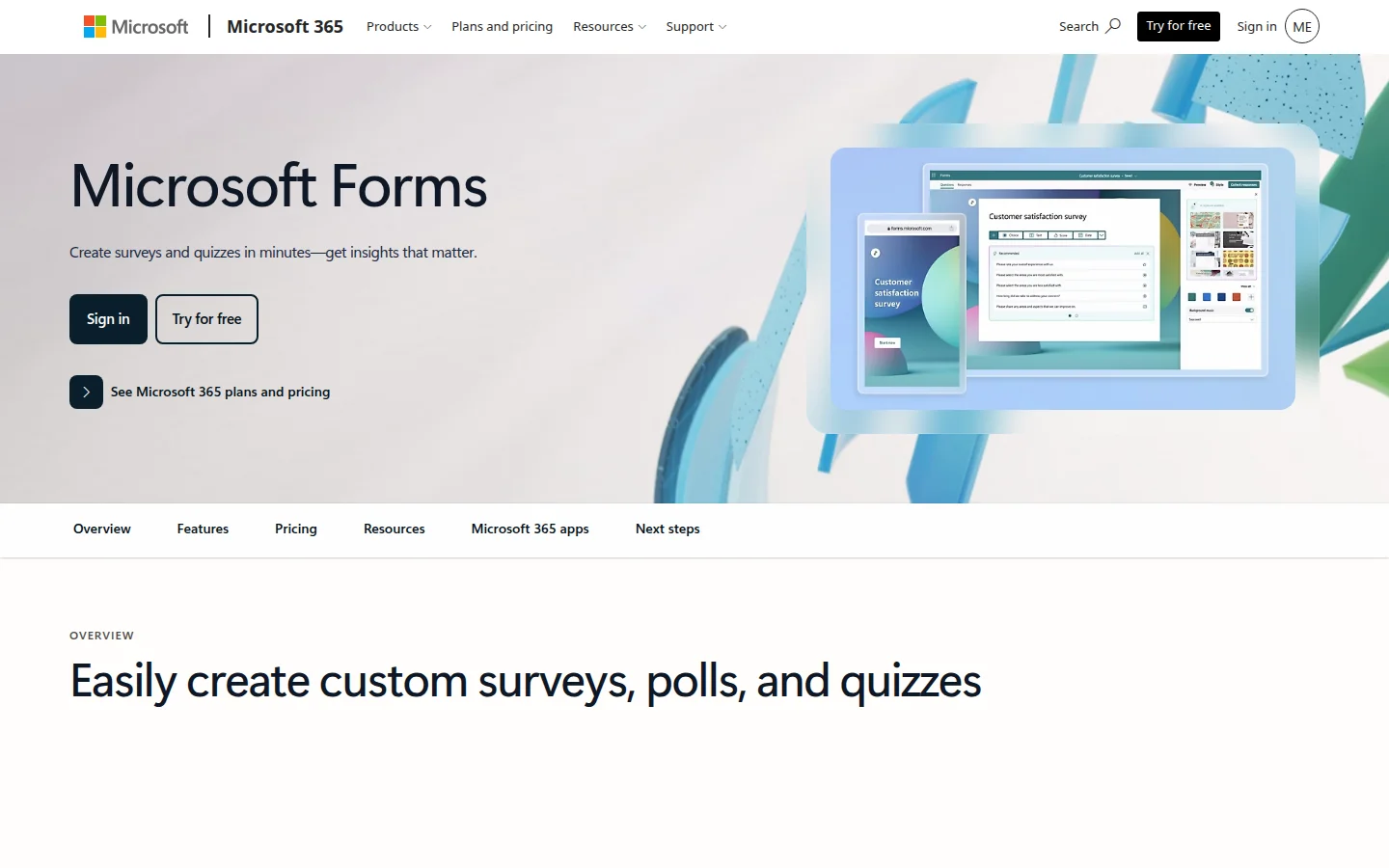
Microsoft Forms portal: create forms or quizzes, explore templates, and manage recent forms in Microsoft 365.
Strengths
- Native fit with Teams and Outlook distribution
- Familiar for education and enterprise IT
- Quizzes, templates, and response charts in-suite
- Low change-management cost for Microsoft shops
Limitations
- Branding and design still feel suite-native
- Weaker than dedicated builders for payments and public marketing pages
- Feature growth tracks Microsoft’s roadmap, not indie form innovation
Who should pick Microsoft Forms
Choose it when procurement, SSO, and Teams distribution matter more than public brand design. Looking for a phone app that is not Microsoft? See the Formms vs Microsoft Forms alternative page.
8. Cognito Forms: Best Calculations and Operational Forms
Best for: operations, finance-adjacent intake, and forms with real math.
Cognito Forms is less flashy than conversational builders and more serious about calculations, conditional visibility, and workflow-style follow-through. It is a frequent pick when a form needs to compute totals, show or hide sections intelligently, or feed internal processes.
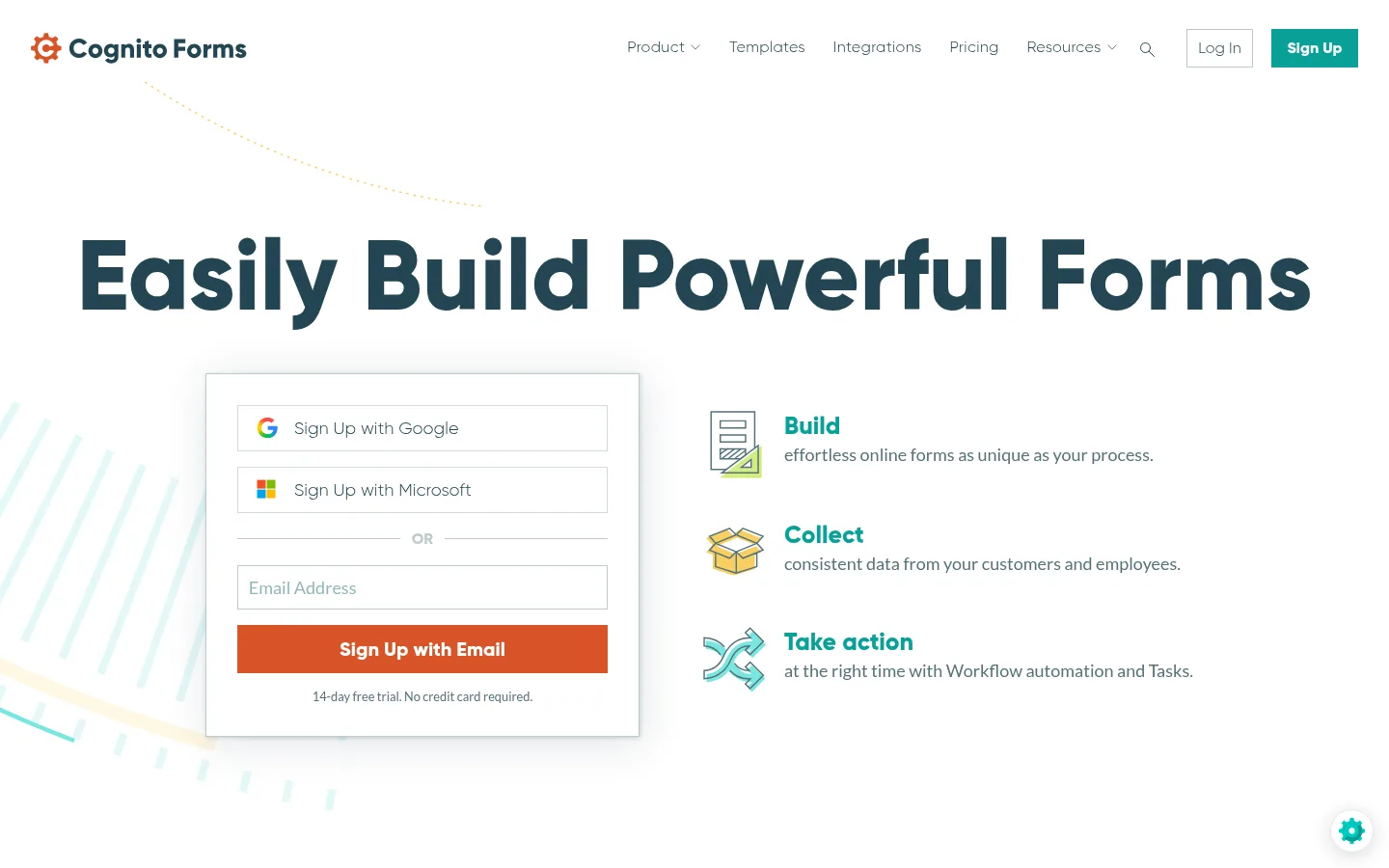
Cognito Forms focuses on building, collecting, and taking action with workflow automation.
Strengths
- Strong conditional logic and calculations
- Payment options for operational use cases
- Practical for internal business processes
- Clear “build → collect → act” product story
Limitations
- Visual design is functional, not fashion-forward
- Not the first pick for brand campaigns
- Learning curve rises with advanced calculation forms
Who should pick Cognito Forms
Pick Cognito when the form must compute, route, or enforce process rules, not just ask opinions.
9. Zoho Forms: Best Inside the Zoho Ecosystem
Best for: teams already using Zoho CRM, Creator, or other Zoho apps.
Zoho Forms is competitive on its own, especially with AI-assisted building and PDF/image conversion features. The real multiplier appears when submissions need to land in Zoho CRM or other Zoho tools without duct-tape integrations.
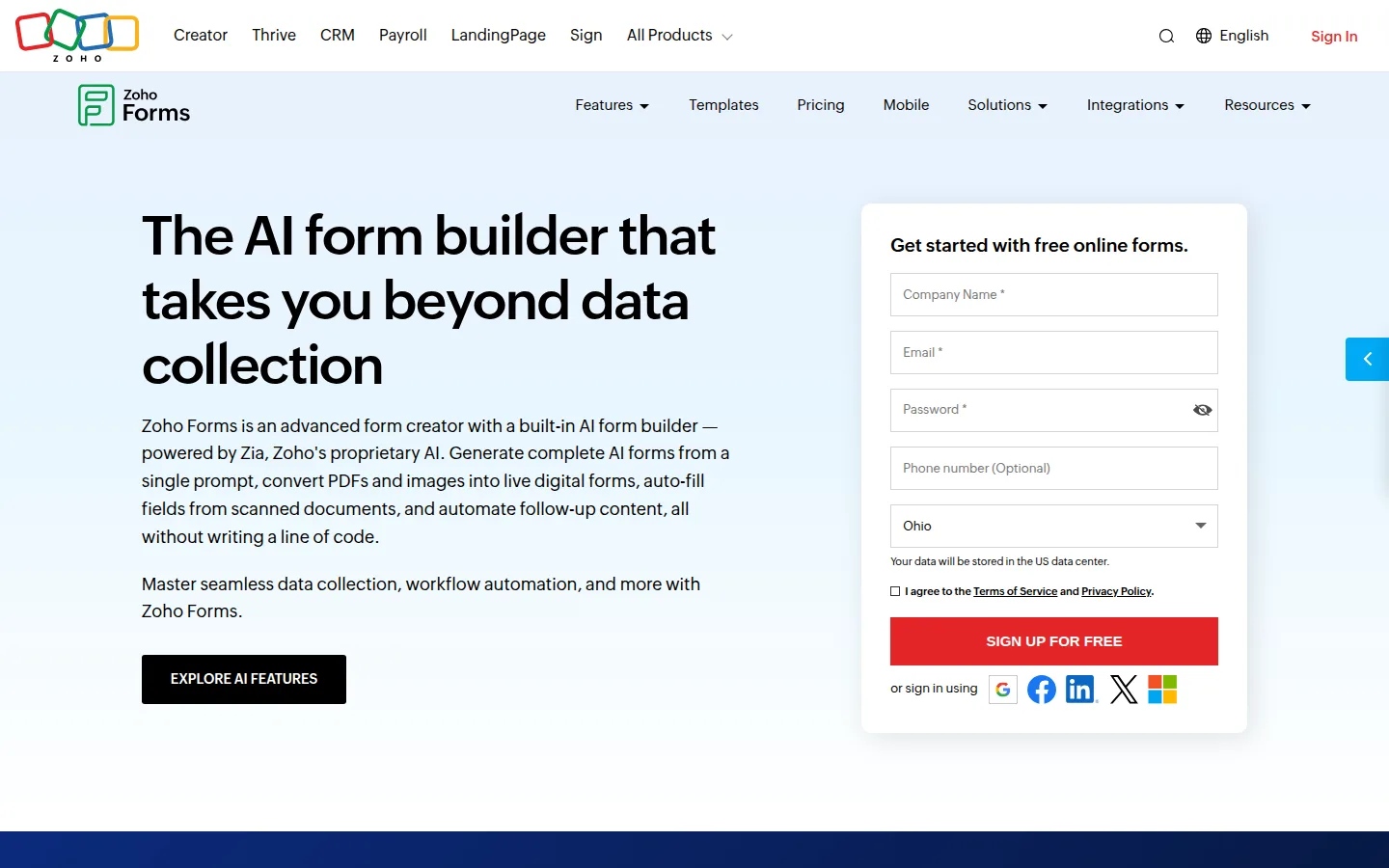
Zoho Forms highlights AI form creation powered by Zia, including prompt-to-form and PDF conversion.
Strengths
- AI form generation and document-to-form flows
- Tight Zoho suite integrations
- Themes, rules, and business-form templates
- Mobile apps for field collection scenarios
Limitations
- Best value shows up inside Zoho, not as a lonely point tool
- UI density can feel enterprise-portal heavy
- Free limits vary by plan and should be checked before a big migration
Who should pick Zoho Forms
Choose Zoho Forms when your CRM and ops stack already say Zoho.
10. SurveyMonkey: Best for Serious Survey Programs
Best for: CX, HR, and market research teams running recurring survey programs.
SurveyMonkey is not only a form builder. It is a survey platform with methodology guidance, benchmarking energy, and analysis workflows aimed at people who run research on a calendar, not a whim.
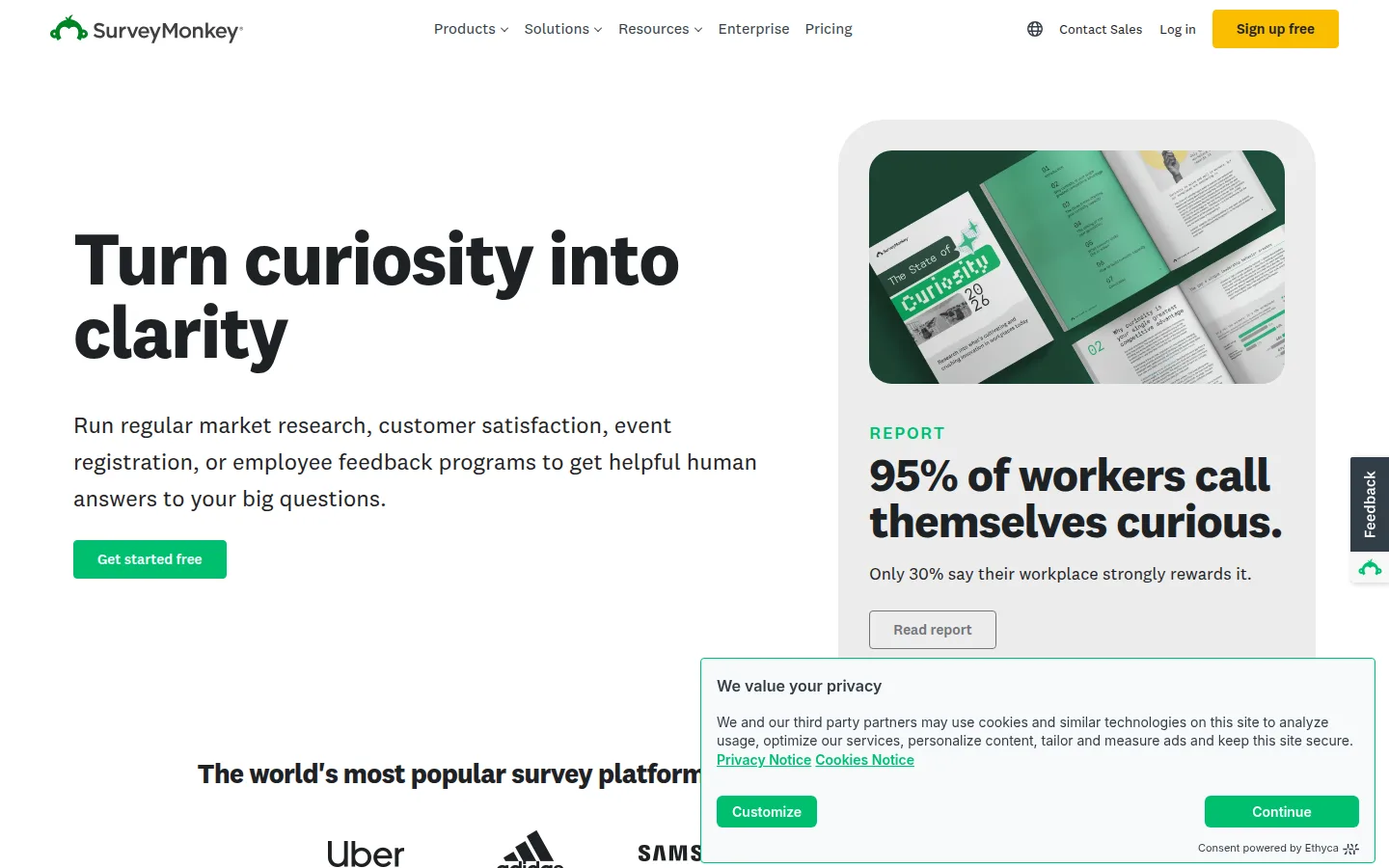
SurveyMonkey positions itself as a survey platform for market research, CSAT, events, and employee feedback.
Strengths
- Mature survey design and analysis tools
- Strong brand recognition with stakeholders
- Good fit for CSAT, eNPS, and market studies
- Enterprise features for larger research orgs
Limitations
- Heavier and pricier than you need for a picnic RSVP
- Can feel like research software when you only needed a signup
- Free/entry tiers may limit questions or responses
Who should pick SurveyMonkey
Pick SurveyMonkey when the output is a research decision, not a simple data capture event. If you only need a short CSAT or support follow-up, start from the customer service survey question bank and ship it in a lightweight builder instead.
Match the Tool to the Job
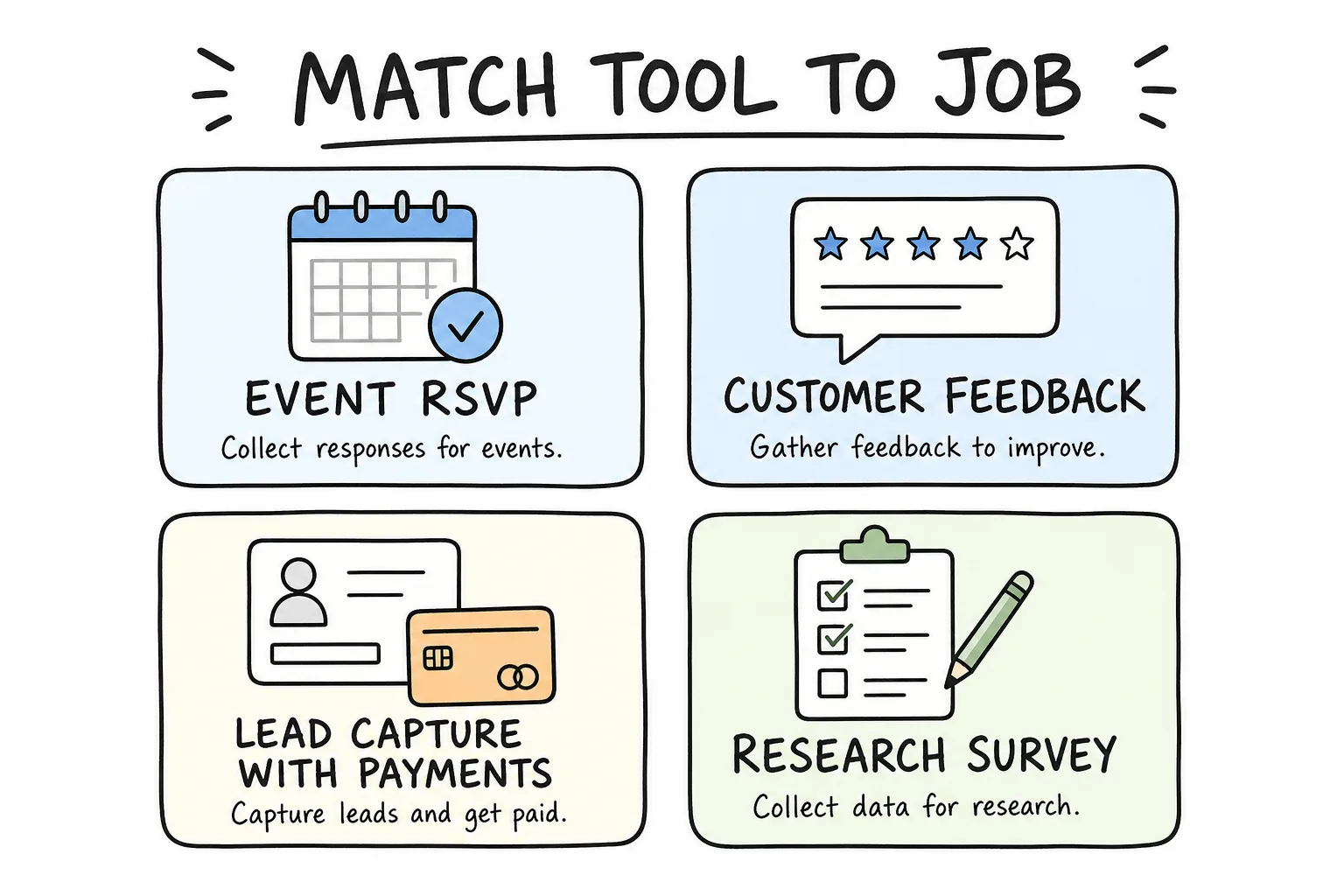
RSVP, feedback, paid lead capture, and research surveys rarely need the same builder.
Use this shortcut:
| Job | Strong first picks |
|---|---|
| Event RSVP from your phone | Formms, Tally |
| Branded customer survey | Formms, Typeform, SurveyMonkey |
| Template-heavy internal requests | Formms, Jotform, Microsoft Forms |
| Notion/Airtable-backed ops | Fillout |
| Paid order or client intake | Paperform, Cognito Forms |
| Zoho CRM lead forms | Zoho Forms |
| Recurring CX or market research | Formms, SurveyMonkey |
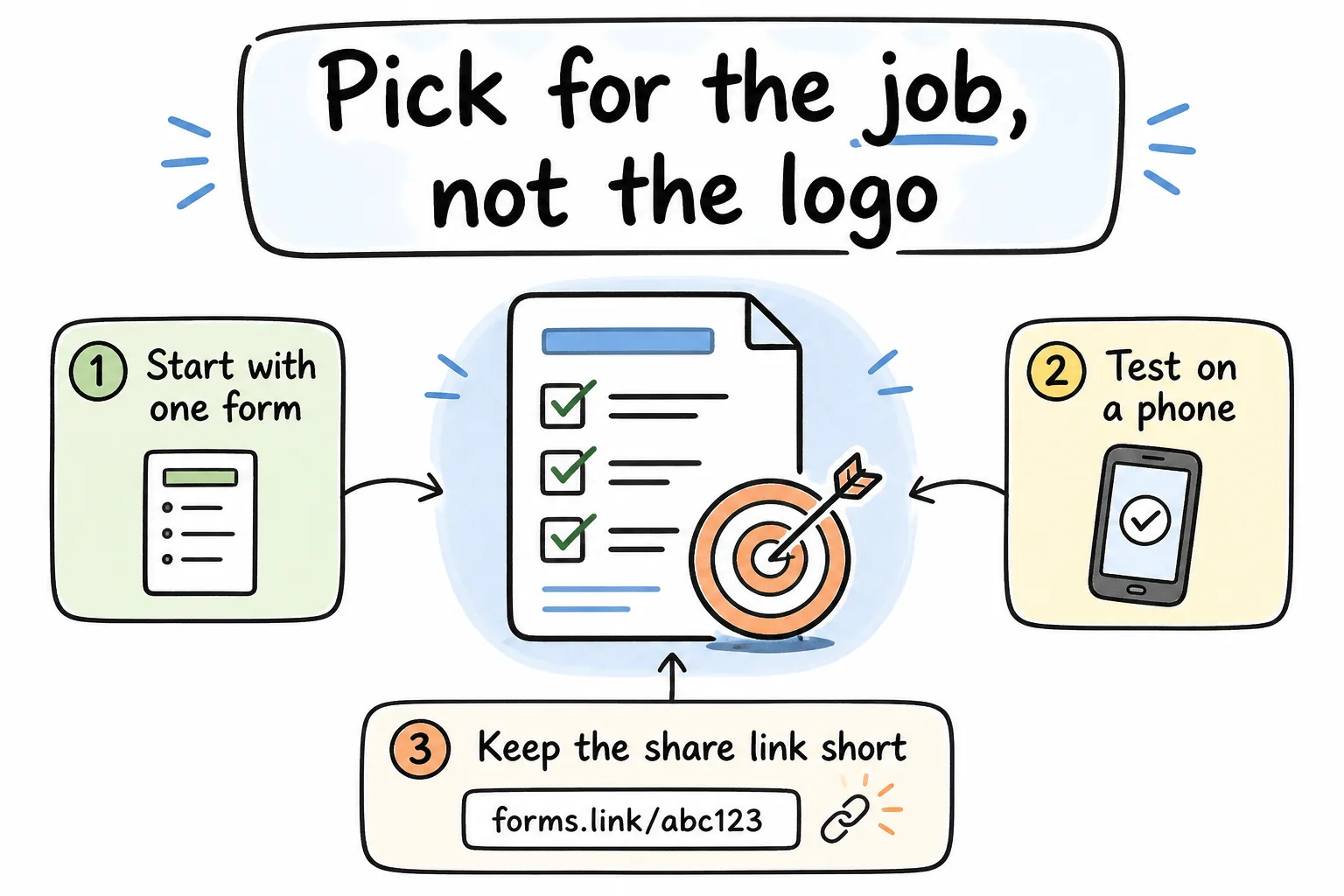
Start with one form, test on a phone, and keep the share link short.
A Calm Migration Path Off Google Forms
Do not rebuild every form this week. Migrate one live form, learn the tool, then expand.
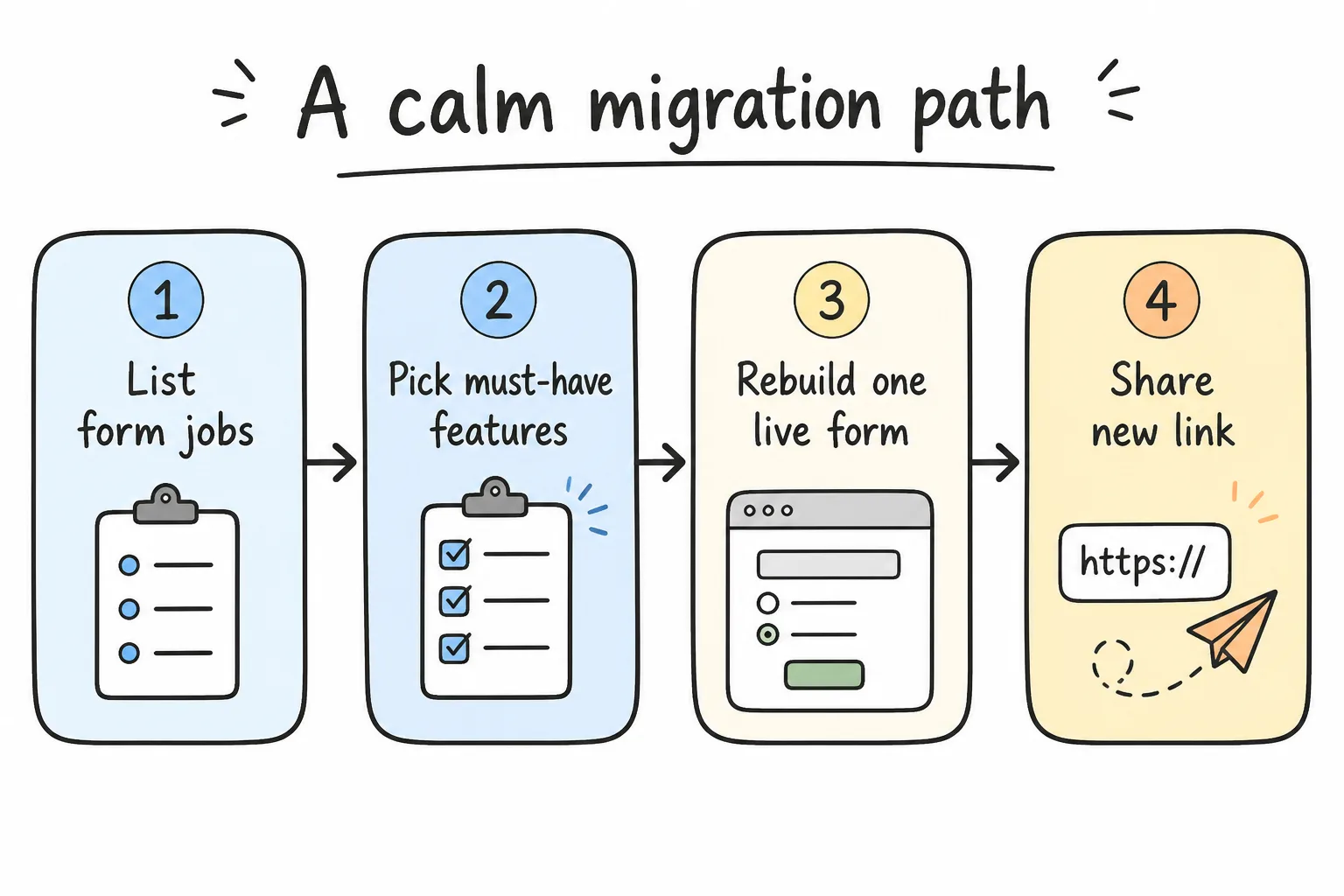
List jobs, pick must-haves, rebuild one live form, then share the new link.
- Inventory the jobs. Attendance, feedback, applications, payments, research.
- Mark must-haves. Logic, payments, SSO, mobile creation, CRM sync.
- Pilot one form. Rebuild the form you send most often.
- Test on real devices. Open the link on a phone before you announce it. Most people will answer on a phone, so treat that as the default-same habit as phone-first form building.
- Update the distribution points. Bio links, QR codes, email footers, LMS, Slack.
- Archive the old Google Form only after the new link is stable.
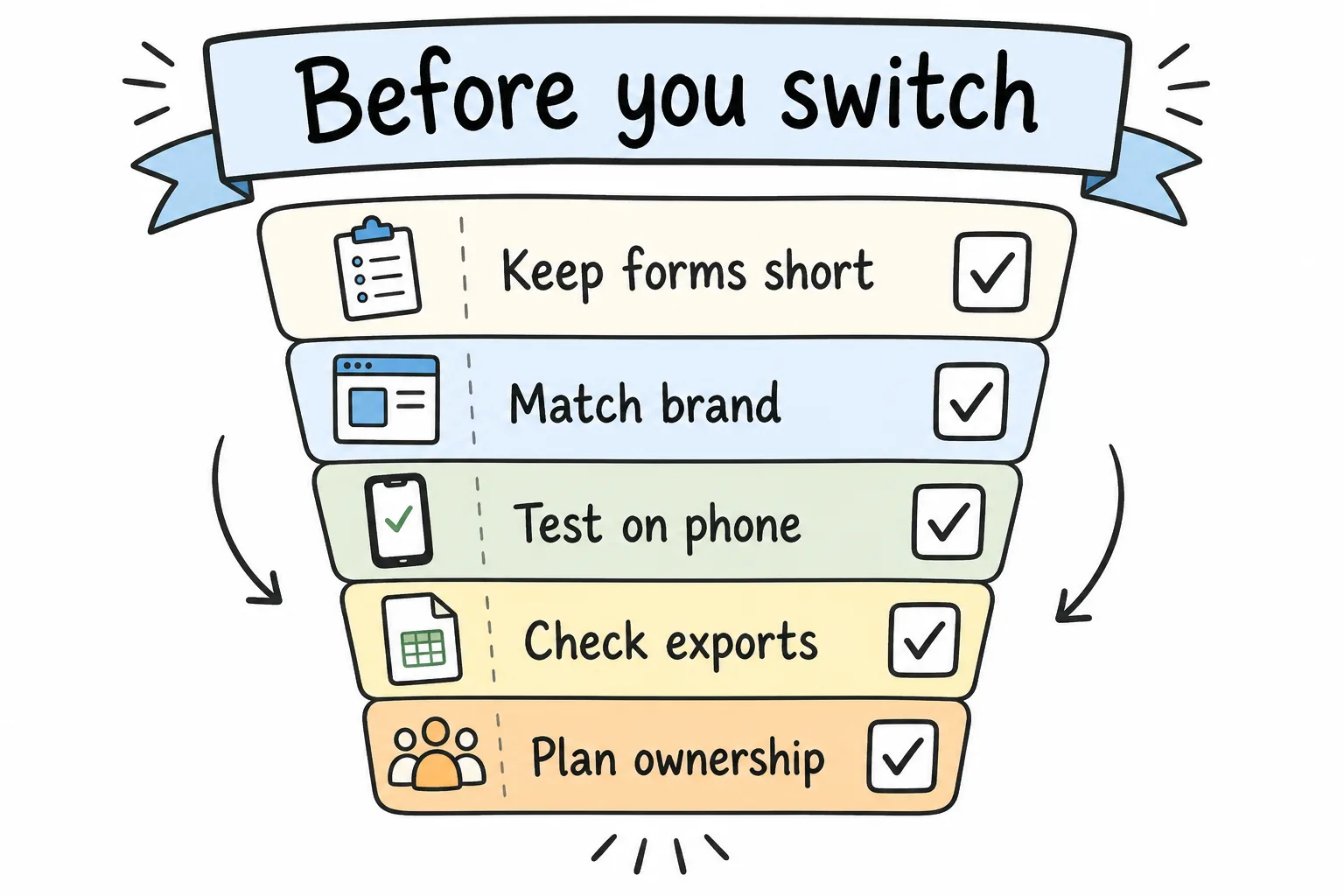
Keep forms short, match brand, test on phone, check exports, and plan ownership.
Best practice: Export a CSV from both tools during the pilot week so you know the new export shape before reporting depends on it.
Common Switching Mistakes
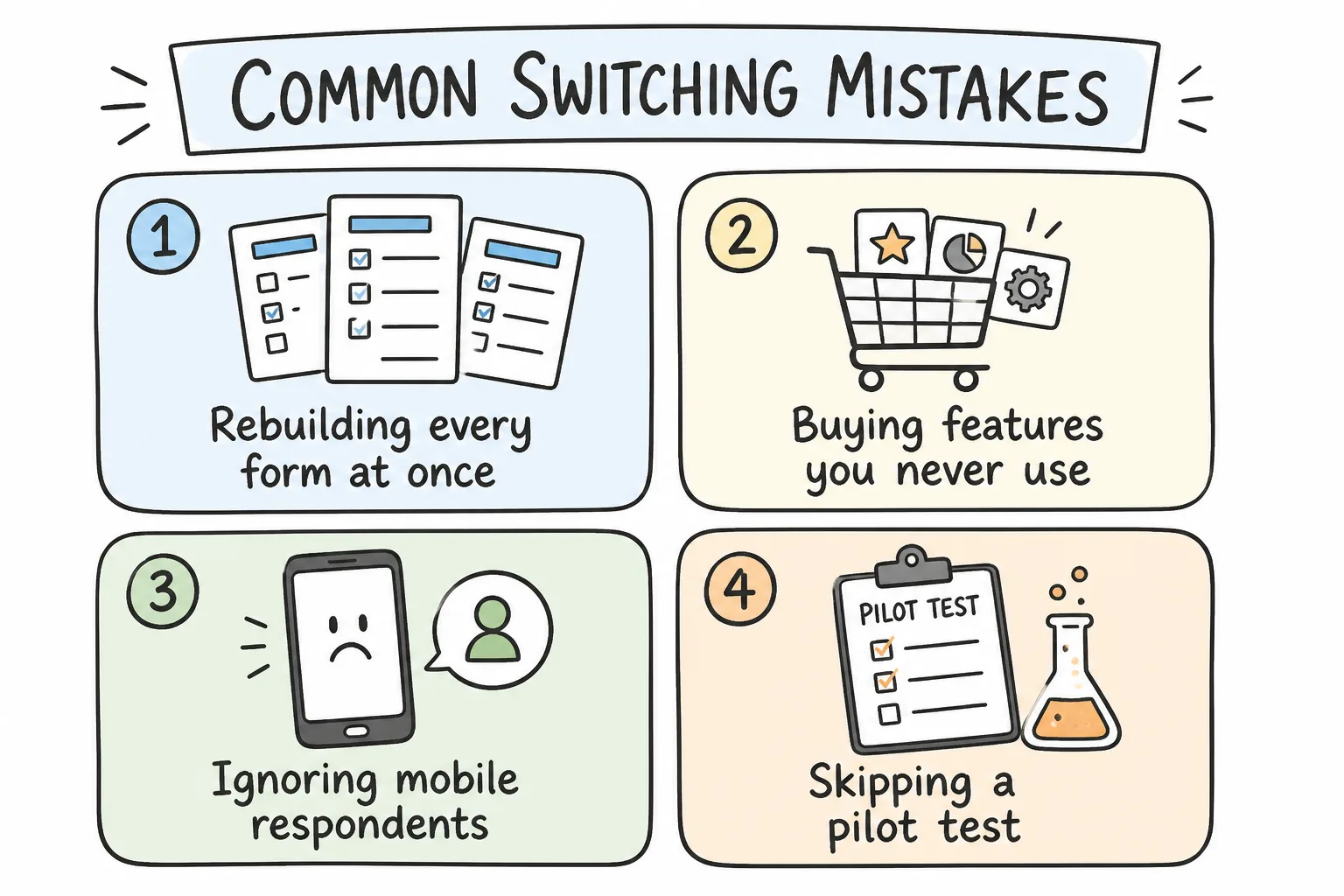
Avoid big-bang rebuilds, unused paid features, desktop-only testing, and skipped pilots.
- Rebuilding every form at once. You create chaos and cannot tell what broke.
- Buying features you never use. Payments, HIPAA, and advanced logic are worthless if your forms are three text fields.
- Ignoring mobile respondents. If most people answer on phones, test there first.
- Skipping a pilot. A soft launch with one team saves public embarrassment.
- Forgetting ownership. Decide who owns templates, billing, and response access before the admin leaves.
Frequently Asked Questions
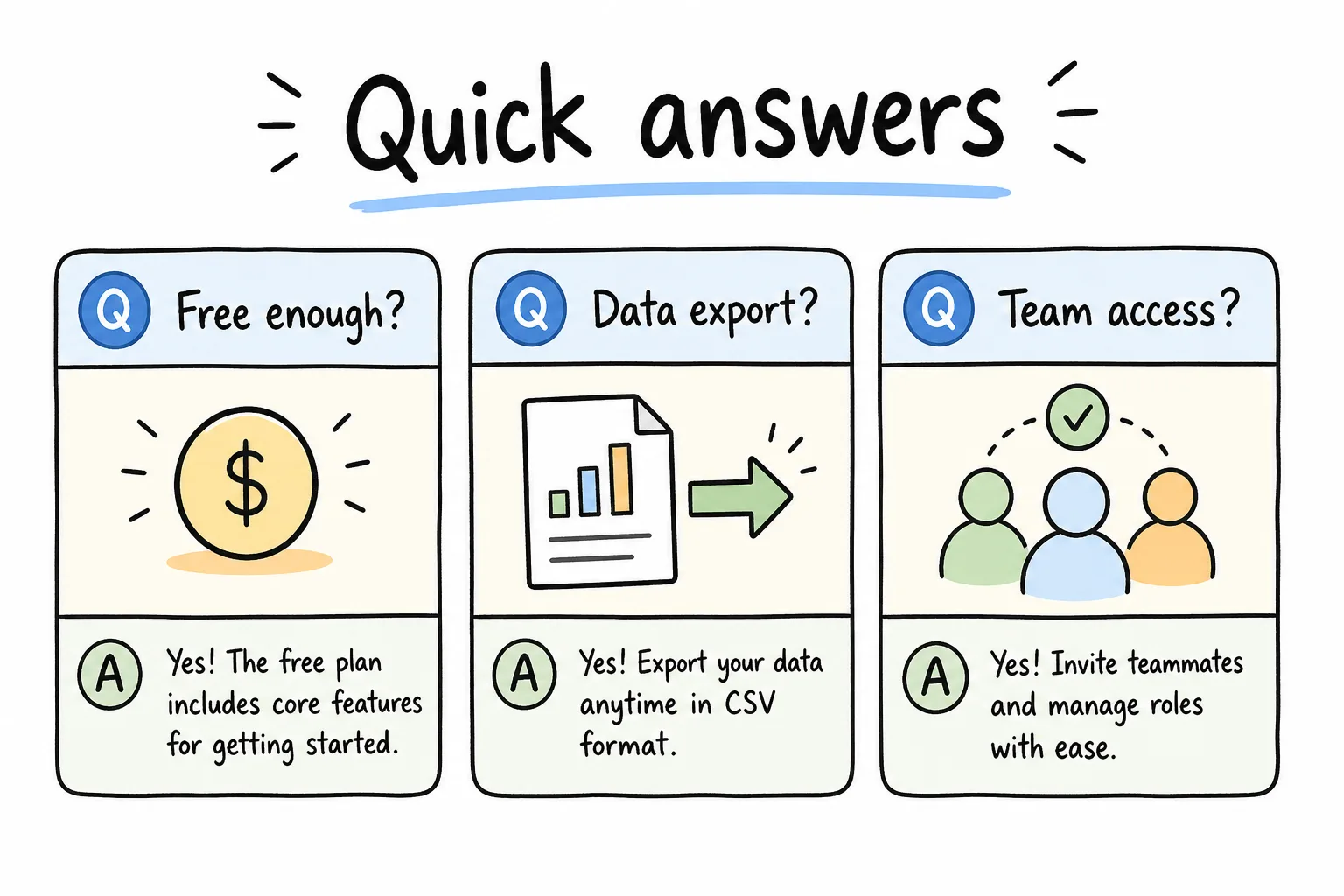
Check free-plan limits, export options, and team access before you commit.
What is the best Google Forms alternative in 2026?
It depends on the job. For phone-first everyday forms, start with Formms (or the dedicated Google Forms alternative comparison). For generous free desktop forms, look at Tally (Formms vs Tally). For conversational brand surveys, look at Typeform. For Microsoft shops, Microsoft Forms is the low-friction peer (Formms vs Microsoft Forms).
Is Formms free?
Formms is positioned as a free AI form builder for core create-share-collect use. Check form.ms for the current plan details, then try the live demo at form.ms/demo.
Which alternative is closest to Google Forms?
Microsoft Forms is the closest suite twin. Formms is often the closest free experience upgrade for external forms without leaving “simple builder” territory.
Can I accept payments with a Google Forms alternative?
Yes. Jotform, Tally, Fillout, Paperform, Cognito Forms, and Zoho Forms all offer payment-oriented workflows on supported plans. Google Forms does not match that natively.
Will respondents need an account?
Usually no for public forms. Confirm each vendor’s settings for anonymous responses, especially in education and enterprise tenants where admins may require sign-in.
How do I keep response data portable?
Before you commit, create a sample form, collect ten test submissions, and export CSV or connect your destination tool. Portability is a workflow requirement, not a slogan.
Conclusion
Google Forms is still fine for quick internal capture. In 2026, the better question is whether your forms are still internal utilities or public, operational, or research-critical surfaces.
If you want the shortest path from idea to live link on a phone, start with Formms. Describe the form, share a short form.ms link, and read replies where you already work. Pair that with the prompt-to-form guide when you want better drafts on the first try. If you need conversational polish, template firepower, database sync, Microsoft-native distribution, Zoho CRM hooks, or full survey methodology, the other nine tools on this list cover those lanes cleanly. For an education-first shortlist (exit tickets, live polls, parent forms), see best survey tools for teachers.
Pick for the job. Pilot one form. Keep the share link short. Then retire the Google Form that no longer earns its place.