
Blog / Form Building
How Much Time Are You Losing Building Forms?
Context
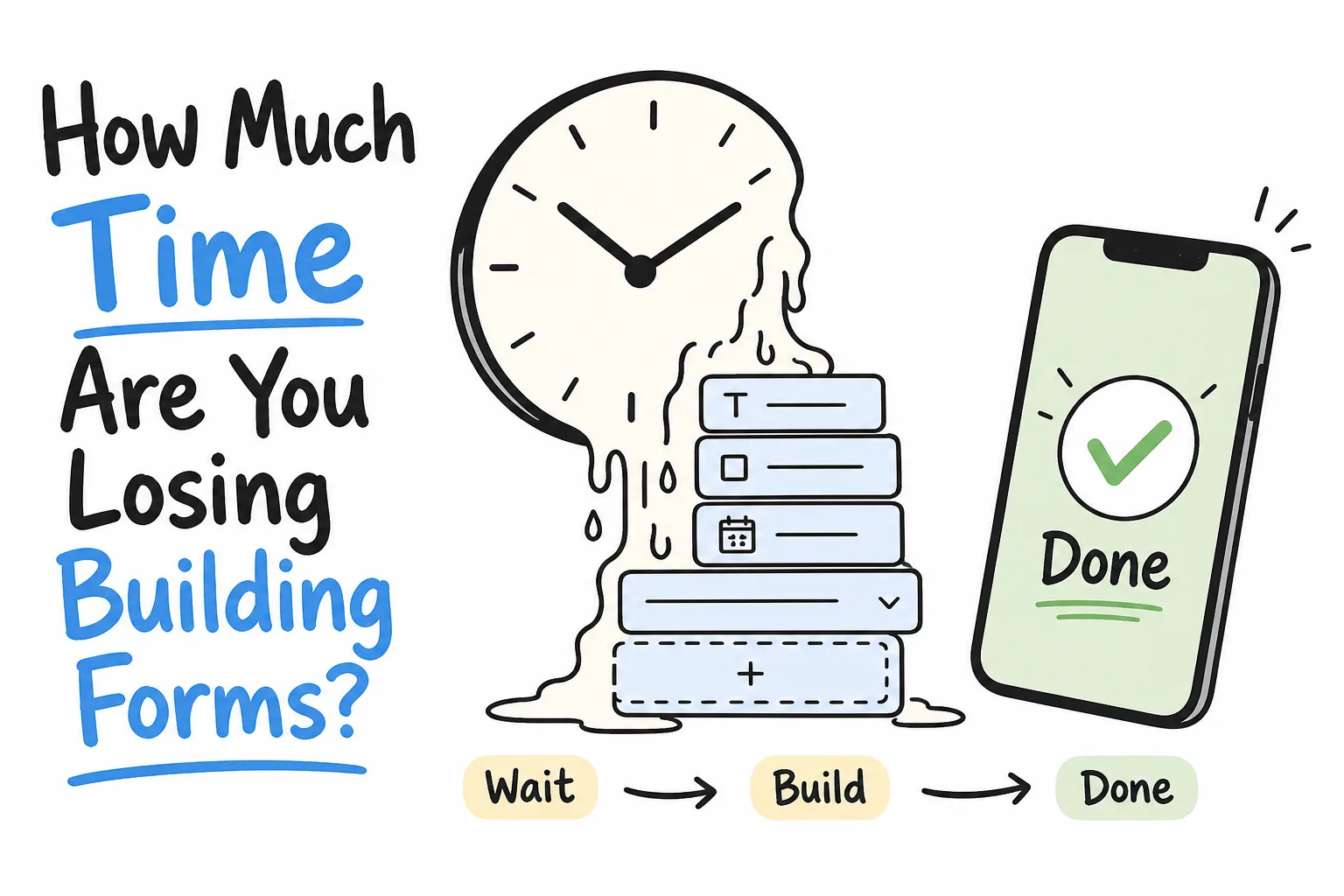
Most form time is not design-it is delay, blank canvases, and reply chasing. Audit where your minutes go, then cut the leaks with prompts, phone-first sharing, and tighter habits.
On this page
If forms feel like a chore, the problem is rarely “one more field type.” It is the quiet pileup of minutes: waiting for a laptop, staring at a blank builder, fiddling with question formats, hunting for a share link, then chasing answers in email later.
Those minutes do not look expensive one by one. Multiplied across a week of signup sheets, feedback asks, RSVPs, and intake forms, they become a real tax on teaching, hosting, selling, and ops.
This guide helps you measure that tax, see where it leaks, and replace slow habits with a faster path-especially the prompt-to-share workflow used by mobile AI builders like Formms.
The Time You Lose Is Usually Invisible
People track meeting hours. Almost nobody tracks form hours.
Yet the work is real:
- Deciding to collect something
- Getting to a device that can build it
- Creating fields
- Sharing the ask
- Following up until answers arrive
- Cleaning the results
Only one of those steps looks like “building a form.” The rest is delay and coordination.
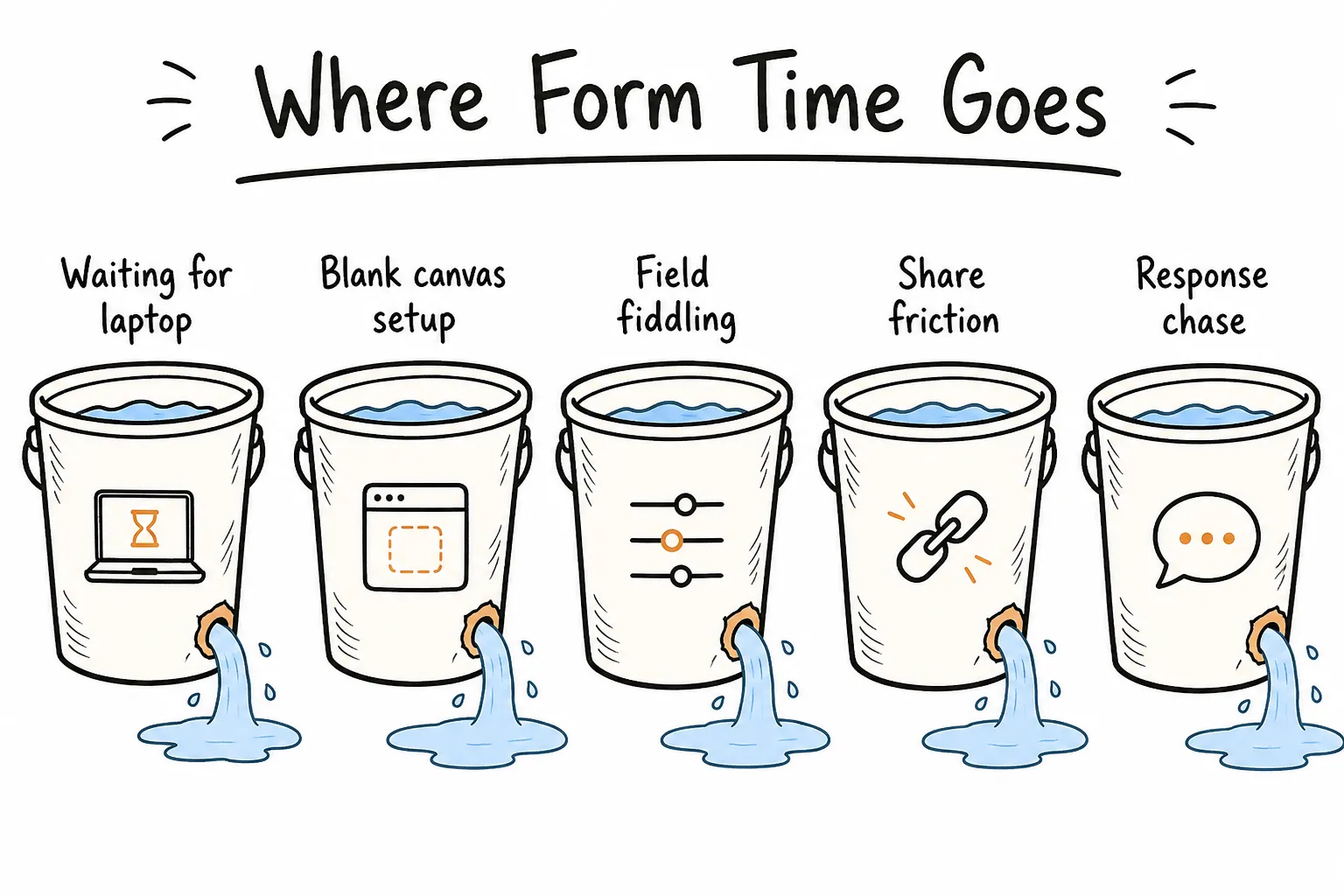
Most lost time sits around the builder-not inside a single clever feature.
If you only optimize field editing, you miss the bigger leaks: waiting, sharing, and chasing replies.
Run a Personal Time Audit
Guessing helps less than a one-week log. You do not need perfect data. You need honest ranges.
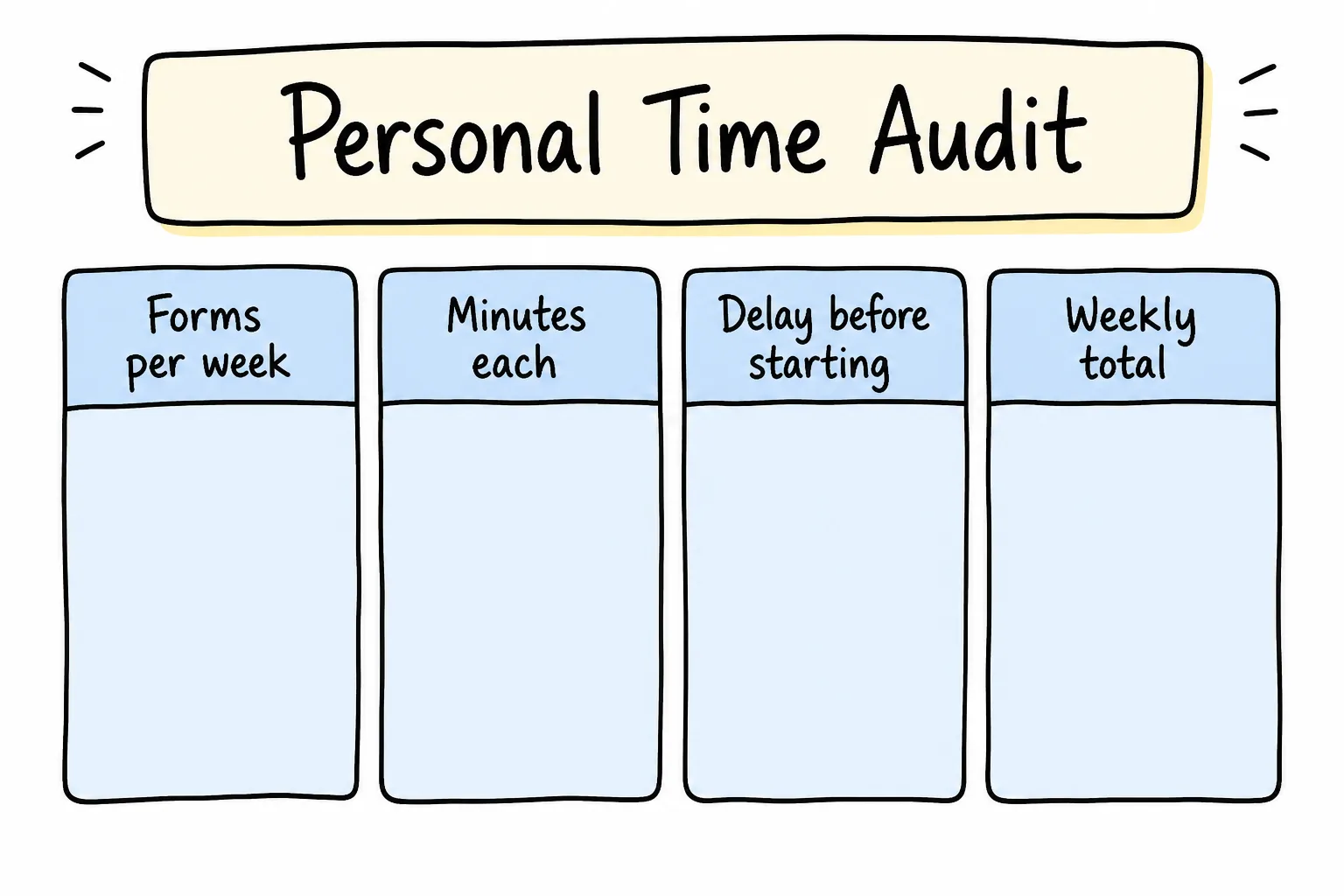
Fill your own numbers-do not outsource the answer to a vanity benchmark.
Use this simple worksheet:
| Factor | Your estimate |
|---|---|
| Forms you create or rebuild each week | ___ |
| Minutes of active building per form | ___ |
| Minutes of delay before you even start | ___ |
| Minutes spent sharing + reminding | ___ |
| Minutes reviewing replies | ___ |
Then:
Weekly form tax ≈ forms × (build + delay + share + review)
Example scenario (illustrative, not an industry average):
- 4 forms/week
- 20 minutes building each
- 30 minutes delay before starting each
- 10 minutes sharing/reminders each
- 10 minutes review each
That is 4 × (20 + 30 + 10 + 10) = 280 minutes-nearly five hours-before counting the cost of late answers.
Your number will differ. The point is to stop treating form work as “a quick thing” when the calendar says otherwise.
Leak 1: The Hidden Delay Tax
The most expensive minutes often happen before you open any builder.
Need appears at 10:40. You are on your phone. You tell yourself you will “make the form later on the laptop.” Later becomes after lunch, then tomorrow. By then the class left, the event started, or the customer moment cooled off.
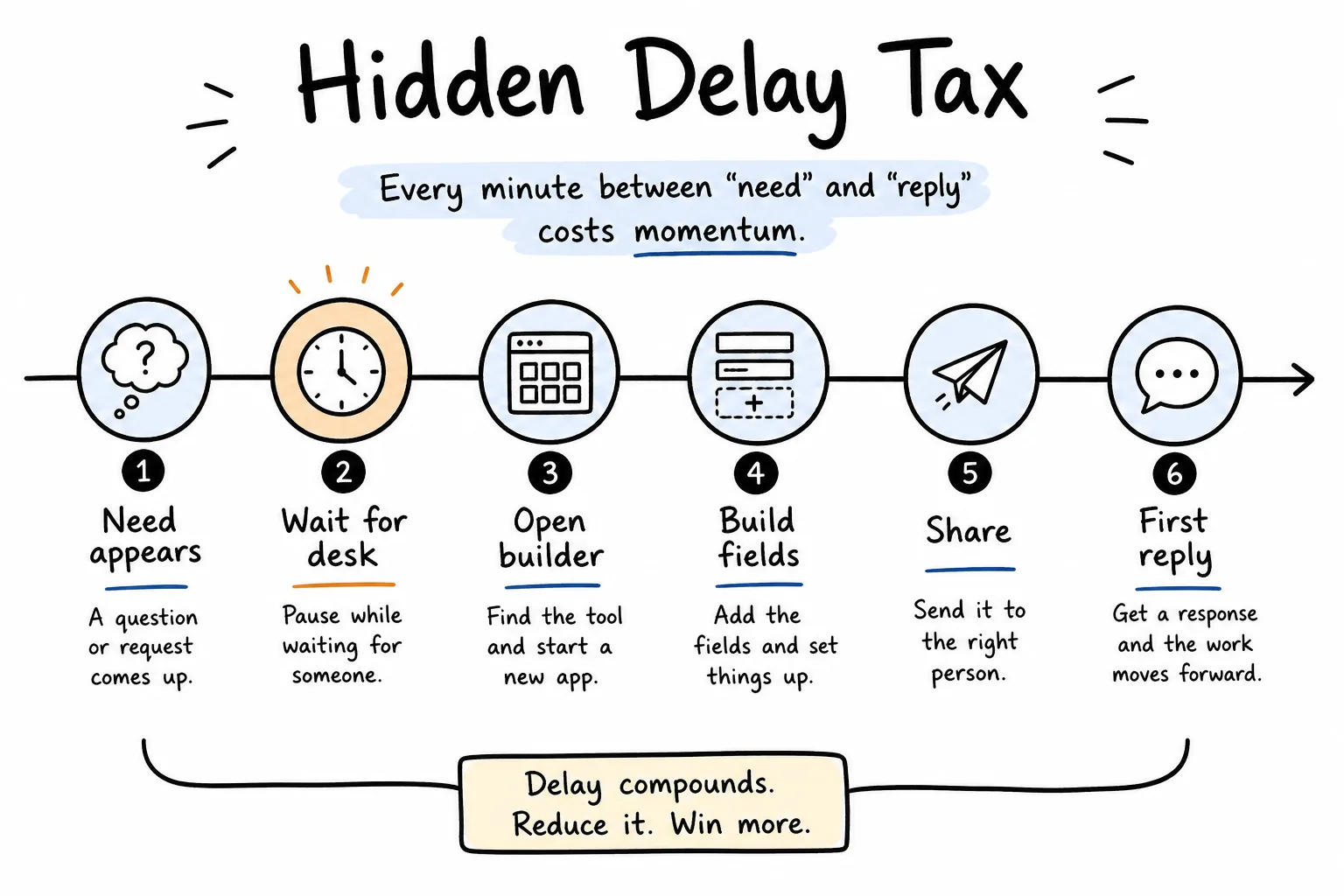
Waiting for a desk session is often longer than building the form itself.
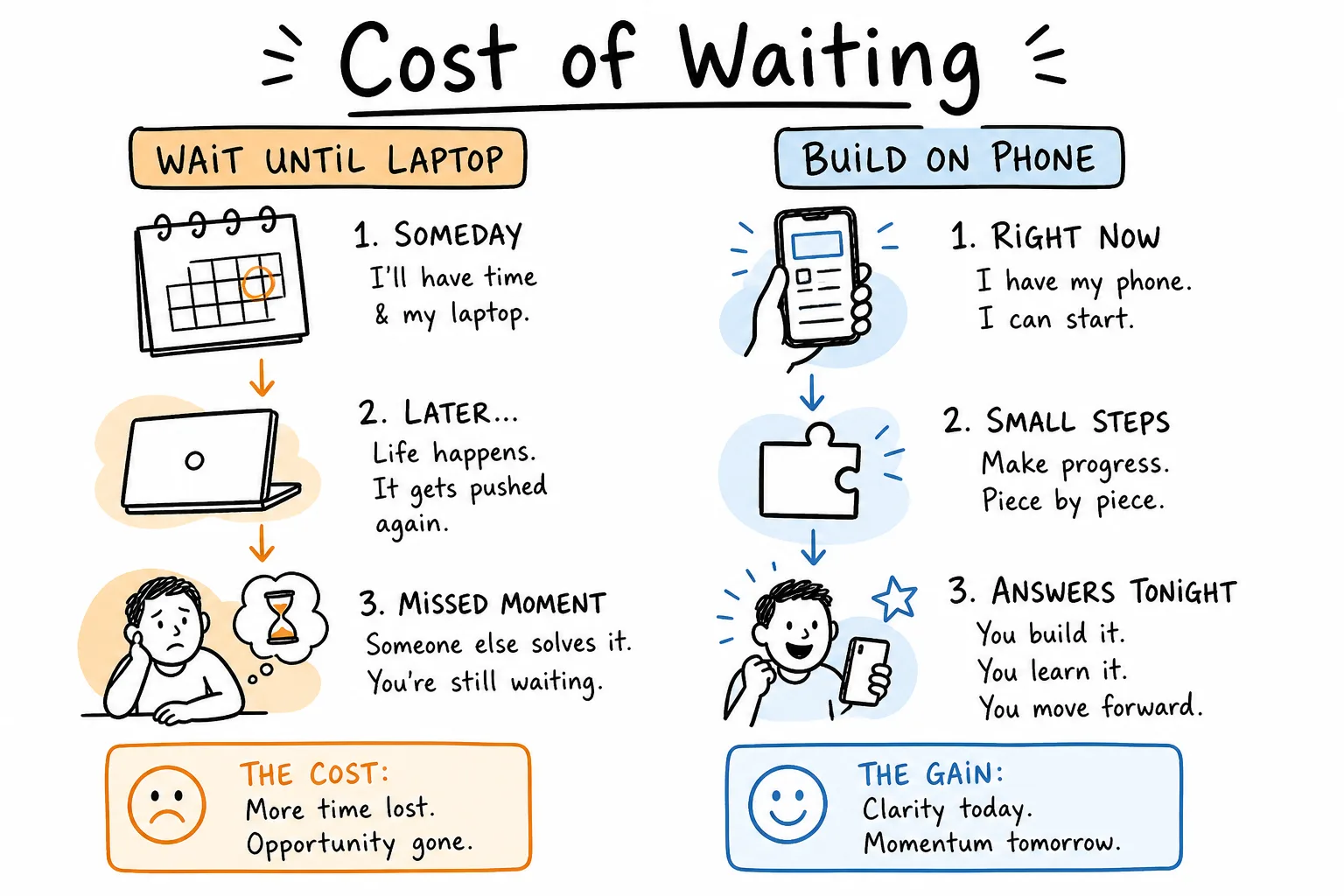
Phone-now protects the moment. Laptop-later often misses it.
Phone-first tools attack this leak directly. Formms lets you describe, edit, share, and read responses on iPhone or Android-no computer required to start. The fuller case is in why your next form should start on your phone.
If the ask is time-bound, the device in your hand is the right builder.
Leak 2: Blank-Canvas Field Fiddling
Manual builders ask you to invent structure from zero: add a field, name it, pick a type, set required, repeat. That is fine for complex workflow software. For a five-question Saturday signup, it is overhead.
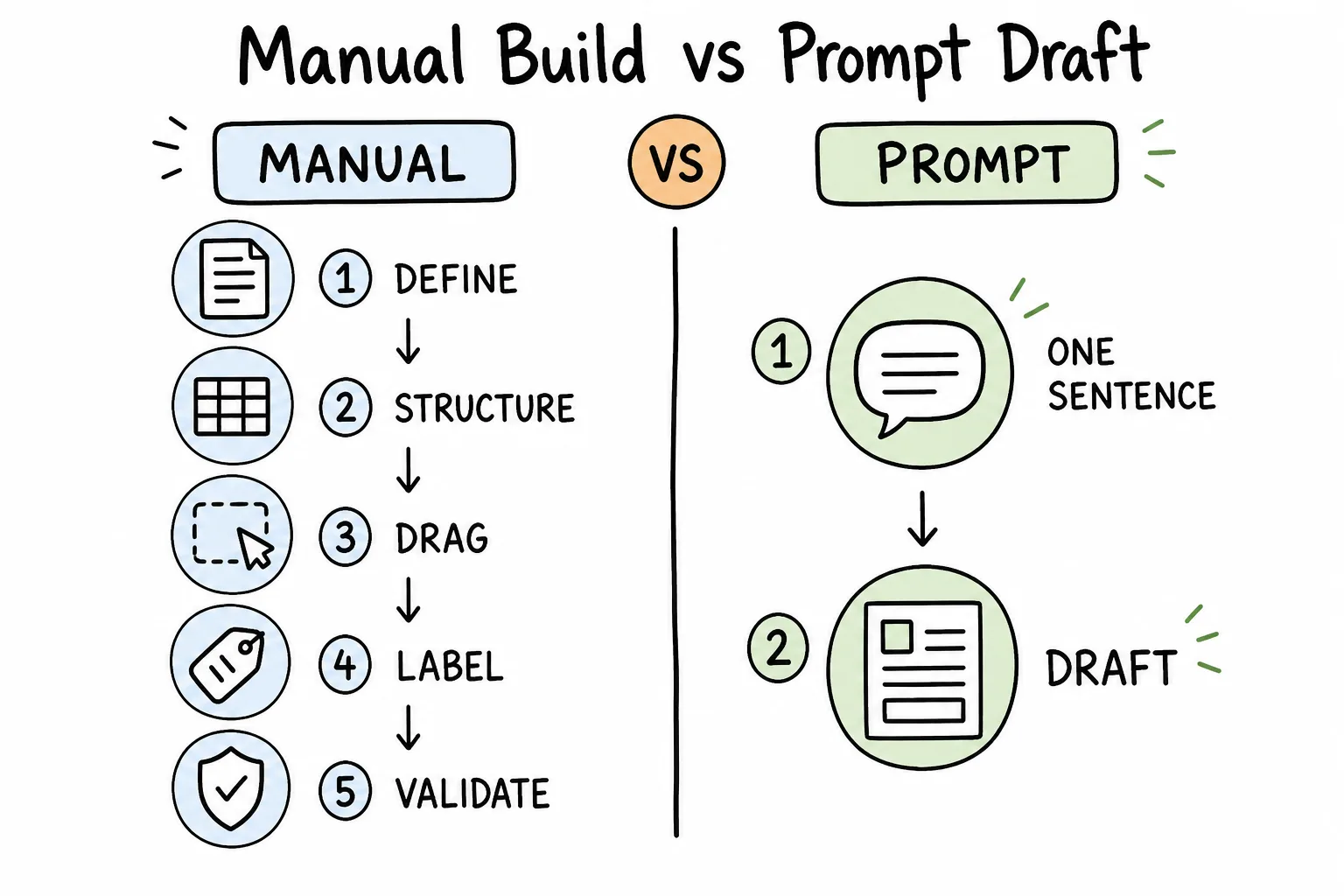
Prompts collapse setup. Manual canvases spend minutes before the first useful draft exists.
AI form builders flip the order. You describe the job in plain language-“a signup sheet for Saturday” or “a customer satisfaction survey with a star rating”-and get a structured draft to edit. On Formms, that draft arrives quickly with usable field types; you tweak by hand or ask the AI to refine. For the full prompt method, see how to turn a prompt into a shareable form.
Vendor speed claims vary. Treat “seconds” as a product promise, then judge with your own stopwatch. What matters is the shift from a build session to a short draft-and-edit pass.
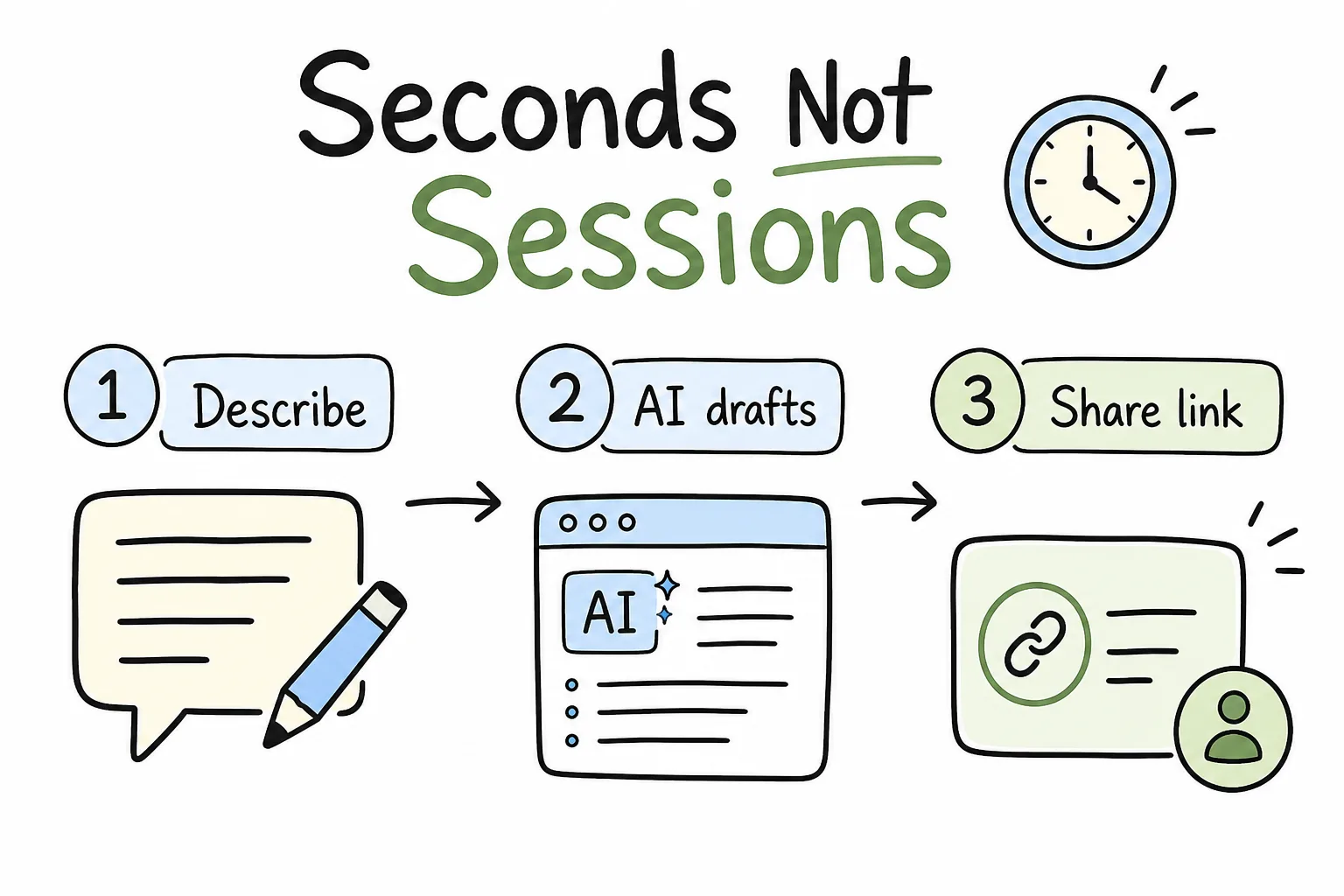
Describe → draft → share. Keep the path short enough to finish in the same moment.
Leak 3: Overbuilding the Form
Extra fields feel responsible. They usually cost you twice: more build time now, and more respondent drop-off later.
Ask one filter question before each field ships:
Will this answer change a decision this week?
If not, cut it-or make it optional and move it last.
Common overbuild patterns:
- Demographics you will never segment
- Open text where a rating would do
- Phone + email + address when one contact method is enough
- “Nice to know” questions stacked onto an urgent RSVP
Shorter forms are not lazy. They are respectful of everyone else’s time as well as yours.
Leak 4: Share Friction and Reply Chasing
A finished form that is not shared is still a draft. A shared form with no monitoring plan becomes inbox archaeology.
Time leaks here look like:
- Exporting a link through three apps
- Recreating a QR by hand
- Pasting reminders into chats for days
- Discovering responses only when someone asks “did anyone fill it out?”
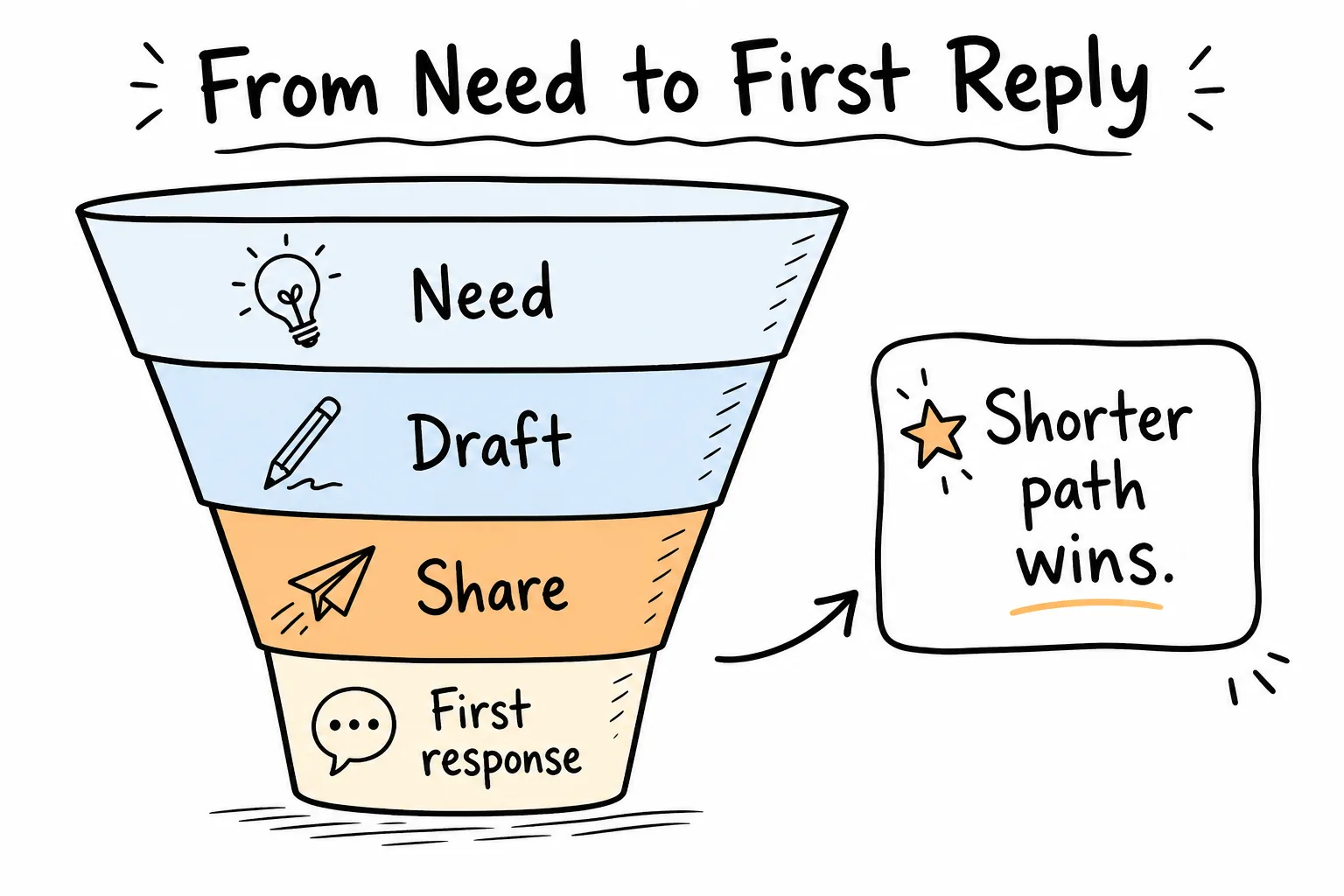
Optimize the path to first reply, not just the path to “form created.”
Formms shortens this stage with a short public link and a downloadable QR code. Respondents open it in a browser-no app required. Push or email notifications remove the “did anyone answer?” poll, and a close date or response cap stops an infinite trickle. Share in the same session you create.
Where Minutes Matter Most
Not every form is equally delay-sensitive. These contexts punish slow starts hardest.
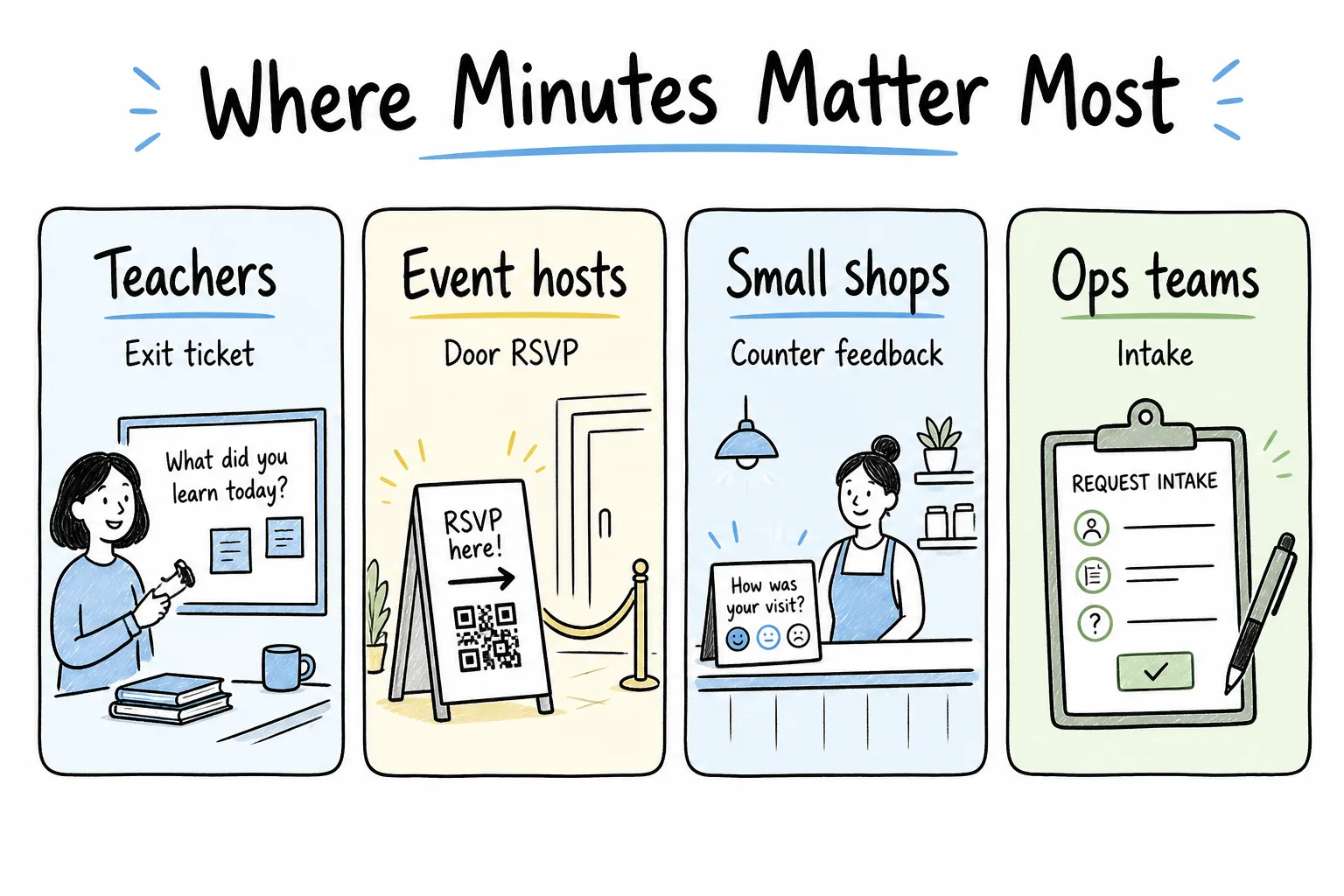
Teachers, event hosts, shops, and ops teams feel form delay immediately.
Teachers
Exit tickets, permission slips, quiz windows. If the form is not live before the bell, you lost the cohort.
Event hosts
Door RSVPs and volunteer shifts. QR on a poster only works if the form already exists.
Small shops
Counter feedback and waitlists. Customers will not wait while you “build something later.”
Ops and freelancers
Intake and change requests. Every hour of delay is an hour of ambiguous back-and-forth in chat.
A Practical Map of Time Leaks to Cut
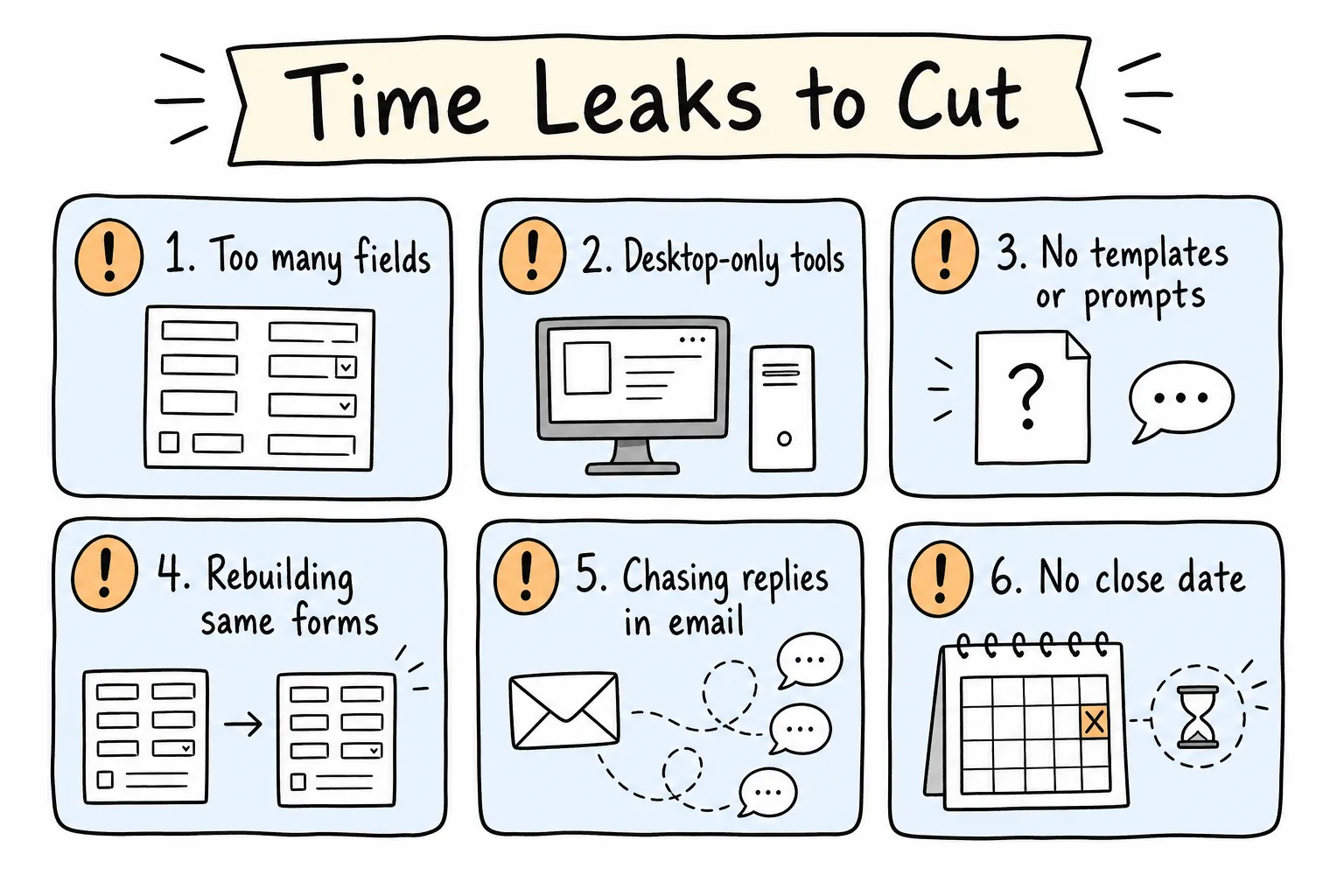
Cut fields, cut tool friction, stop rebuilding, stop chasing replies blind.
| Leak | What it costs | Faster replacement |
|---|---|---|
| Waiting for a laptop | Missed moments | Build on your phone |
| Blank canvas setup | Slow first draft | Prompt the form |
| Too many fields | Build + completion drag | Keep only decision fields |
| Rebuilding similar forms | Repeat labor | Save prompt recipes / import old forms |
| Weak sharing | Low response rate | Short link + QR + context line |
| Silent inbox | Late decisions | Push/email notifications |
| Endless open forms | Noise and follow-ups | Close date or response cap |
If you already have forms in Google Forms, Typeform, or Tally, Formms can import them so you are not paying rebuild tax just to go mobile.
When Desktop Time Is Still Worth It
Phone-first is not anti-desktop. It is anti-delay.
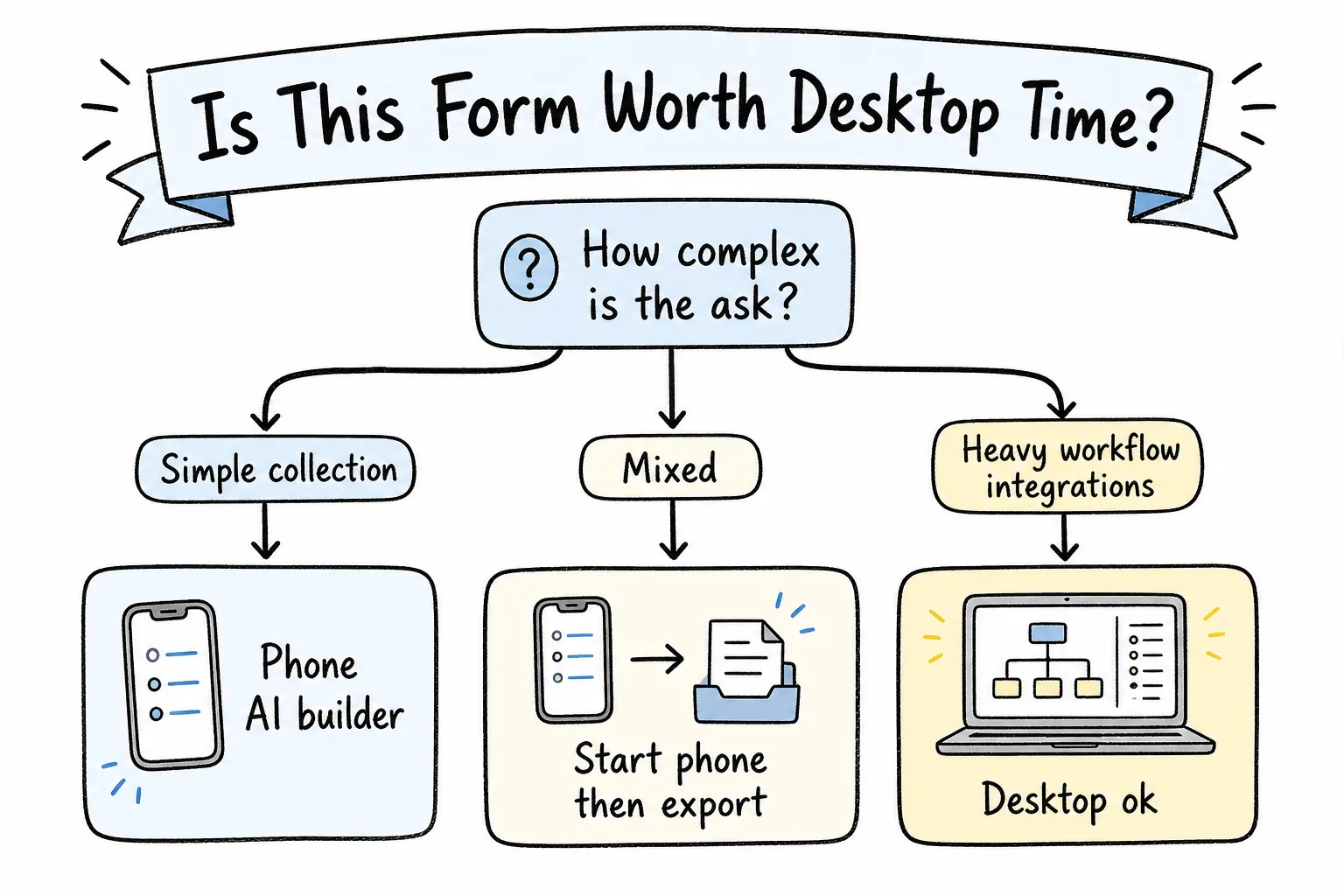
Simple collection starts on phone. Heavy workflow wiring can stay on desktop.
Use a laptop when you truly need:
- Complex multi-system integrations
- Payment/compliance workflows beyond a simple ask
- Heavy spreadsheet modeling across many forms
Do not use a laptop requirement as the reason a three-question signup waits until Thursday.
A healthy split:
- Capture on phone the same hour the need appears
- Export CSV later if analysis needs a wide screen
Reuse Beats Rebuild
The second time you make “workshop feedback,” you should not start from a blank brain.
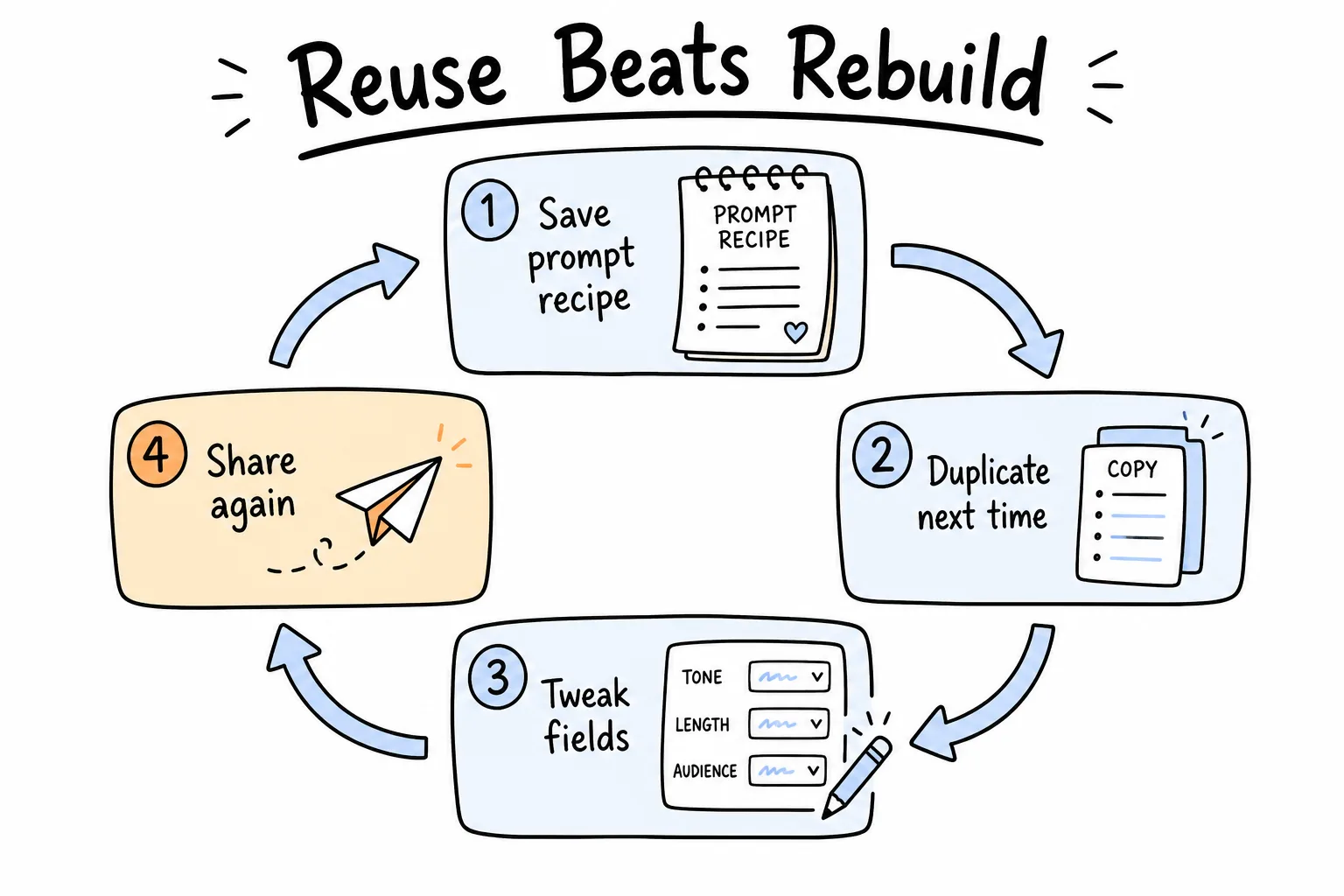
Save the prompt, tweak, share again-do not reinvent the same five fields.
Keep a note with your best prompts:
- Saturday volunteer signup
- Parent permission slip
- Counter CSAT with stars
- Event RSVP with dietary checkboxes
Next time, paste, regenerate or duplicate, change dates, share. That habit compounds.
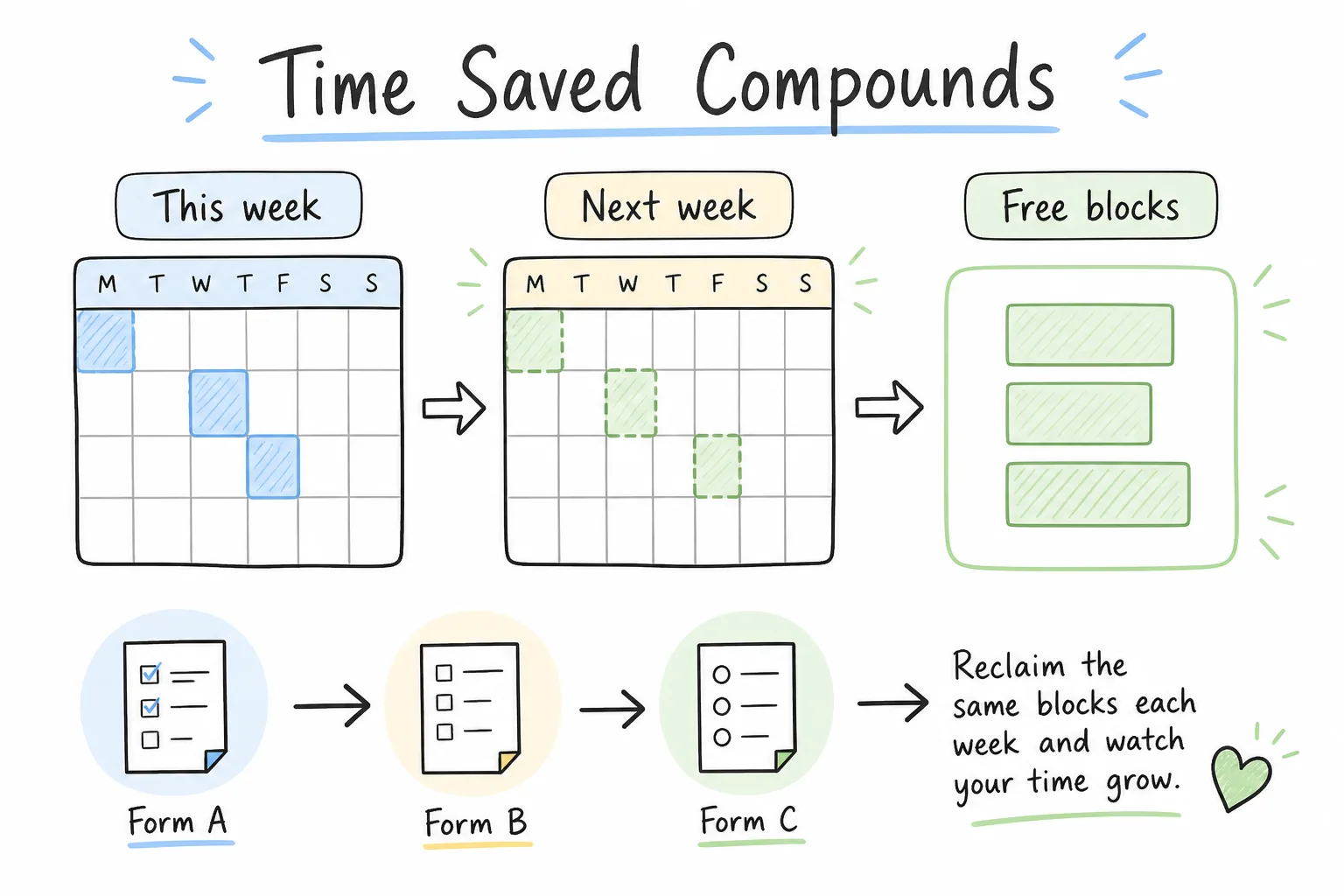
Small saves per form become free blocks on the calendar.
Build a Faster Form Habit
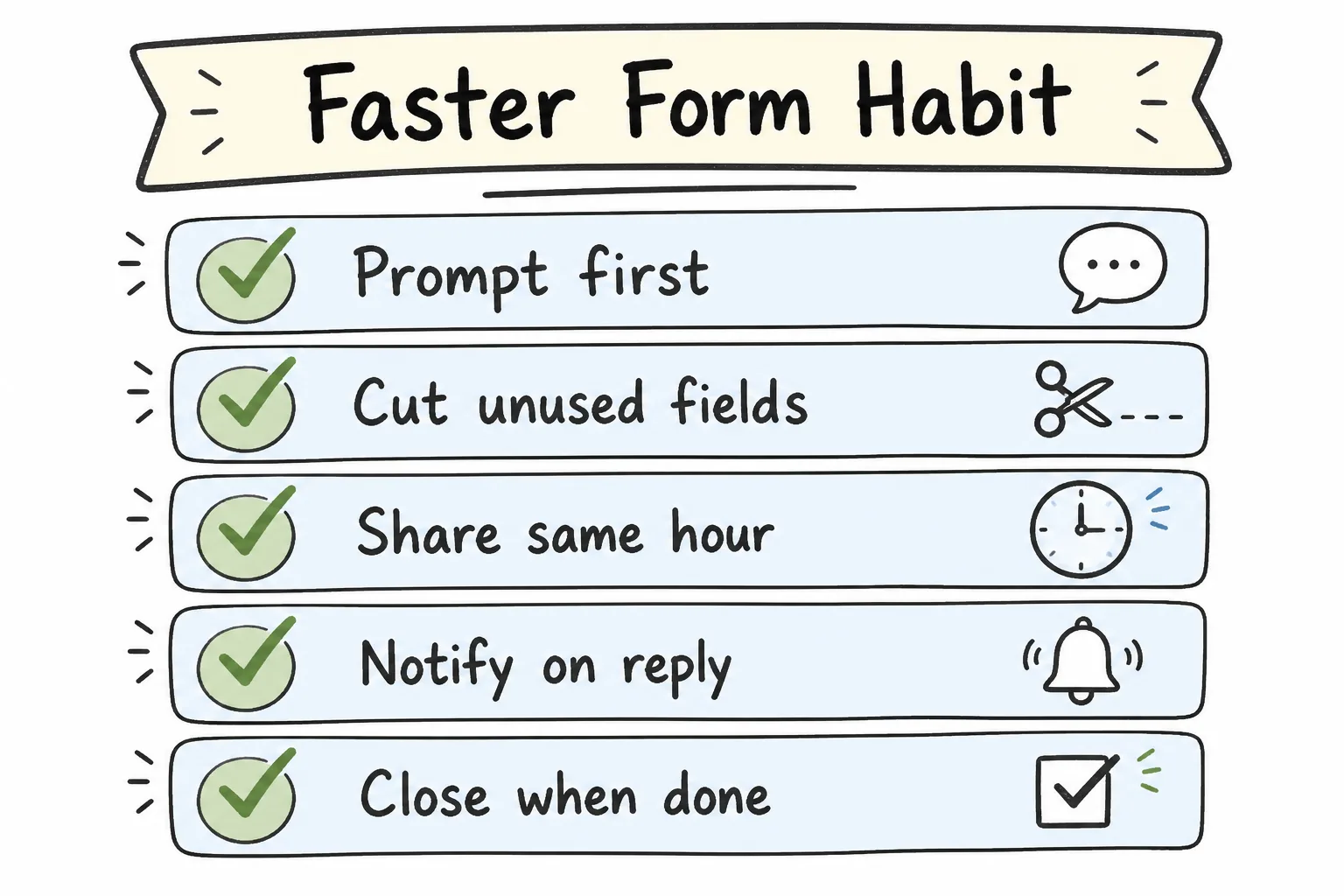
Prompt first, cut fields, share same hour, notify, close when done.
- Prompt first. Describe the outcome before touching field menus.
- Cut unused fields immediately after the draft appears.
- Share the same hour-link in chat, QR on the surface people will see.
- Turn notifications on for anything time-sensitive.
- Close the form when the decision is made.
- Export CSV only when you need deeper analysis.
- Save the prompt for next time.
Formms compresses several of those steps into one mobile loop: AI draft, short link and QR, notifications, CSV export, and close controls.
How Much Time Could You Get Back?
Use your audit numbers, not a borrowed statistic.
If you create four forms a week and you cut delay + build from, say, 60 minutes combined to 15 minutes combined, that is roughly three hours/week returned-before counting better response timing. Your math will vary. Run it anyway.
Then ask a sharper question:
What would you do with the first hour you stop spending on blank canvases and “I’ll do it later”?
That hour is the real ROI of faster forms.
Frequently Asked Questions
How much time does it take to build a form manually?
It depends on length and tool familiarity. Simple forms can still consume a surprising amount of calendar time once you include delay before starting, field setup, sharing, and follow-up-not just active clicking.
How can I estimate how much time I am losing?
Track one week: count forms, estimate build minutes, delay before starting, share/reminder time, and review time. Multiply. That personal audit beats generic averages.
Does AI actually save form-building time?
It usually saves the blank-canvas phase by drafting fields and types from a description. You still need a quick review. Tools like Formms advertise drafts in seconds; verify with your own workflow.
Is waiting for a laptop part of form time?
Yes-and often the largest part. If the need appears on your phone, delaying until a desk session is a time cost and a missed-response risk.
What is the fastest practical workflow?
Describe the form, edit the draft, set a close rule, share a link or QR immediately, and watch notifications. Keep desktop for deep CSV work later if needed.
Can I avoid rebuilding the same forms?
Yes. Save prompt recipes, duplicate prior forms, or import existing Google Forms, Typeform, or Tally forms into a mobile workflow.
Do respondents need an app if I build on my phone?
No. With Formms, respondents use a browser link or QR code-no install required.
How do notifications save time?
They remove the “did anyone answer?” polling loop. Push or email alerts let you act when responses arrive instead of batch-checking later.
When should I still use a desktop form tool?
When the job needs heavy integrations, payments/compliance workflows, or complex multi-form analysis. For everyday collection, phone-first is usually enough.
Is Formms free?
Yes. According to Formms, you can build, share, and collect unlimited responses for free. They may add paid features later, but collecting responses is stated to remain free.
Conclusion
You lose form time in layers: delay before starting, blank-canvas setup, overbuilding, clumsy sharing, and silent reply chasing. Measure those layers for a week. Then cut them with prompts, fewer fields, same-hour sharing, and notifications.
If you want the short path from need to live form, use Formms. Describe what you need on your phone, share a link or QR code, and read answers without turning every small ask into a desktop project. Start with phone-first collection or jump straight to prompt recipes.