
Blog / Form Building
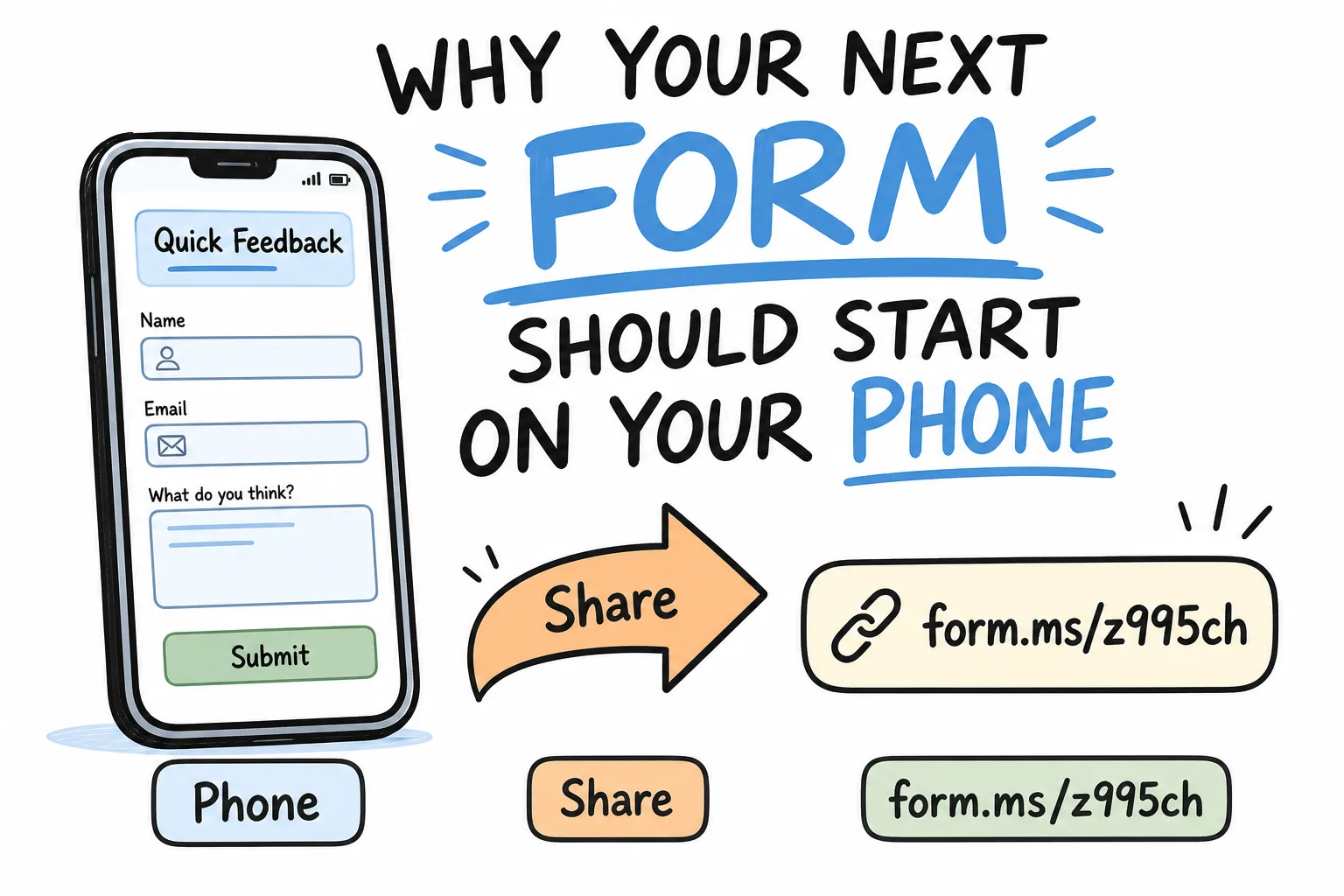
Why Your Next Form Should Start on Your Phone
Context
Forms are needed in hallway moments, not desk sessions. Learn why building on your phone-with AI drafts, short links, QR codes, and pocket notifications-gets answers faster.
On this page
Most forms die in the gap between “I should collect that” and “I’ll make it later on my laptop.”
By the time you sit down, the moment has passed. The class already left. The event door already opened. The customer already walked out. Starting on your phone closes that gap. You notice the need, describe the form, share a link or QR code, and read answers where you already live: in your pocket.
This article explains why phone-first form building wins for real-world collection-and how tools like Formms, a free AI form builder for iPhone and Android, make that workflow practical without forcing respondents to install anything.
The Real Problem Is Delay, Not Design
People blame form tools for being clunky. Often the real failure is timing.
You need a signup sheet on Saturday morning. You need a permission slip tonight. You need counter feedback while the line is still fresh. Waiting for a desktop session turns a five-minute job into a tomorrow project-and tomorrow projects stack up unfinished. If you want to measure that delay, see how much time you lose building forms.
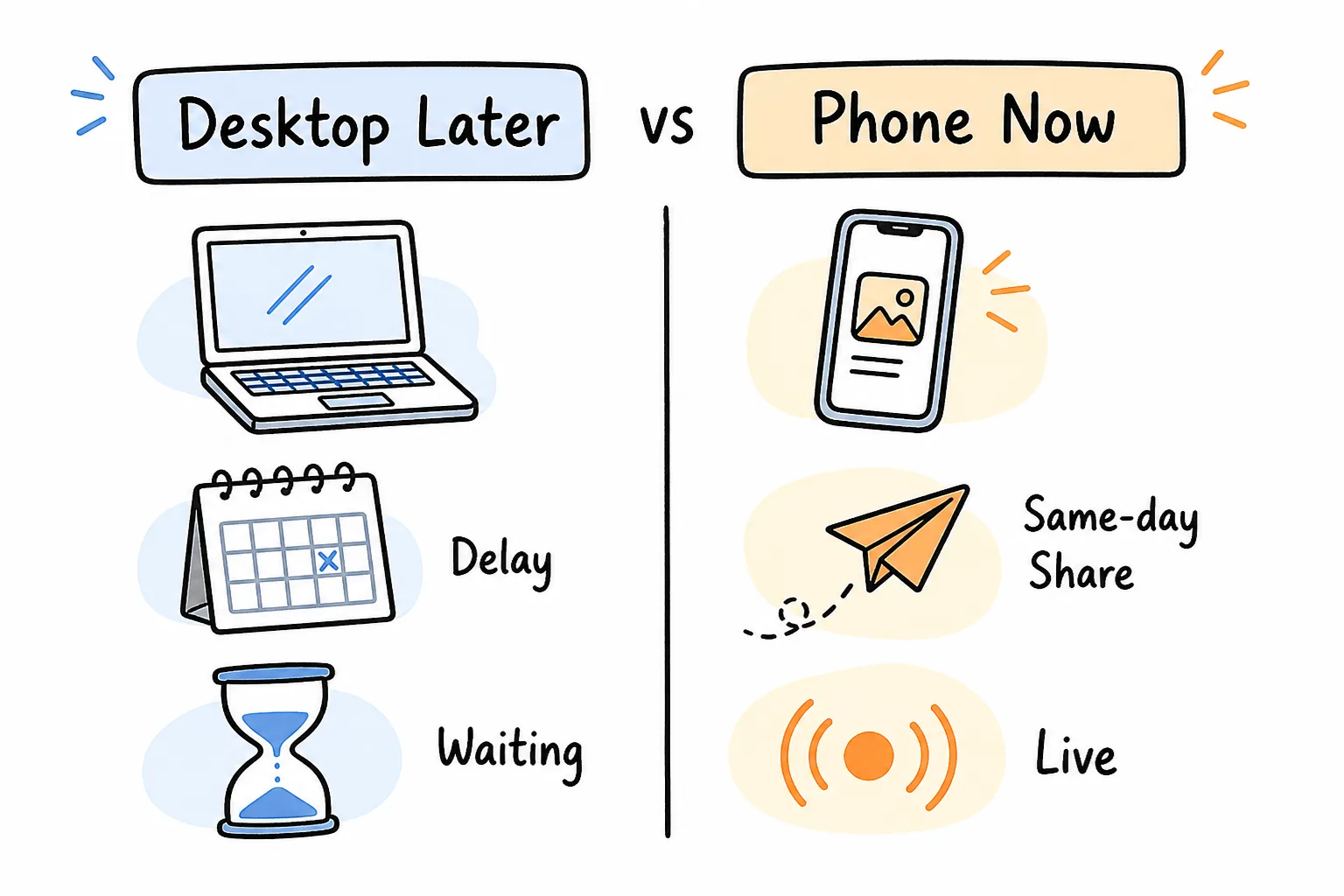
Phone-now beats desktop-later whenever the ask is time-bound.
Phone-first does not mean phone-only forever. It means the first useful version ships from the device you have in hand.
Forms Happen in Moments, Not Meetings
Operational forms are born in motion:
- After class, while students pack up
- At a shop counter between customers
- At an event door as people arrive
- In a group chat when plans change
- On the walk home when you remember who still owes an answer
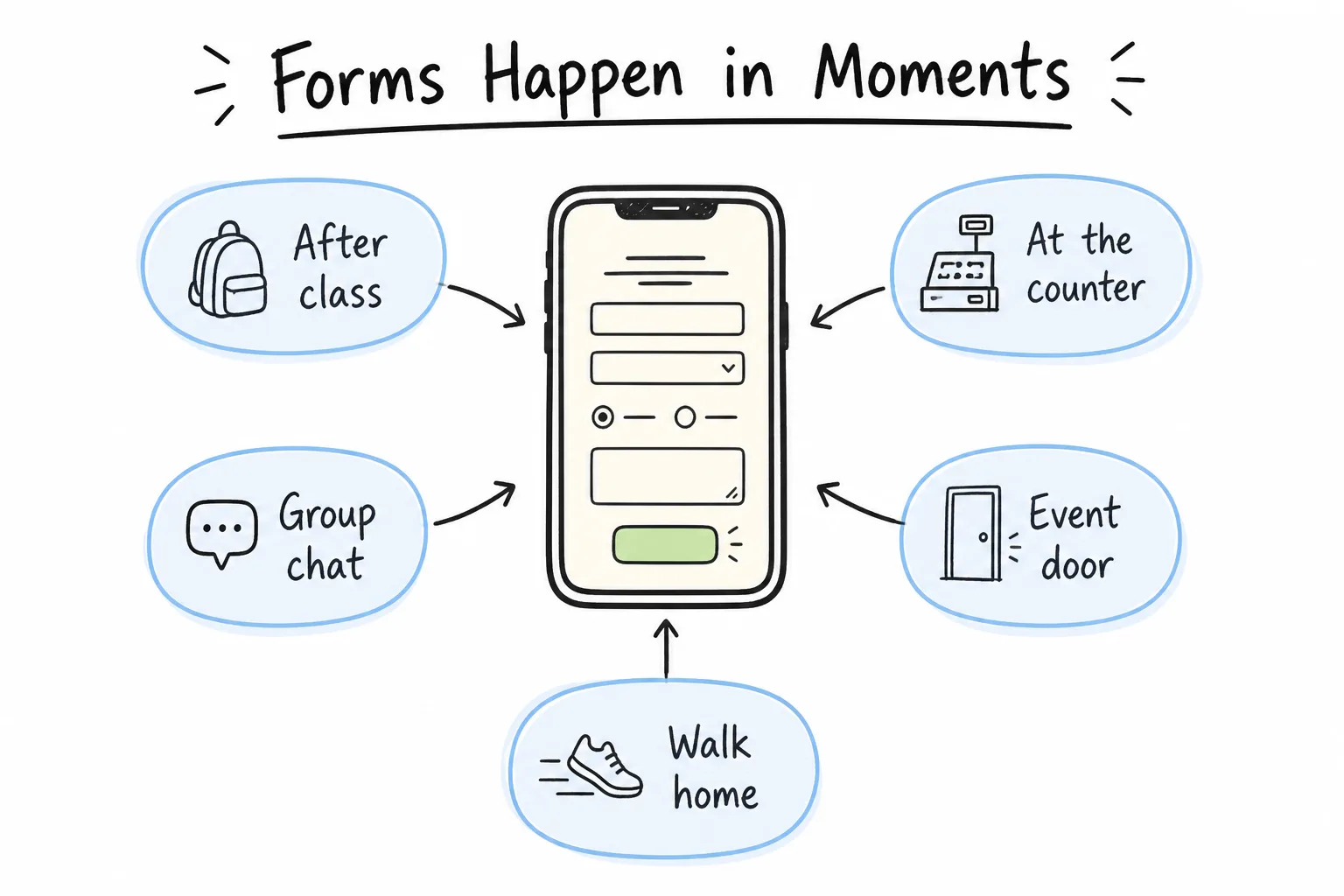
If the need appears on your phone, the builder should meet you there.
Desktop builders assume a planning session. Mobile builders assume a moment. That match matters more than a longer feature list.
According to DataReportal’s Digital 2025 device trends, mobiles accounted for more than 63% of web page requests in December 2024 (Statcounter analysis cited there), and people spend substantial daily internet time on mobile. The same report notes the practical strategy is still mobile-first, not mobile-only-desktops remain useful for deep work, while personal and on-the-go activity keeps shifting to phones.
For forms, that split is useful: build and monitor on mobile; export to CSV when you need a spreadsheet later.
Build Where You Already Are
A phone-first workflow collapses three steps into one place.
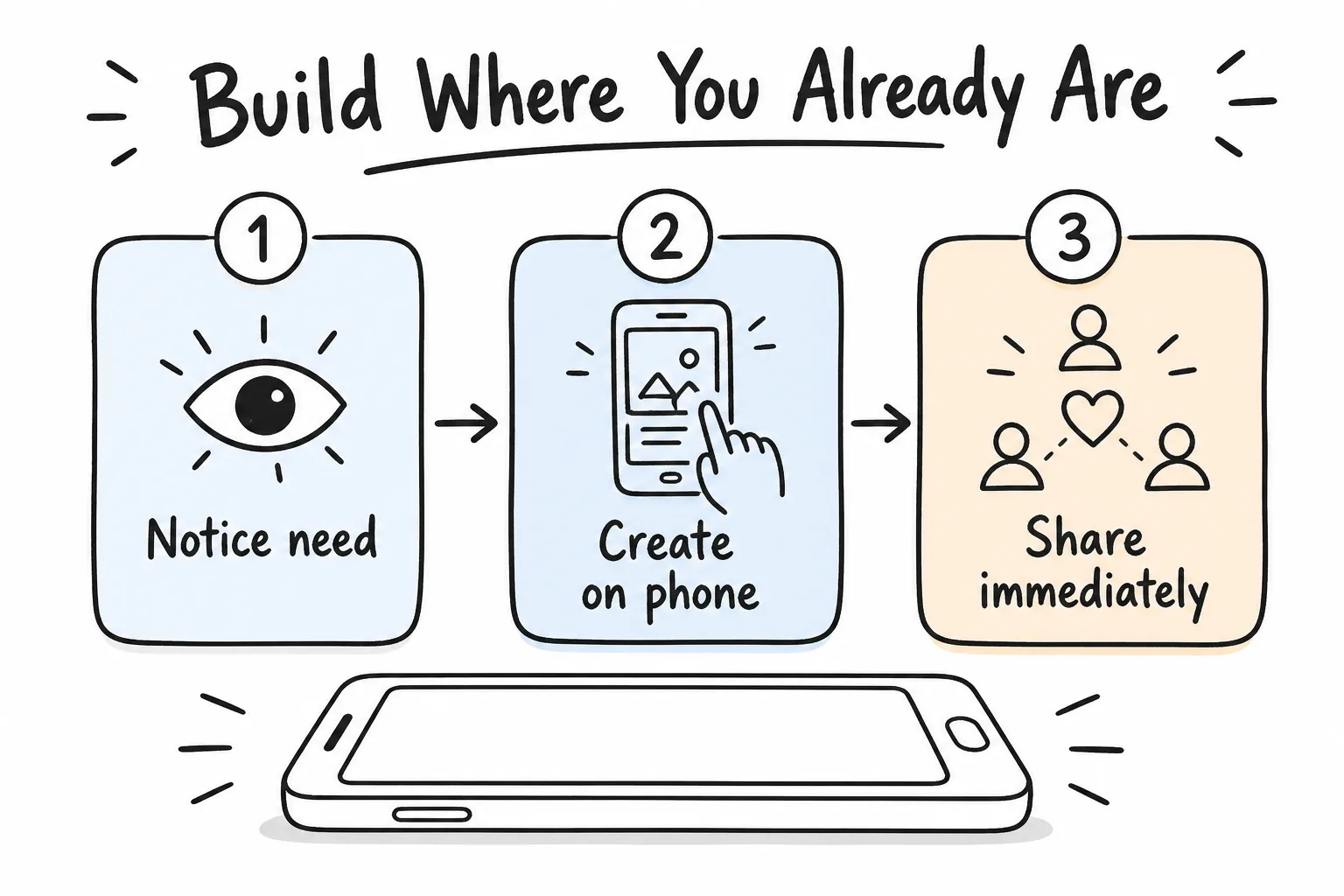
Notice the need, create on your phone, share immediately.
- Notice the need on the device you are holding.
- Create the form without switching contexts.
- Share immediately into the same chat, poster, or email thread.
Formms is built around that loop: describe what you need, AI drafts the questions, you share a short link or QR code, and responses land on your phone with notifications. No laptop required to start-or to finish most everyday collection jobs.
AI Makes Phone Creation Realistic
Older mobile form builders failed because tiny drag-and-drop editors are miserable. AI changes the input method.
Instead of placing fields one by one, you type a sentence:
- “a signup sheet for Saturday”
- “a customer satisfaction survey with a star rating”
- “permission slips for Thursday’s field trip”
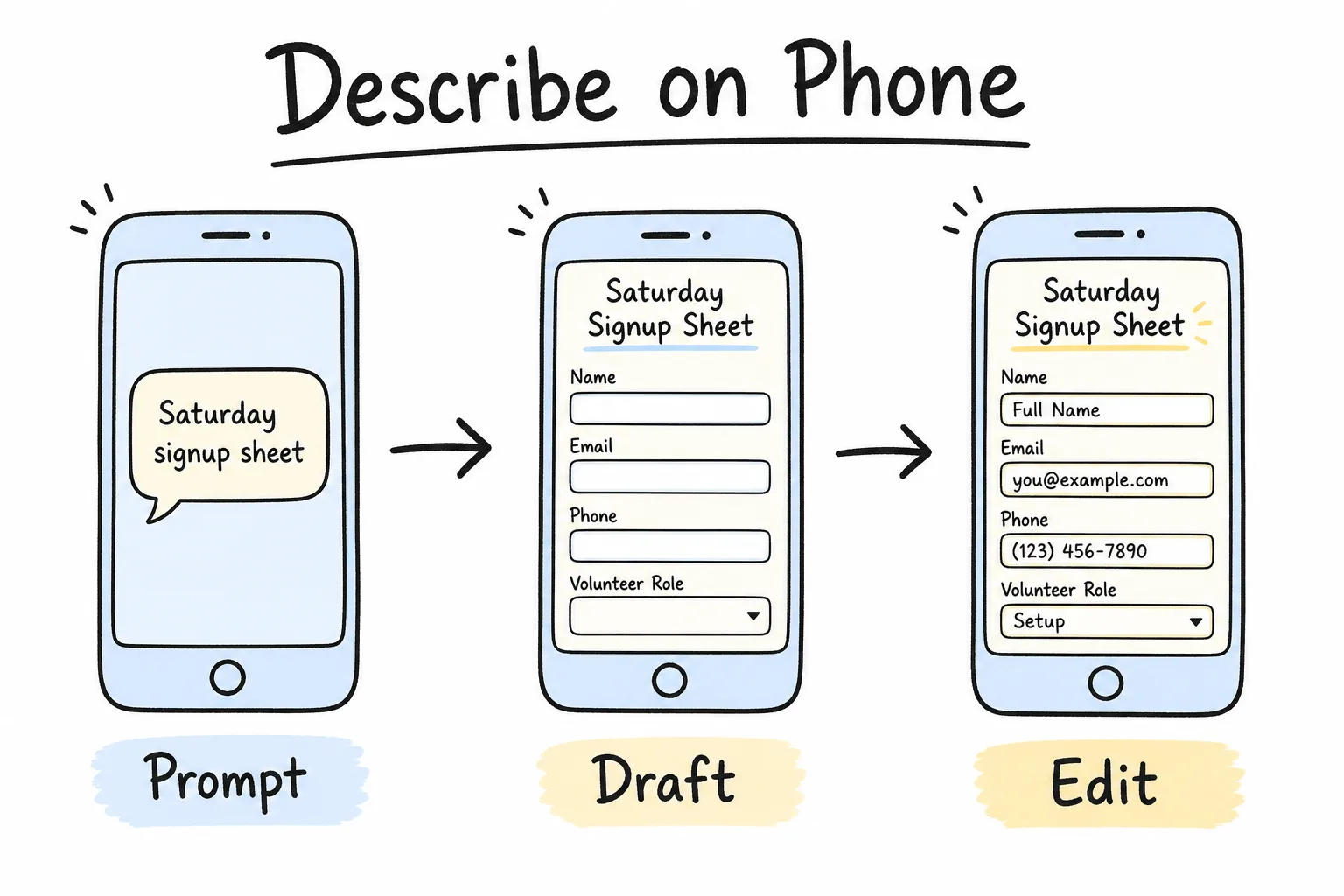
A short prompt replaces a fiddly mobile field picker.
On Formms, AI turns that description into a ready-to-use form. You tweak by hand or ask the AI to refine. Prompt for the decision (“collect shirt sizes for Saturday”), then delete anything you will not use this week. For stronger prompts and field-type choices, see how to turn a prompt into a shareable form.
Respondents Should Not Need Your App
Phone-first creation only works if filling in the form stays frictionless.
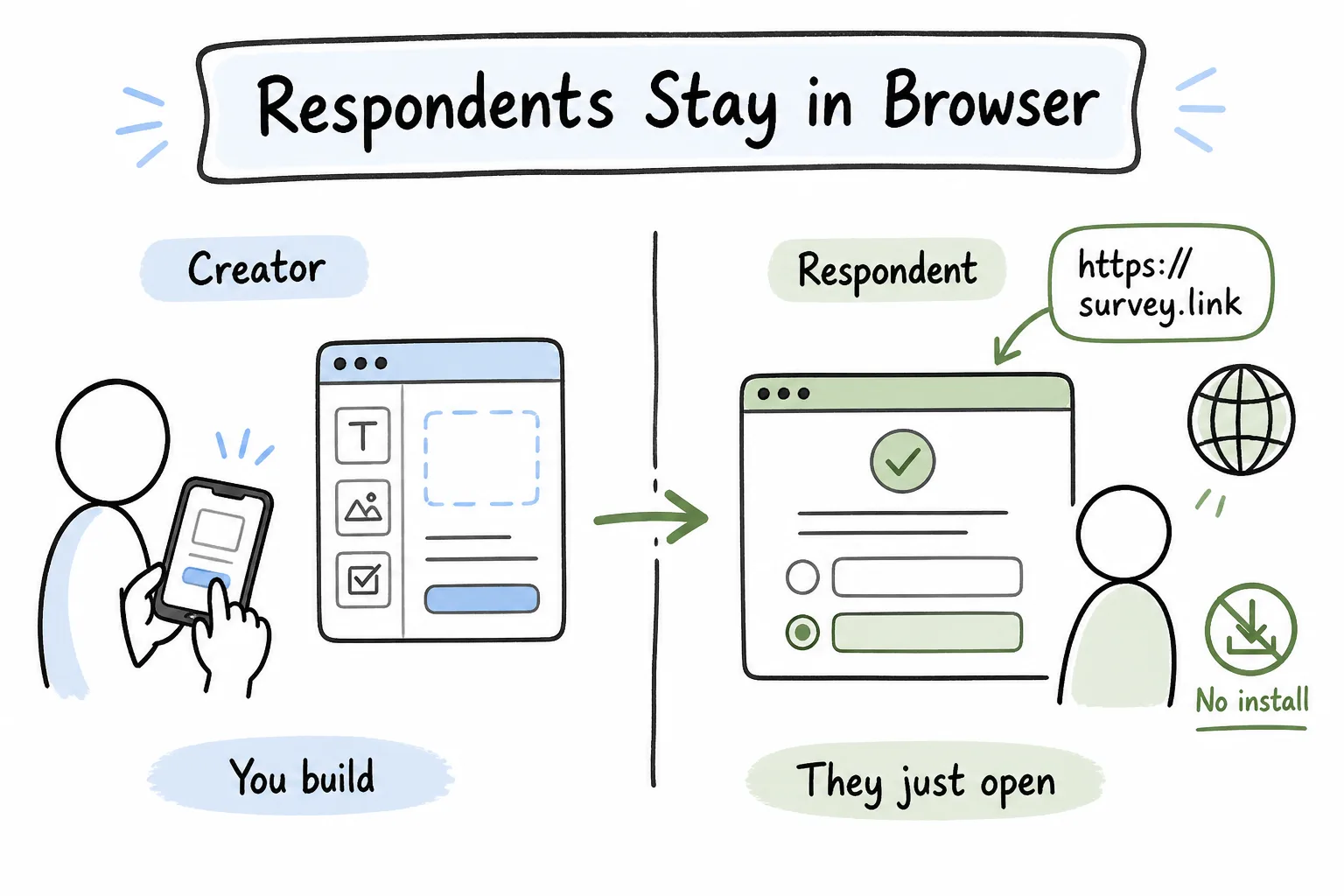
You may build in an app. They should only need a browser link.
Formms separates those roles cleanly:
- You create and manage in the iPhone or Android app.
- They open a clean link like
form.ms/…or scan a QR code. - No install, no account required for respondents.
That split prevents the classic failure mode: “Download our app to RSVP.” Guests will not.
Share Surfaces Match Real Life
Once the form exists on your phone, sharing should match the room you are in.
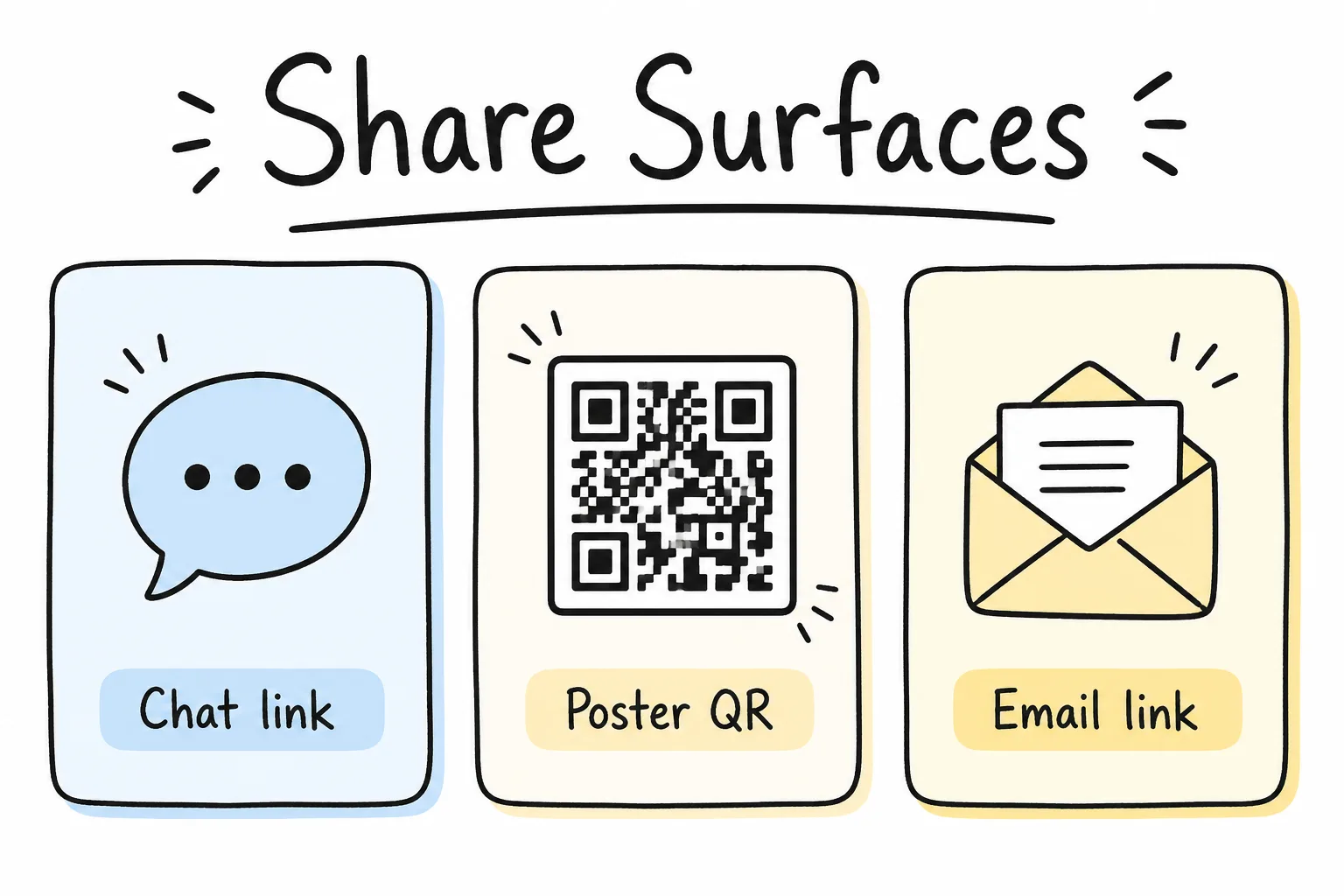
Links travel in messages. QR codes travel on paper and screens.
| Situation | Best share method |
|---|---|
| Group chat or SMS | Short link + “takes 1 minute” |
| Poster, table tent, door sign | Downloadable QR + short URL fallback |
| Email or newsletter | Link with plain-text URL |
| Classroom projector | QR on the slide |
| Counter or checkout | Standing QR |
Formms provides both a short link and a downloadable QR code for every form. Use both when the audience is mixed-digital invite plus physical entrance.
Answers Should Land in Your Pocket
Creating on mobile is only half the win. Reading answers on mobile closes the loop while you can still act.
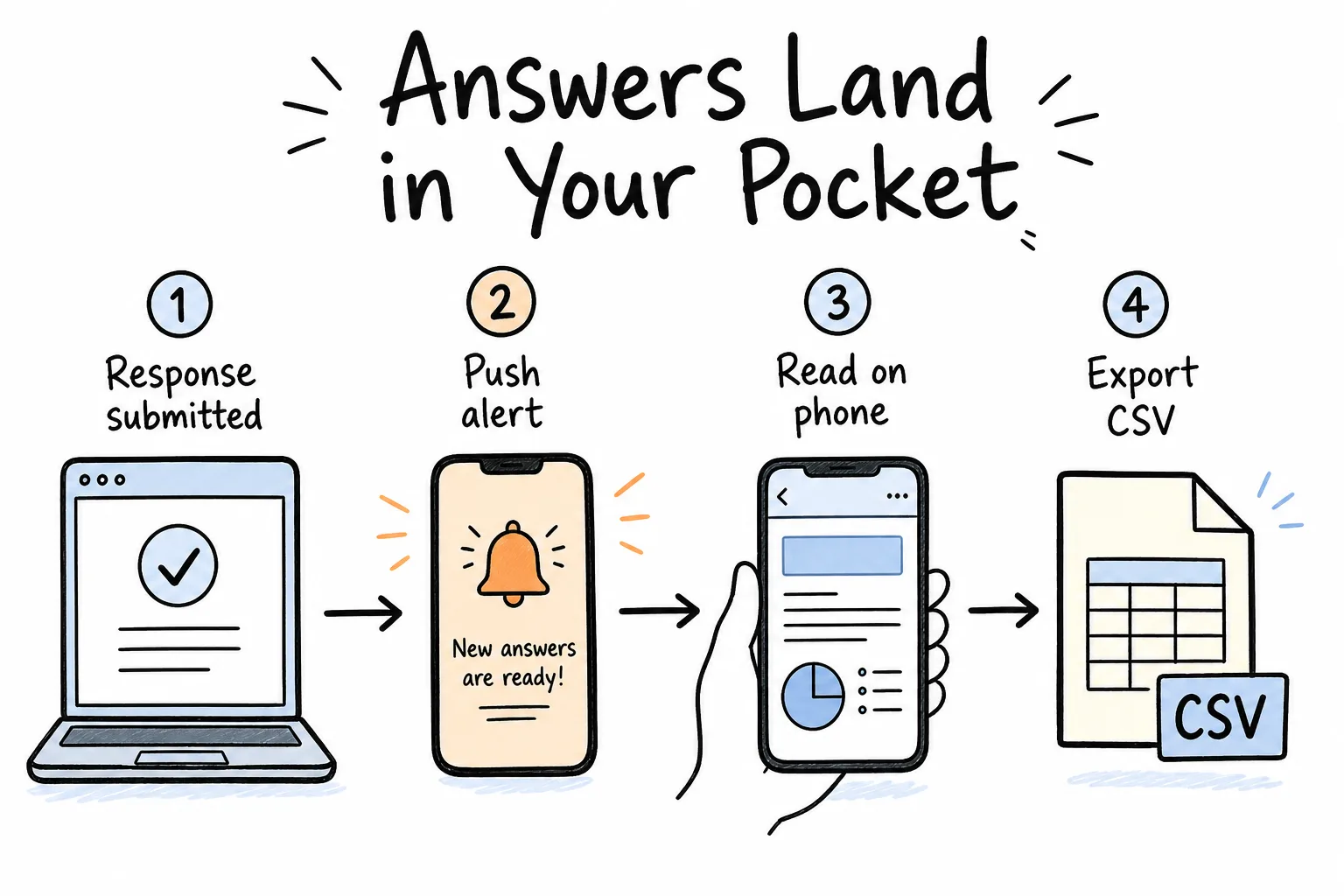
Submit → notify → read → export when needed.
With Formms you can:
- Get a push notification when someone responds
- Turn on email notifications (account email or another address) with answers included
- Read, filter, and review responses in-app
- Export CSV when you need a spreadsheet
- Set a response cap or close date, or toggle responses off
Teachers can skim quiz results on the walk home. Event hosts can watch RSVPs during setup. Shop owners can see feedback between customers. Turn notifications on for time-sensitive forms-an unread inbox tomorrow is how seats get overbooked.
Who Wins Most With Phone-First Forms
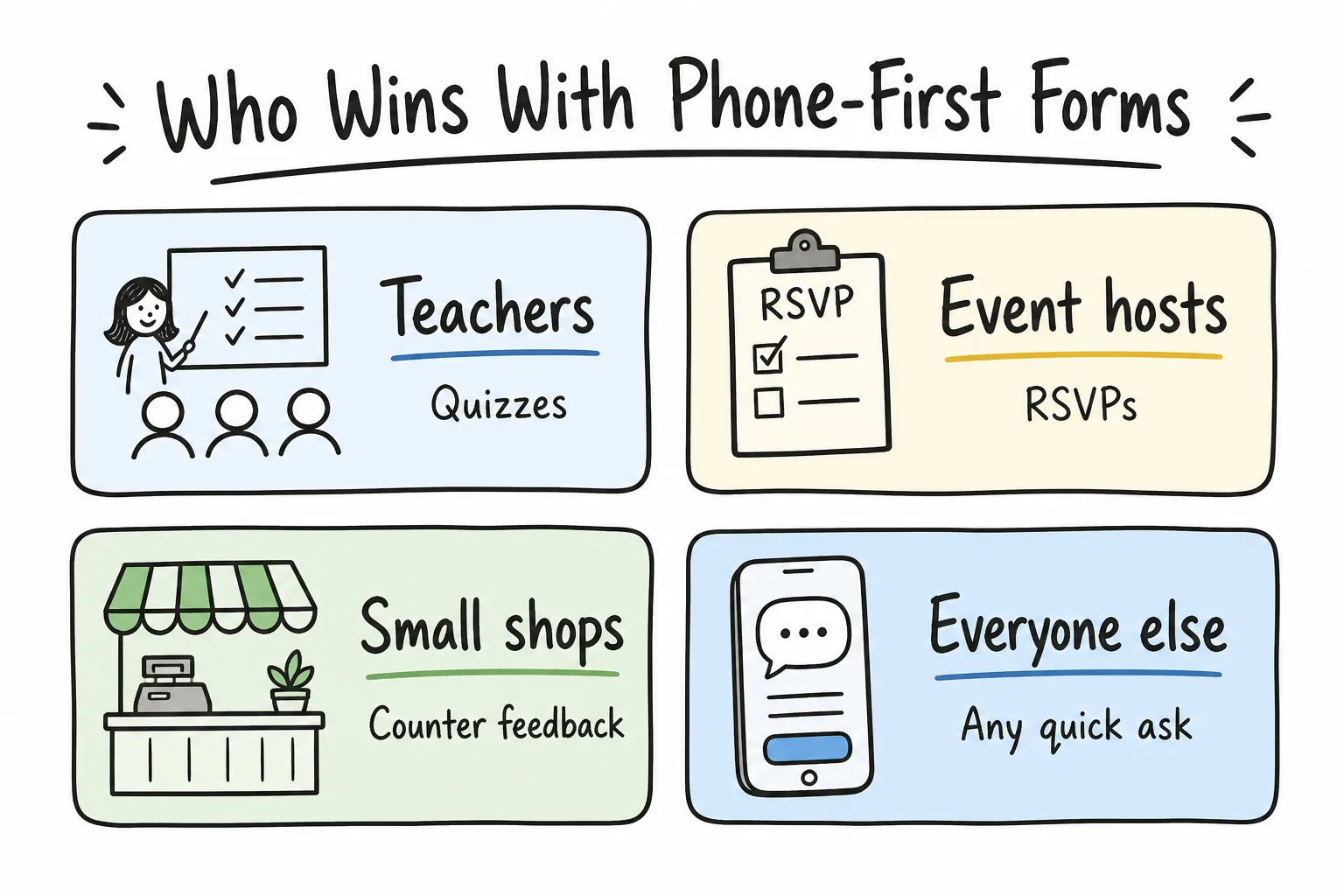
Teachers, event hosts, small shops, and anyone with a quick ask.
Teachers
Quizzes, permission slips, exit tickets, volunteer lists. Set a close date and response limit so late submissions do not blur the roster.
Event hosts
One link in the invite, one QR on the poster. Live responses while you are on-site-not after you dig up a laptop.
Small shops
Counter feedback, waitlist signups, quick ratings. Push alerts mean you notice issues the same afternoon.
Everyone else
Club rosters, neighborhood surveys, client intake, workshop feedback. If the ask is small and urgent, phone-first is usually enough.
Speed Beats a Perfect Setup
Desktop culture optimizes for polish. Mobile culture optimizes for shipping.
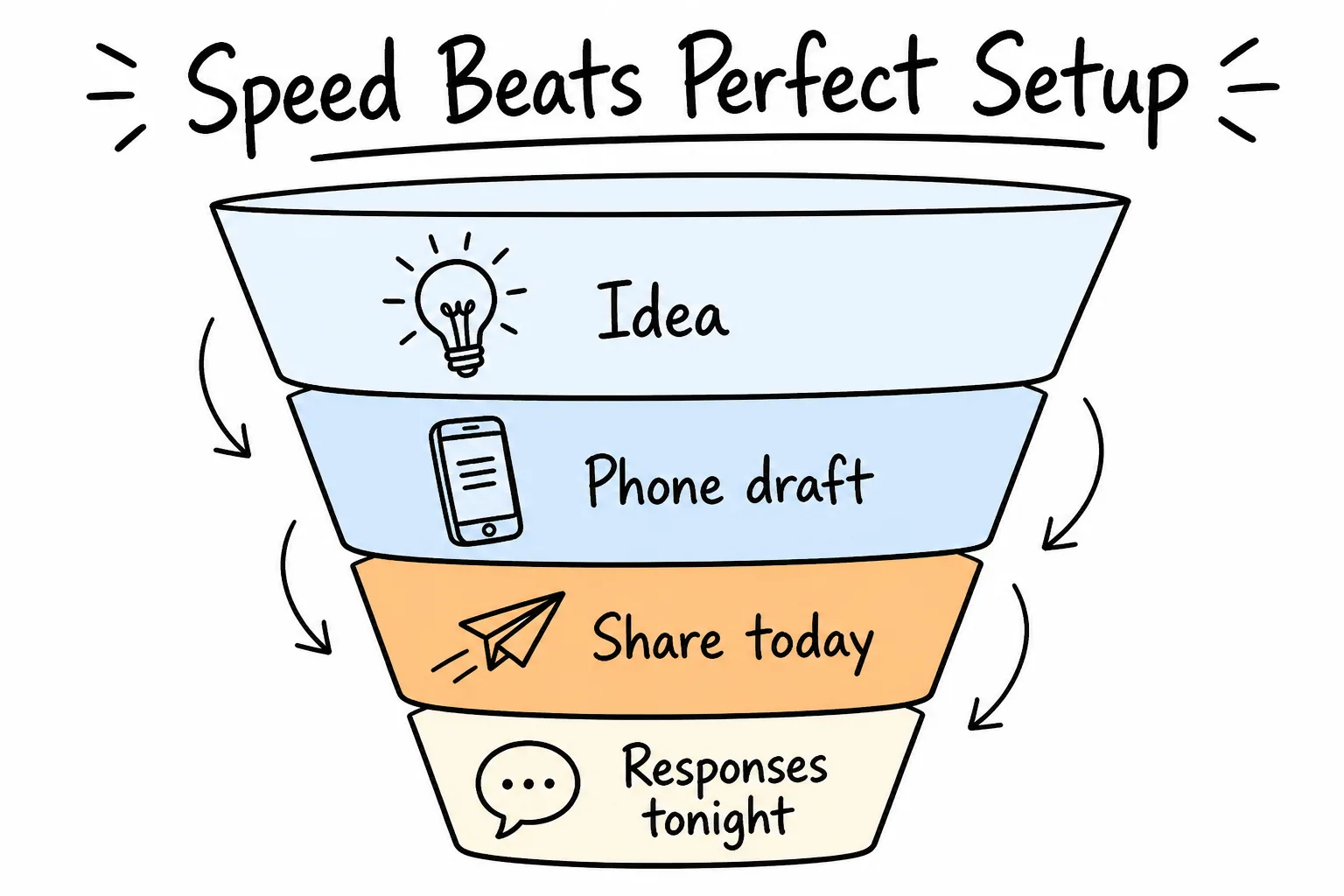
Idea → phone draft → share today → responses tonight.
A slightly imperfect five-question form that collects answers tonight outperforms a beautiful twelve-question form that stays in drafts until next week.
Phone constraints help:
- You ask fewer questions because typing is costly.
- You test on the same class of device most respondents use.
- You share before over-editing kills momentum.
Then refine. Add a field tomorrow if the first wave of answers proves you need it.
“But I Already Have Forms Elsewhere”
You do not have to rebuild everything to go mobile-first.
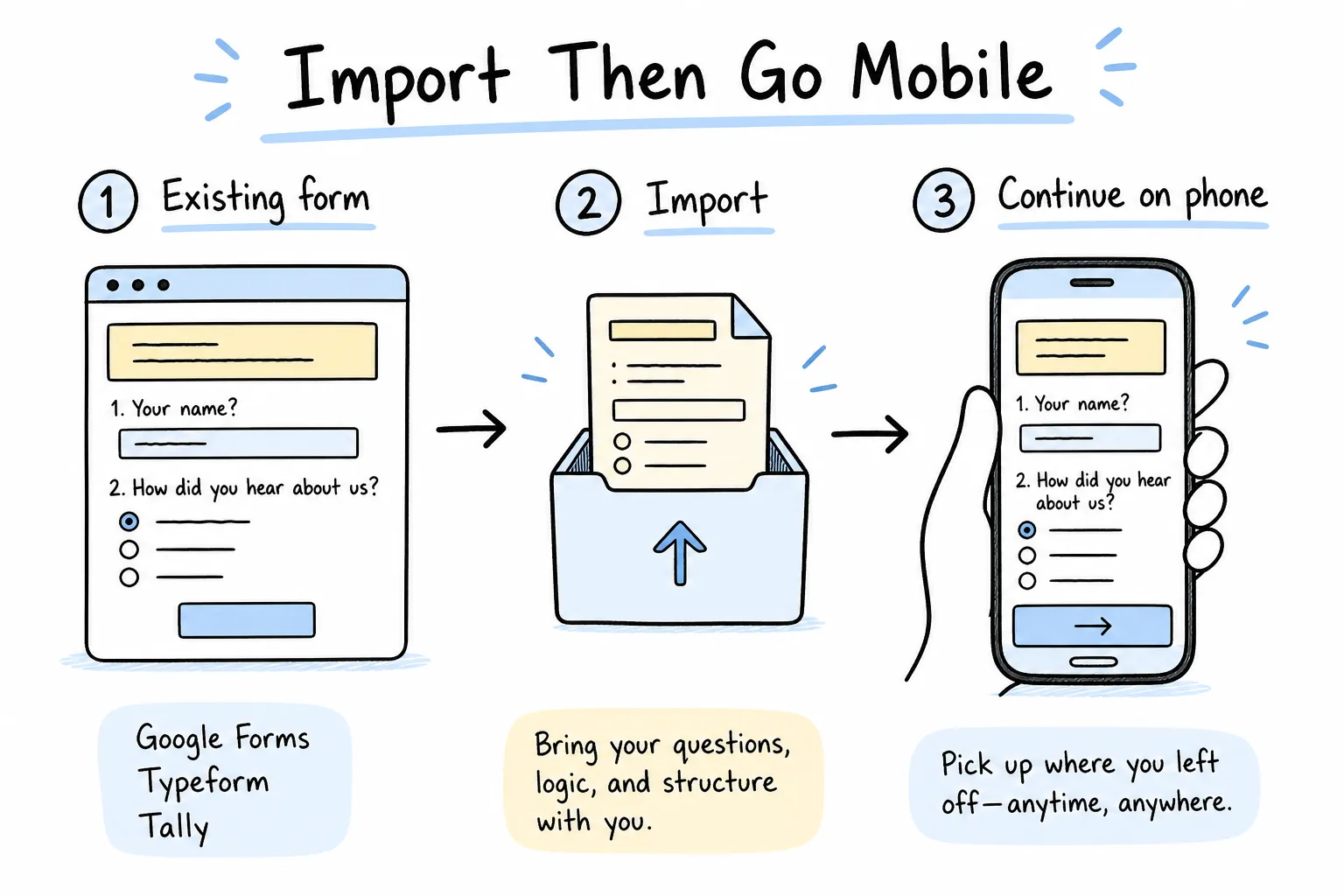
Bring existing forms over, then keep collecting from your phone.
Formms can import from Google Forms, Typeform, and Tally. That means your next form can start on your phone even if last month’s forms lived on a desktop tool. Import what you still need; create new asks with AI prompts when speed matters. Shopping replacements first? See the 10 best Google Form alternatives for 2026.
Myths That Keep People Stuck on Desktop
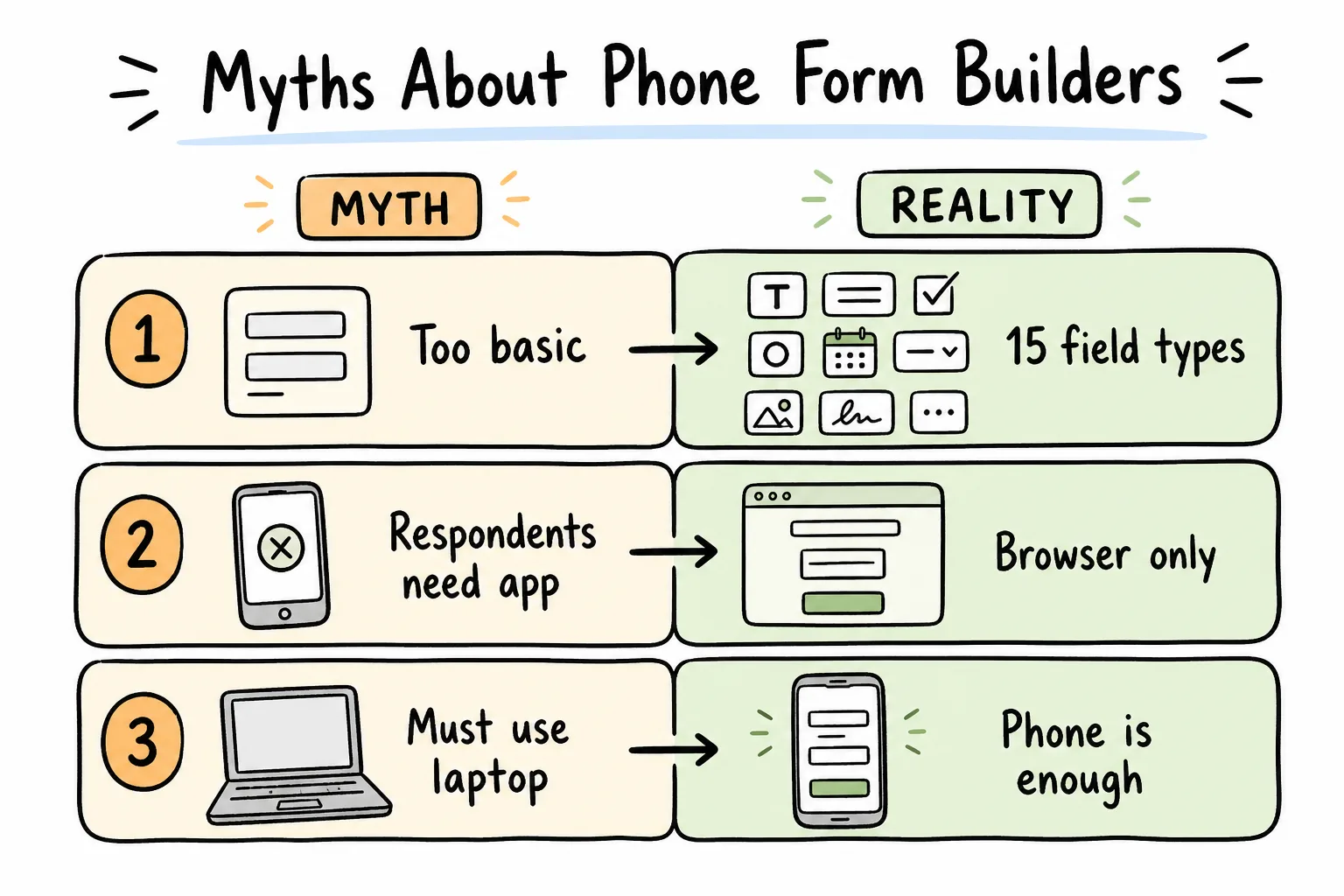
Most objections are outdated assumptions about mobile builders.
Myth: Phone builders are too basic
Reality: Modern AI builders support the field types everyday work needs-ratings, choices, dates, email, uploads-and close controls like caps and deadlines.
Myth: Respondents must install the app
Reality: They should not. Browser links and QR codes are the product for them.
Myth: Serious work requires a laptop
Reality: Serious analysis may prefer a spreadsheet later. Capture and triage rarely do. Export CSV when the decision needs a table.
Myth: Mobile means messy data
Reality: Structured field types create cleaner data than long email threads. The device is not the enemy-unstructured asks are.
A Practical Mobile-First Checklist
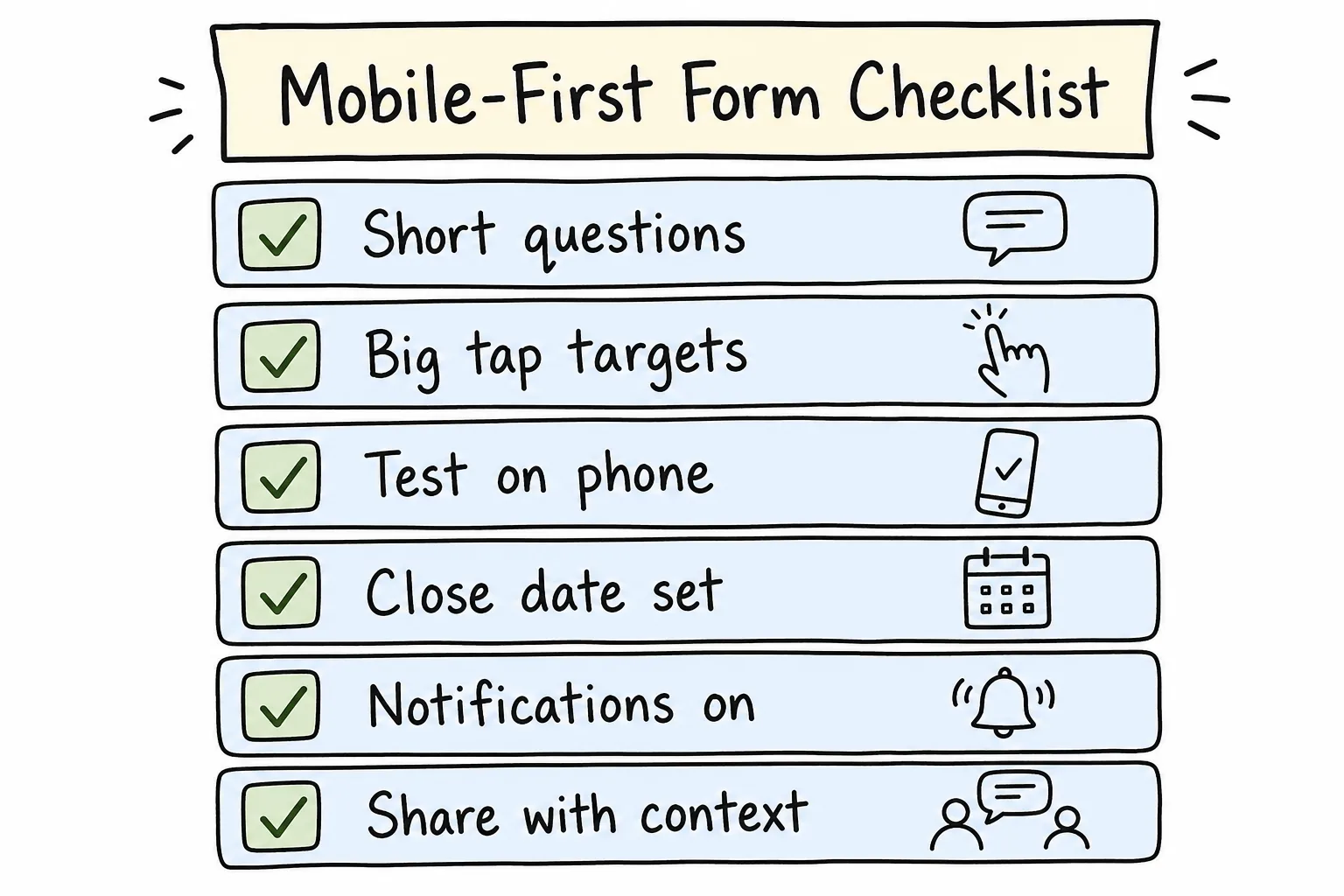
Short questions, tap-friendly design, test submit, close rules, alerts, clear share copy.
Before you share from your phone:
- Keep the form short-only fields that change a decision.
- Prefer taps (choices, ratings) over long typing when possible.
- Submit one test response yourself.
- Set a close date or response limit if the window is finite.
- Turn on push or email notifications.
- Share with context: why it matters, how long it takes, when it closes.
- Confirm the QR/link opens cleanly on a second device if you can.
Laptop Optional, Not Forbidden
Phone-first is a starting point, not a purity test.
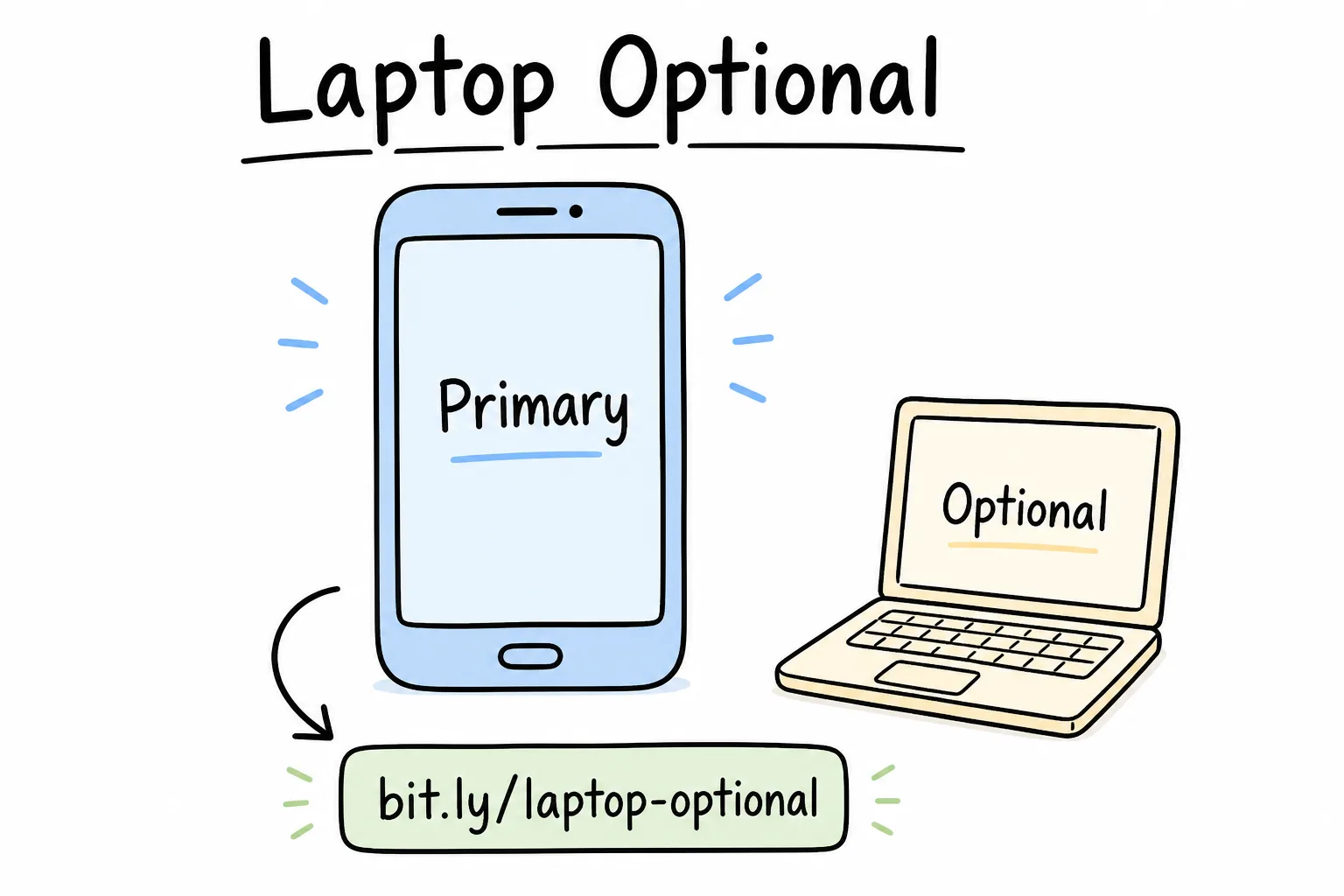
Primary creation and monitoring on phone; laptop when you want a wide spreadsheet.
Use a laptop when you need heavy CSV manipulation, multi-form reporting, or long writing sessions. Do not wait for a laptop to ask three questions you already needed an hour ago.
Formms is explicit about that philosophy: built to run entirely from your phone for describe → edit → share → read. Desktop becomes optional infrastructure, not the gatekeeper.
How to Start Your Next Form on Your Phone Today
- Open a mobile AI form builder (Formms on iOS or Android).
- Describe the outcome in one sentence.
- Review the drafted fields; delete anything unused.
- Set close date or cap if needed.
- Share the short link or QR into the place people already are.
- Watch the first responses arrive as notifications.
- Export CSV later only if the decision needs it.
That is the whole argument in practice: start where the need appears.
Frequently Asked Questions
Why should my next form start on my phone?
Because most collection needs appear away from a desk. Building on your phone lets you publish while the moment is still useful, then read answers with the same device.
Can I create a full form without a computer?
Yes. Formms is designed so you can describe, edit, share, and review responses entirely on iPhone or Android.
Do people filling out the form need the app?
No. They open a browser link or scan a QR code. No app or account is required for respondents.
Is a phone form builder powerful enough?
For everyday quizzes, RSVPs, feedback, signups, and intake, yes-especially with AI drafting and common field types. Use CSV export when you need deeper analysis.
How do I share a form from my phone at an event?
Send the short link in the invite and display a downloadable QR code at the door or on slides.
How will I know someone responded?
Enable push notifications and/or email notifications so each submission reaches you immediately.
Can I move existing Google Forms or Typeform surveys to my phone workflow?
Yes. Formms supports imports from Google Forms, Typeform, and Tally.
Is Formms free?
Yes, on the free plan. Building, sharing, and collecting unlimited responses costs nothing, with up to ten published forms. Formms Pro, at $12.99 a month or $99.99 a year, adds unlimited forms, your own domain, and no Formms badge.
What if I need a spreadsheet?
Export responses as CSV when you want filters, pivots, or handoff-then keep capturing new asks on your phone.
Does mobile-first mean I should never use desktop?
No. It means do not wait for desktop to start. Capture first; analyze on whichever screen fits the job.
Conclusion
Your next form should start on your phone because that is where the need shows up-and where you can still do something about it. AI drafting removes the pain of tiny editors. Short links and QR codes meet people in chats and in rooms. Notifications bring answers back to your pocket in time to act.
If you want that workflow without a desktop detour, start with Formms. Describe the form on your phone, share a link or QR code, and read responses where you already are. When you need better prompt wording, use the prompt-to-form guide. Teachers comparing phone-friendly classroom survey tools can use best survey tools for teachers.