
Blog / How-To Guides
How to Make a Form on iPhone: 3 Methods That Actually Work
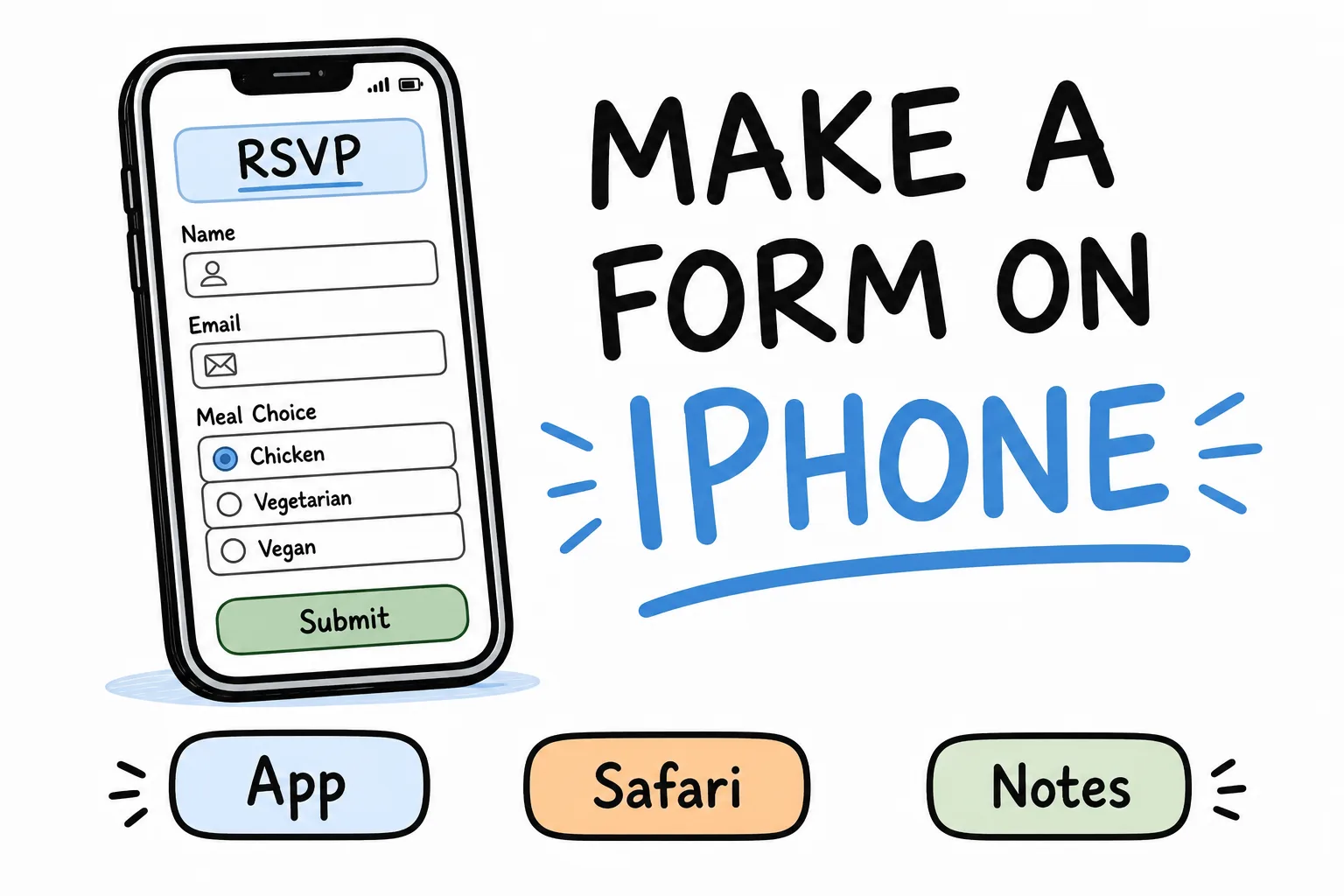
Context
Three realistic ways to make a form on iPhone-a native form app, Google Forms in Safari, and Notes-style workarounds-with steps, tradeoffs, and a clear pick for each situation.
On this page
You need a form, and your laptop is somewhere else. The good news: an iPhone is enough.
The bad news: most “form builders” still assume a desk. On iPhone you have three realistic paths-from fastest to most manual. This guide walks through each one so you can pick without guessing.
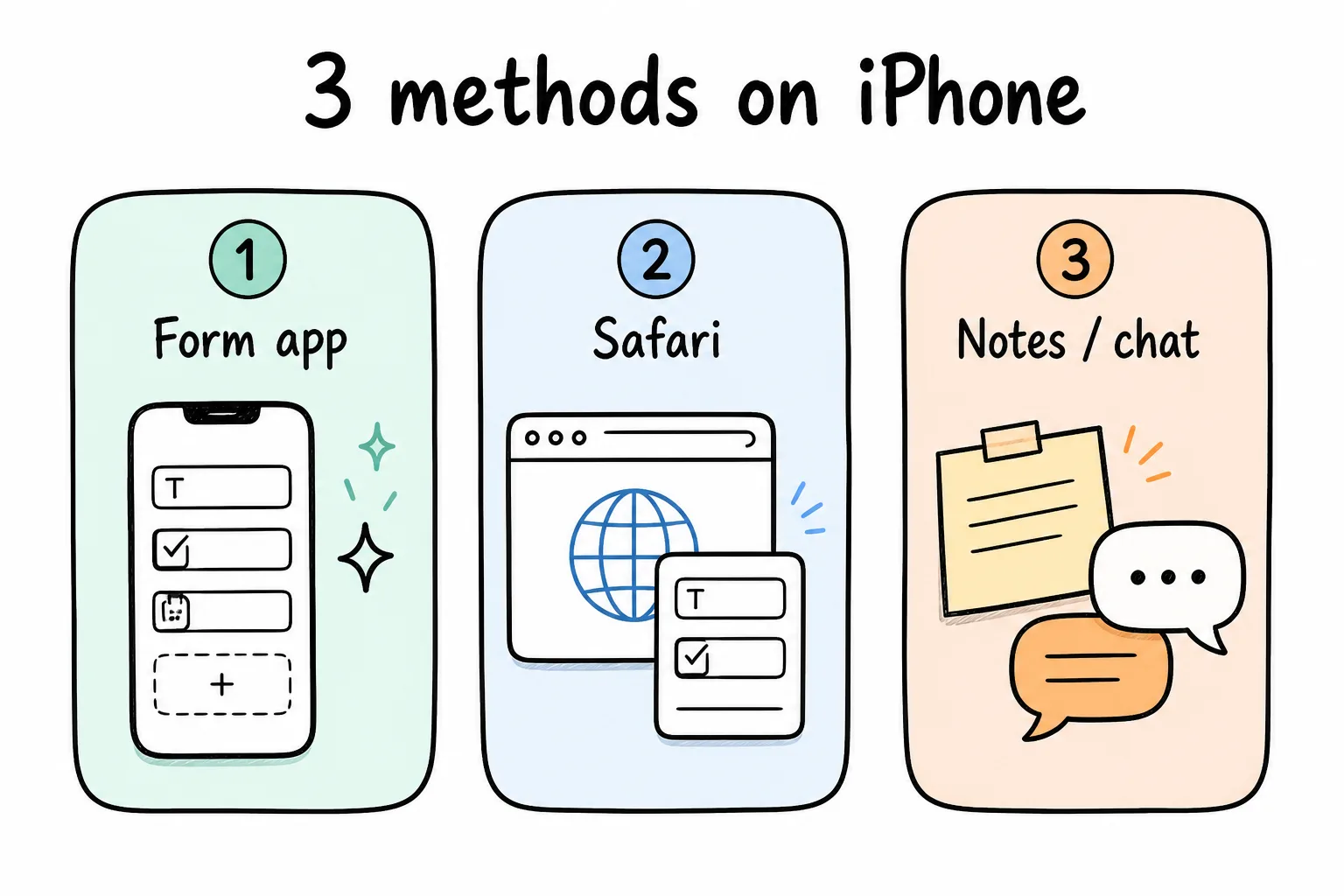
App, browser, or improvise-only one of those is built for a thumb.
1. Use a form builder app (fastest)
A native app beats a desktop website squeezed into Safari every time. With Formms, a free form builder app made for iPhone, the whole flow is built for one thumb:
- Download Formms from the App Store, free.
- Describe the form you need, like “an RSVP form with meal choices for a wedding.”
- AI builds it in seconds with the right question types, from star ratings to file uploads. Edit anything by hand.
- Share a short form.ms link or QR code from the share sheet.
- Every response arrives as a push notification, organized in the app and exportable as CSV.
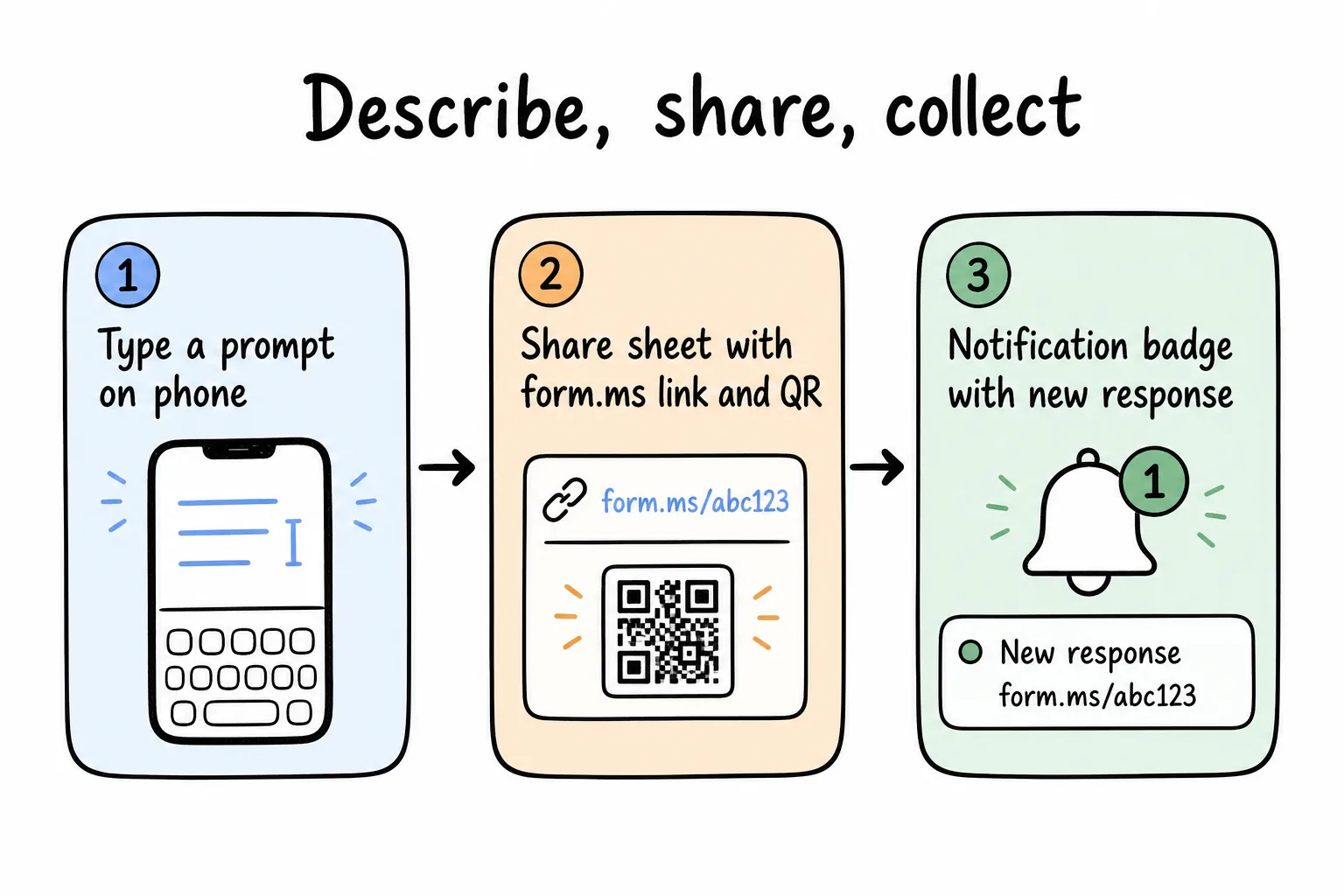
From sentence to live link in about a minute-respondents never need the app.
From idea to shared link takes about a minute, and people filling out your form just open a link-no app or account needed. Start from scratch or grab a free template like an RSVP form or sign-up sheet.
For stronger prompts, see how to turn a prompt into a shareable form.
2. Use Google Forms in Safari
Google Forms has no builder app, but the desktop site works in Safari at forms.google.com. Sign in, tap Blank form, and edit questions one by one. It is free and fine for occasional use, though the touch targets are small, reordering questions is fiddly, and you will share a long docs.google.com link.
We wrote up the full steps in how to make a Google Form on your phone. Stay here if you need Workspace and Sheets more than a phone-native builder.
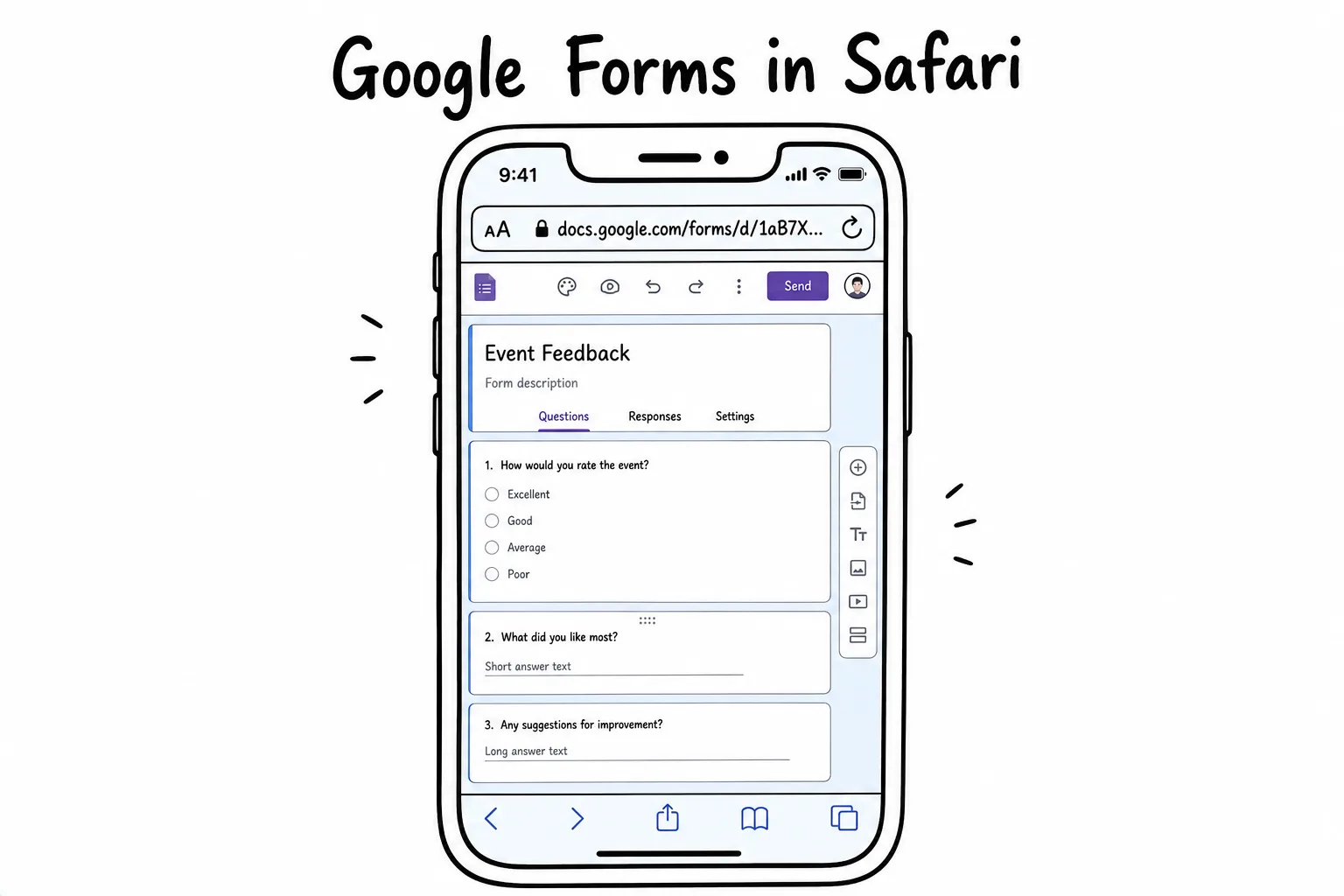
It works-just expect a desktop editor on a phone-sized screen.
3. Improvise with Notes, Messages, or email
For tiny questions, you can skip forms entirely: a poll in a group chat, a shared Note people add their names to, or an email asking everyone to reply.
It works until it does not. Answers arrive in different formats, nothing is required or validated, and you become the person manually compiling a spreadsheet at 11pm.
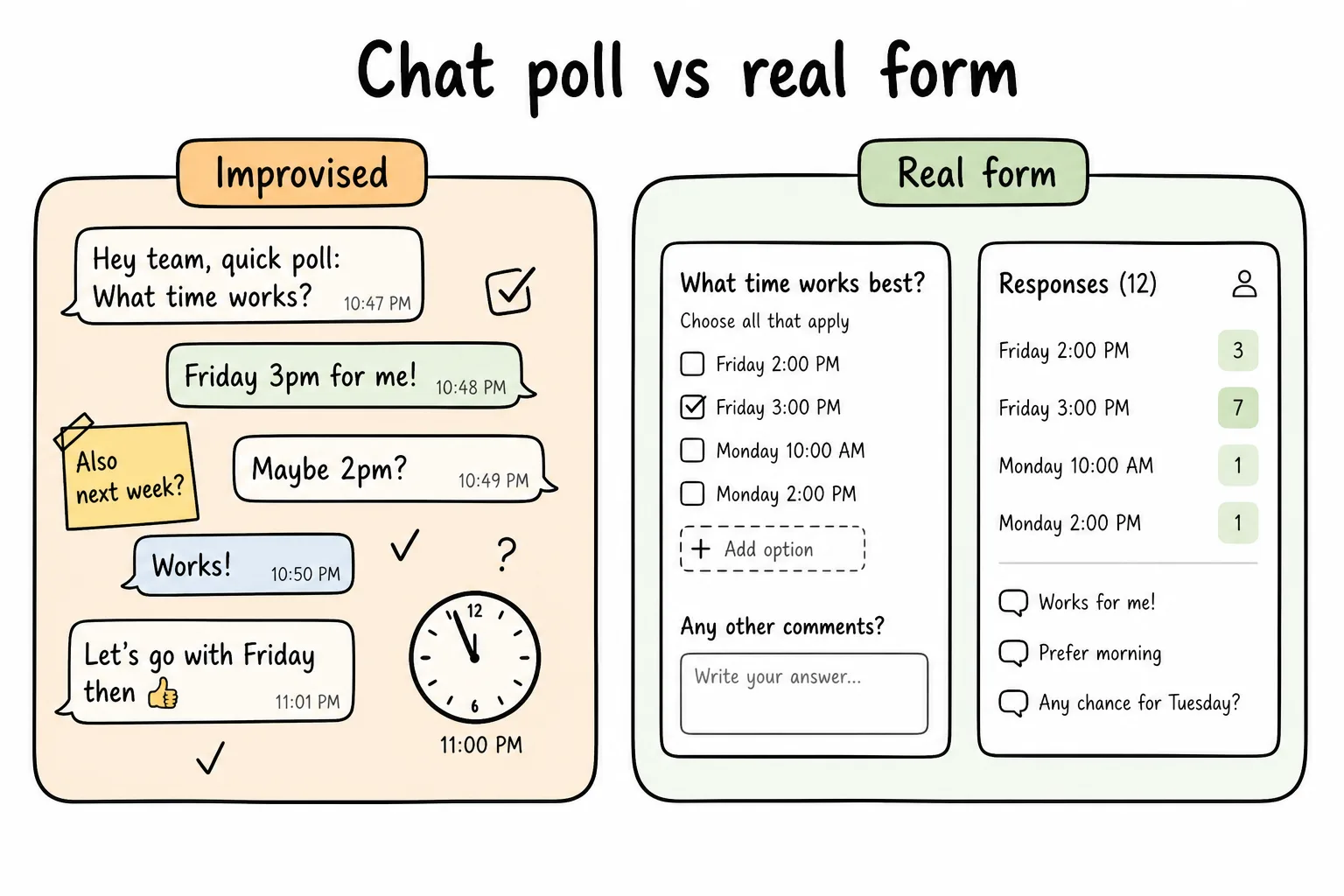
Improvising is fine for five people once. Past that, a real form pays for itself.
If more than five people will answer, or you will ever ask again, a real form is cheaper than your evening.
Which should you pick?
| Situation | Pick |
|---|---|
| Occasional form, deep in Google Workspace | Safari + Google Forms |
| Public link, QR on print, polished look | Form builder app |
| One quick question in a group chat | Messages / Notes poll |
| Recurring signup, feedback, or RSVP | Form builder app |
Formms is free to download and free to build, share, and collect responses, so the fastest option is also free to try. For the bigger phone-first case, read why your next form should start on your phone. If print is part of the plan, pair this with how to make a QR code for a form.