For teachers
Prompt a permission slip, exit ticket, or quiz between classes. Share the link and read answers before the next bell.
- AI drafts questions
- Set a close date
- Response limits

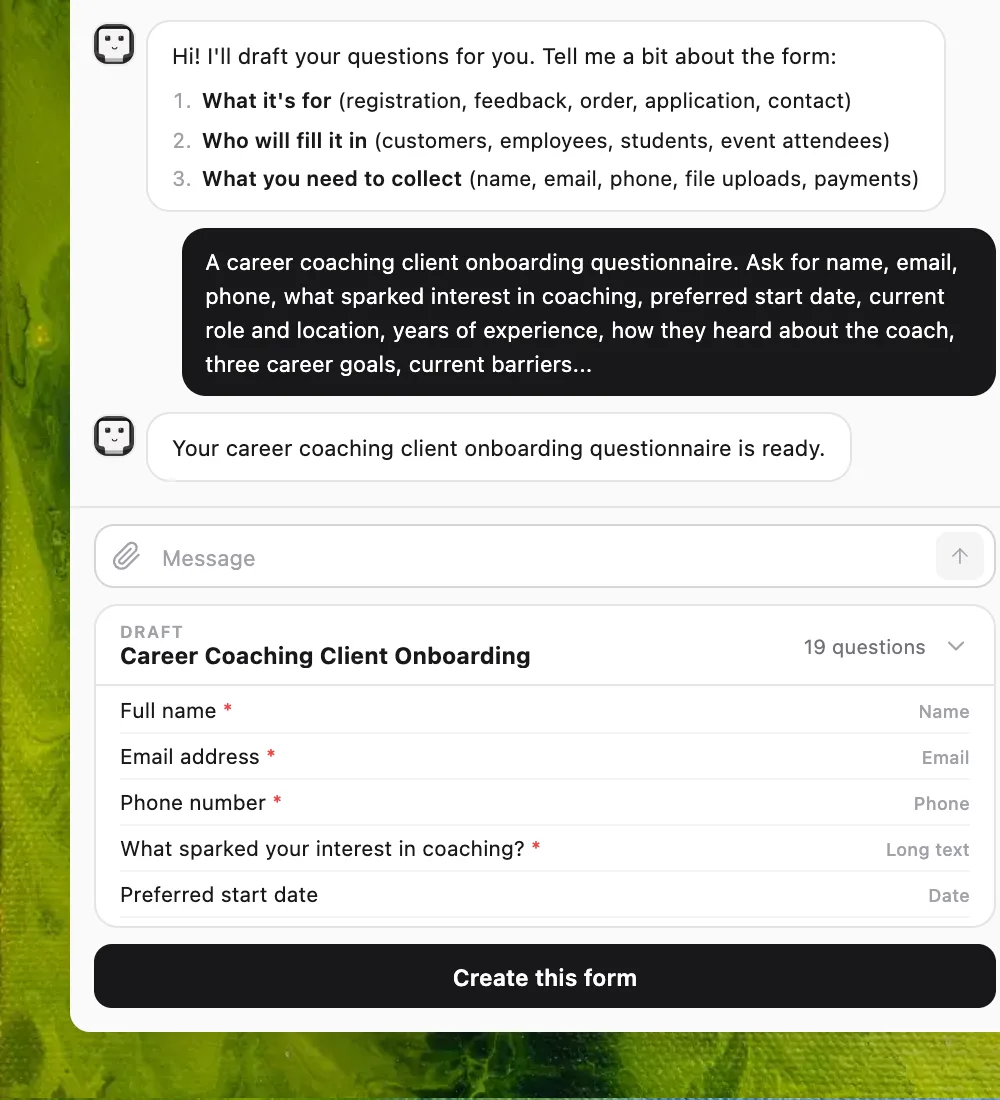
Type to create a form with AI “” . Formms drafts the questions, you edit what you want, then share a short link, embed, or QR code. Collecting responses is free.
How it works
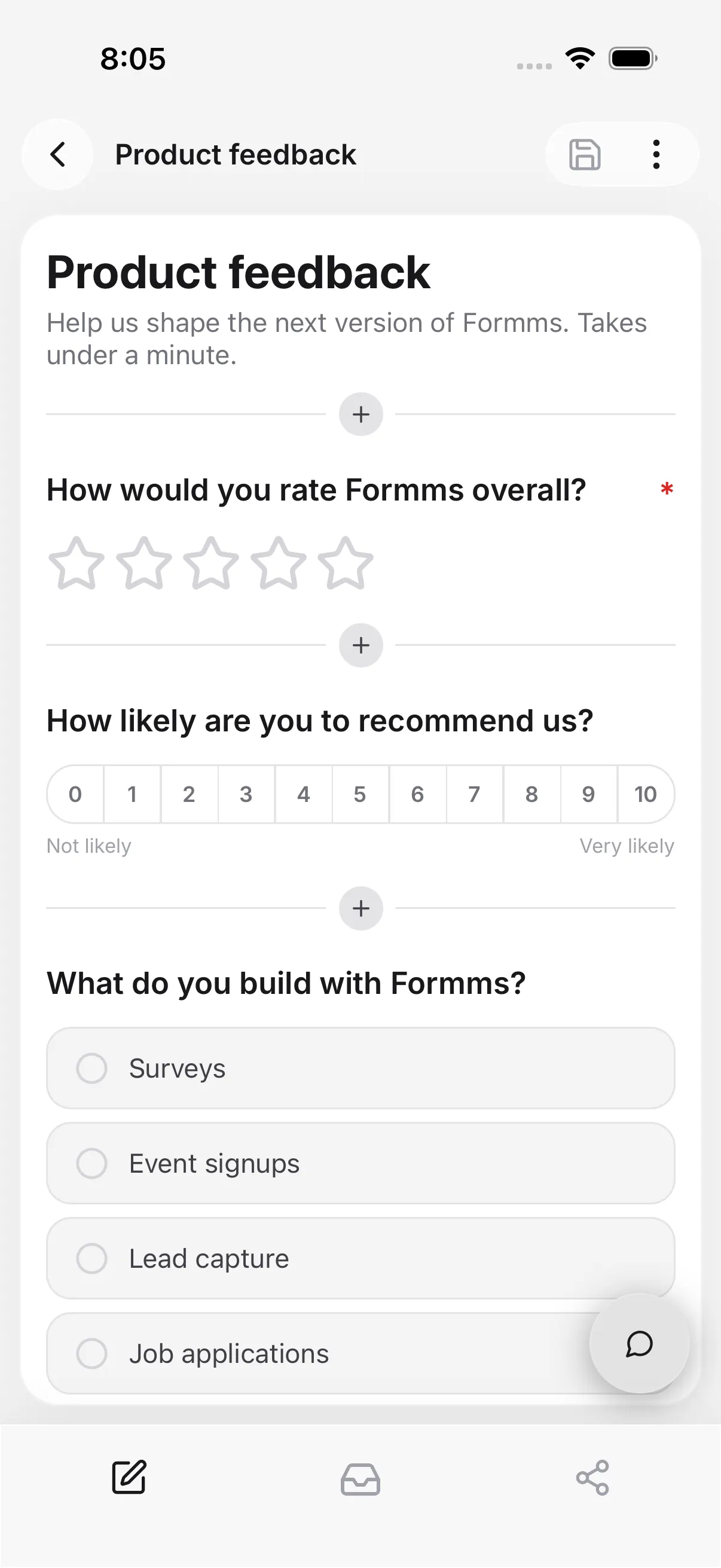
Type a short prompt, like a workshop signup or NPS survey. Formms drafts the title, question types, and wording in seconds. Change anything by hand or ask chat to revise before you publish.

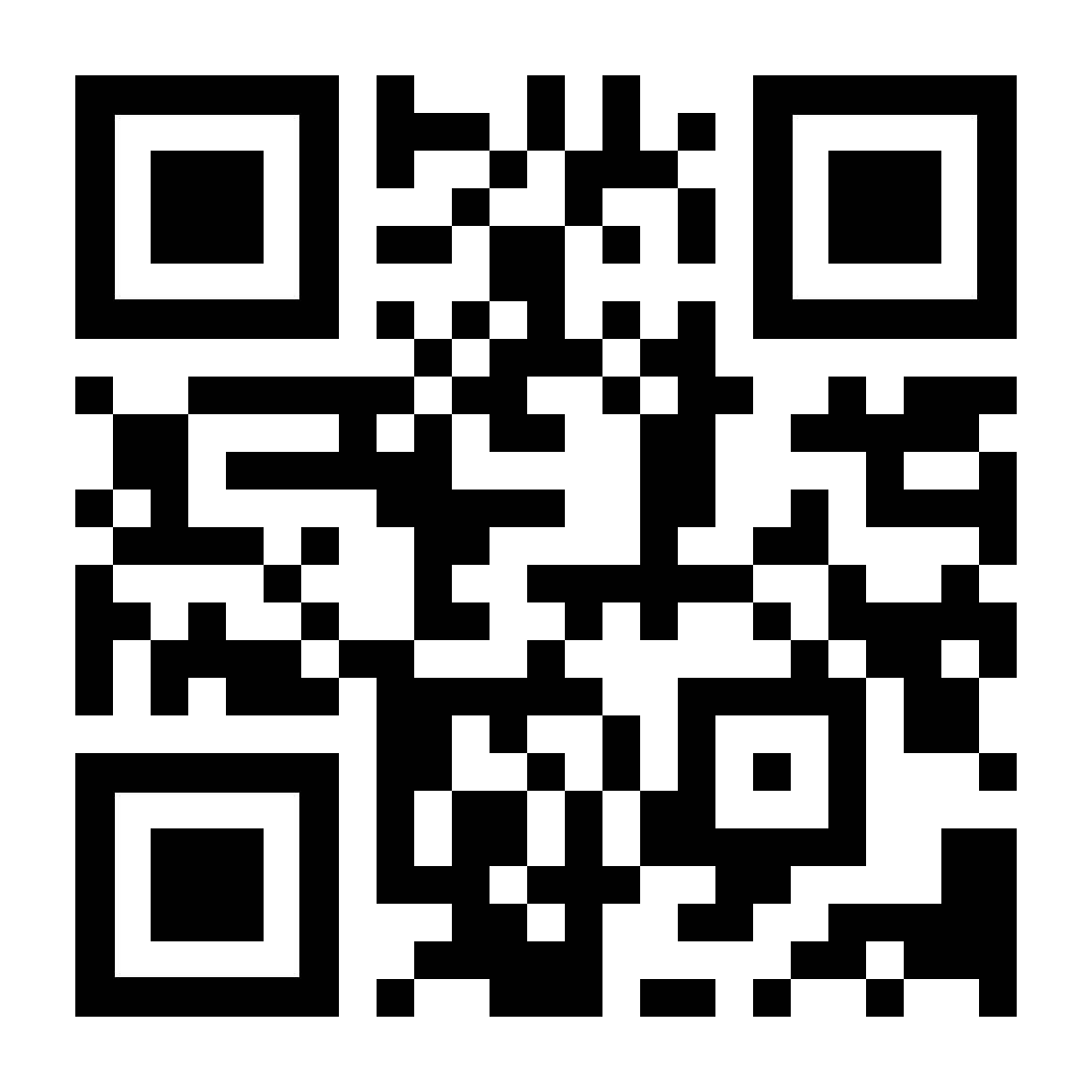
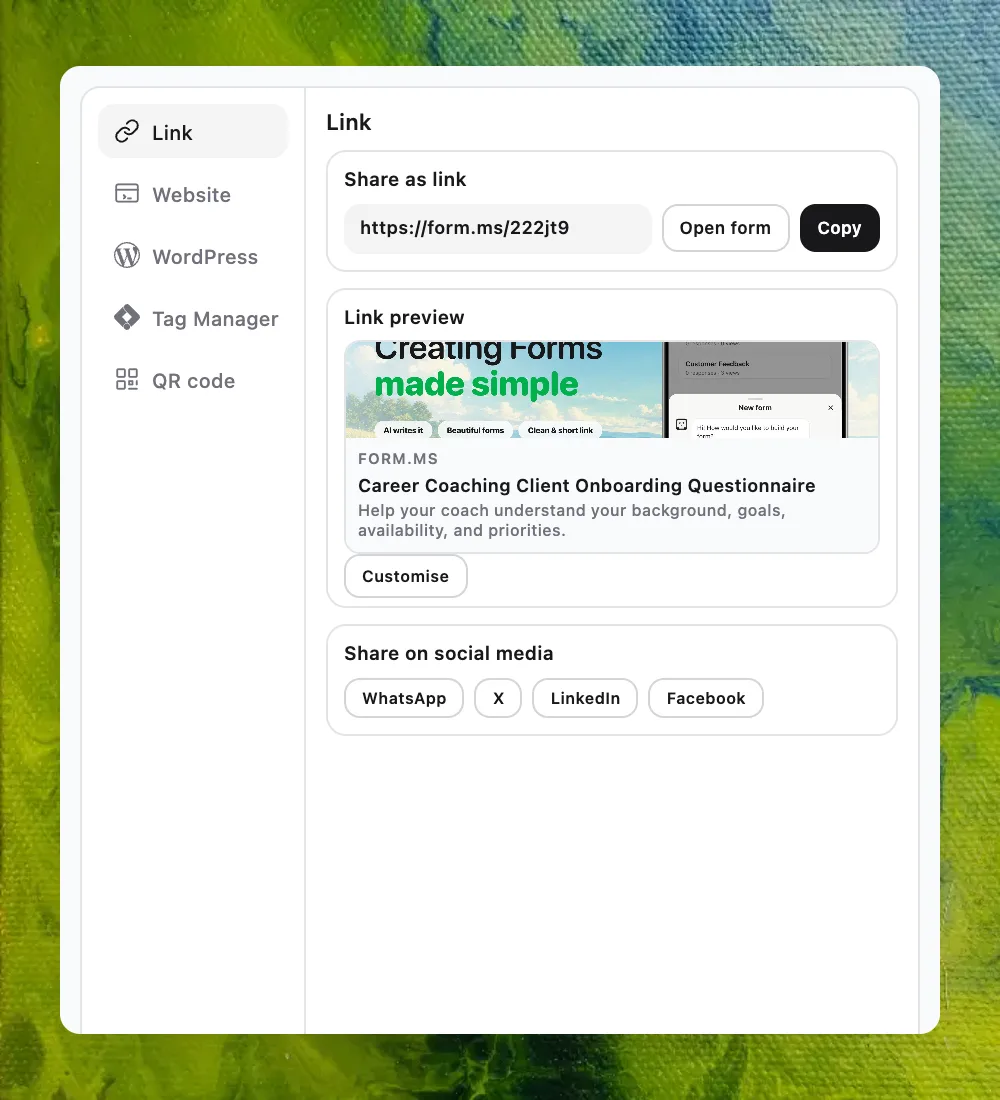
Get a short form.ms link and a downloadable QR code, or embed on your site, in WordPress, or through Tag Manager. People who fill it in only need a browser, never an account.
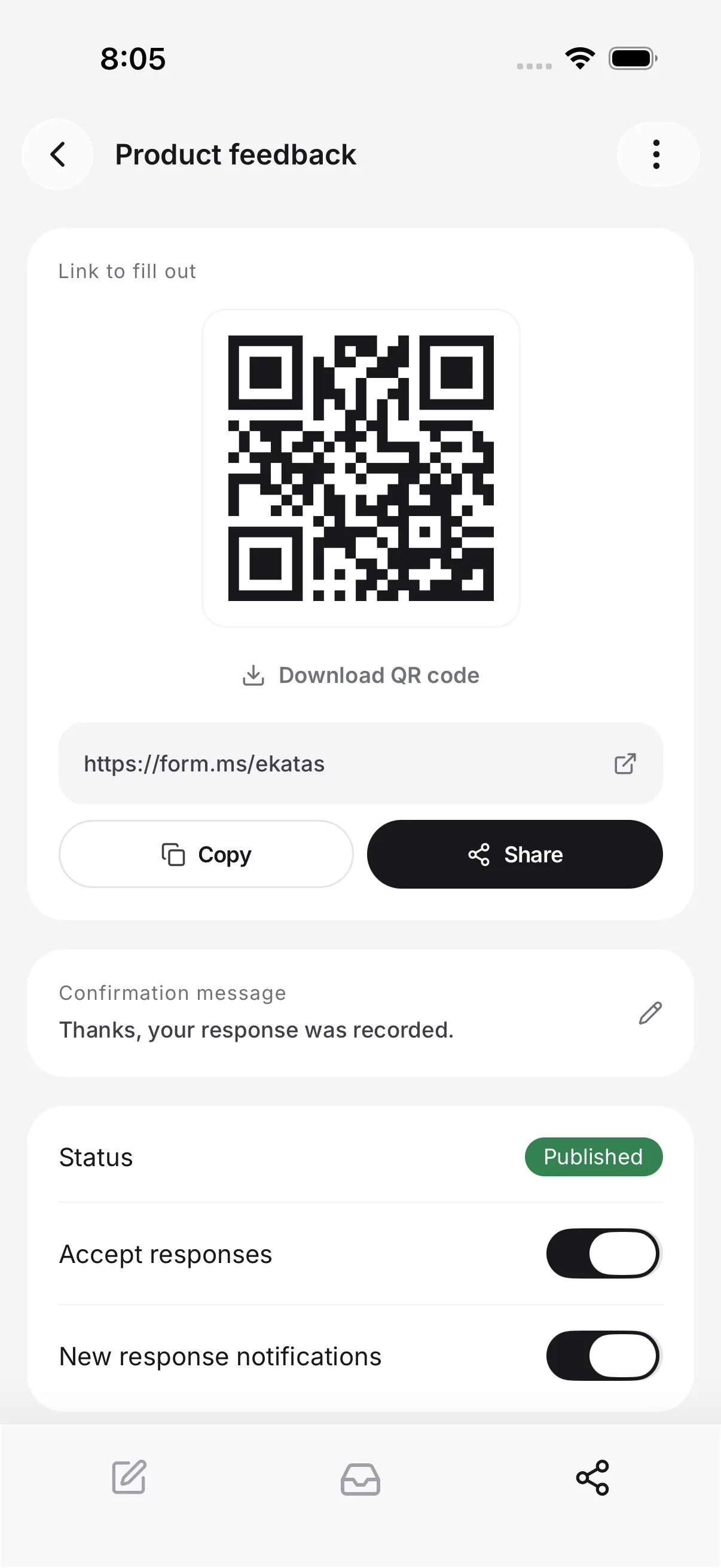
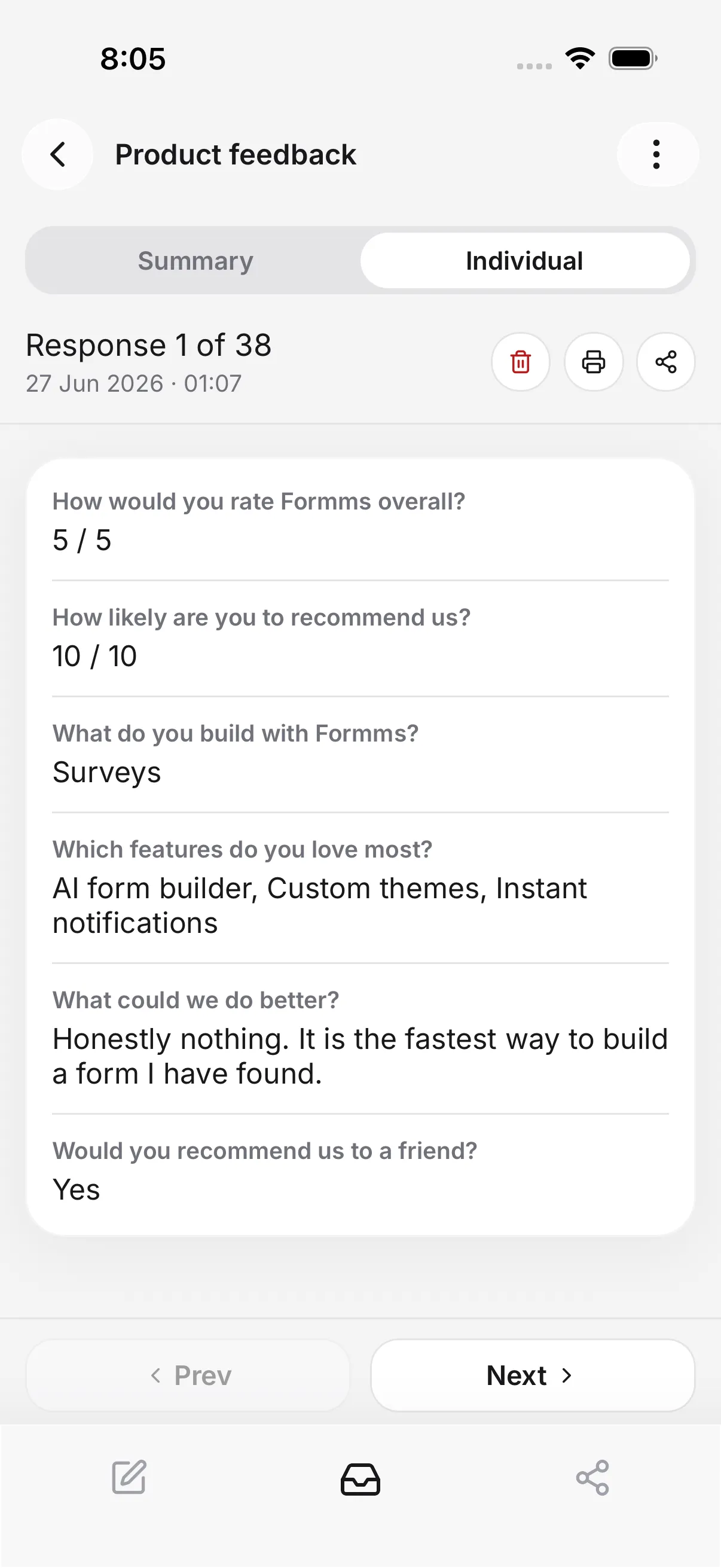
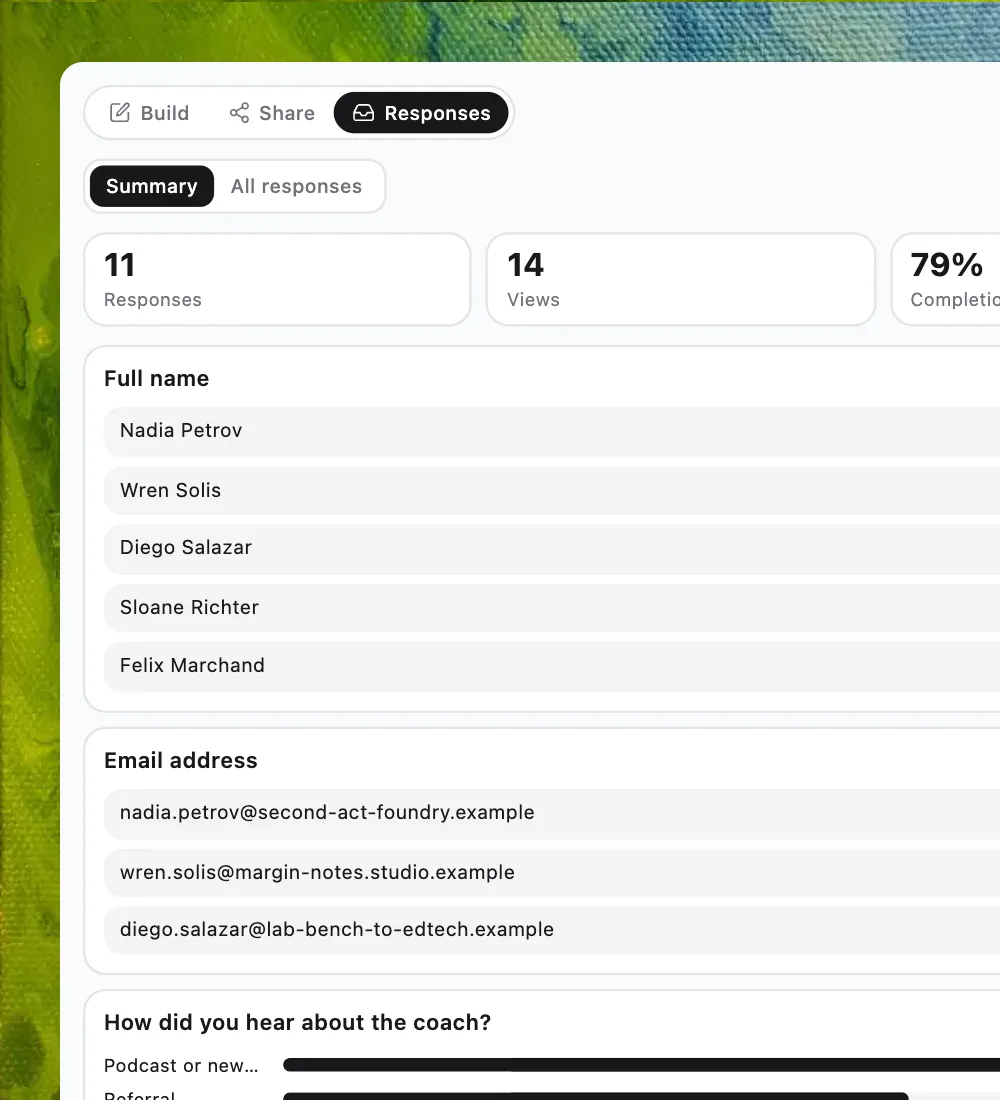
Your phone and email can notify you when someone responds. Skim answers, filter by question, and export CSV whenever you need a spreadsheet.
Who it's for
Prompt a permission slip, exit ticket, or quiz between classes. Share the link and read answers before the next bell.
Describe the RSVP once, drop the short link in the invite, tape the QR to the door, and watch the guest list fill while you set up.

Ask AI for a five-question feedback form at the counter. Star ratings and comments land on your phone, then export as CSV when you want the sheet.

Waitlists, intake forms, beta signups. One prompt builds the form, one link collects every answer in the same inbox.

Features
Bring over a Google Form, Typeform, or Tally, then ask chat to tweak wording or add questions instead of rebuilding by hand.
Text, choices, ratings, dates, uploads, and more. AI matches types to your prompt; you can change any field afterward.
Publish a short form.ms URL, a downloadable QR code, or drop the form into WordPress and other sites. Respondents only need a browser.
Stop collecting when the window ends. Cap responses or turn the form off while you update questions.
Pull a spreadsheet when you need filters, charts, or a clean handoff. Phone and email alerts keep you in the loop until then.
Describe forms with AI, share them, and gather unlimited responses on the free plan, with ten published forms included.
An AI form builder turns a plain-language description into a working form instead of making you add every field by hand. In Formms you type something like "event RSVP with name, email, and meal choice," and it drafts the title, question types, and wording. You edit what you want, or ask chat to refine it, then publish a short link, QR code, or embed.
Most everyday forms: contact forms, feedback surveys, waitlists, registration and RSVP, job applications, order intakes, check-ins, quizzes, and simple polls. Say the audience and what you need to collect; Formms picks sensible question types and you adjust labels, options, and required fields before you share.
Yes. Create forms with AI, share them, and collect unlimited responses with no card needed. The free plan includes ten published forms. Pro, at $12.99 a month or $99.99 a year, adds unlimited forms, your own domain and no Formms badge. You can start on iPhone, Android, or the web dashboard without paying first.
No. Formms is built for phone first: describe the form, edit questions, share the link, and read replies on iPhone or Android. Prefer a bigger screen? Use form.ms/dashboard in any browser. Your account stays in sync. People filling out your form only need a browser, not the app.
Always. Change labels, reorder questions, switch types, add or remove fields, or ask the AI to revise in chat ("make the feedback questions shorter," "add a file upload for a resume"). You stay in control of the final form before anyone sees it.
About twenty, including short and long text, multiple choice, checkboxes, star and number ratings, dates, time, location, links, signature, email, file uploads, and statements. The AI form builder chooses types that match your prompt; you can change any field afterward.
Every form gets a clean short link (like form.ms/ekatas) and a downloadable QR code. Anyone opens it in a browser on phone or desktop. No app install and no account for respondents. You can also embed the form on a website so people never leave your page.
Yes. Publish the form, open Share → WordPress, copy the iframe, and paste it into a Custom HTML block (or the classic Text tab). For other site builders, use Share → Website. The embedded form is the same live form people get from your link.
Yes. Import a public link from those tools and keep collecting in Formms instead of rebuilding every field. After import you can still use AI to tweak wording or add questions, then share your Formms link or embed.
Yes. Formms has free tools that convert a PDF or an image of a paper form into an online form you can edit and share. Useful when you already have a printed signup sheet or an old PDF survey and want a fillable version without typing every question again.
You get an instant notification when a response lands. Everything lives in the app or dashboard, ready to read or export as CSV. Turn on email notifications if you want each new response (with answers) sent to your account email or another address you choose.
Yes. Set a response cap or a close date, and toggle responses on or off whenever you need. Handy for event registration cutoffs, one-time surveys, or pausing a form while you update questions.
Forms and responses stay private to your account, travel over encrypted connections, and are never sold. Export as CSV anytime. Delete your account when you want everything removed for good.
Describe a form below, or open Formms on your phone. Free on iPhone, Android, and web.