
Blog / How-To Guides
Employee Engagement Survey: Guide with Examples & Questions
Context
Learn how to create effective employee engagement surveys with practical questions, measure employee satisfaction, gather feedback, and improve workplace engagement.
On this page
Most people have seen the email that asks the whole company to fill in a survey, then heard nothing back. The next one feels like a formality, so fewer people answer, and the answers you do get are careful. An employee engagement survey is worth sending when it is short, when people know who will see it, and when you tell them what you will change. This article shows how to write the questions, send the form, and use the answers so the next survey is not another email that goes nowhere.
What is an employee engagement survey?
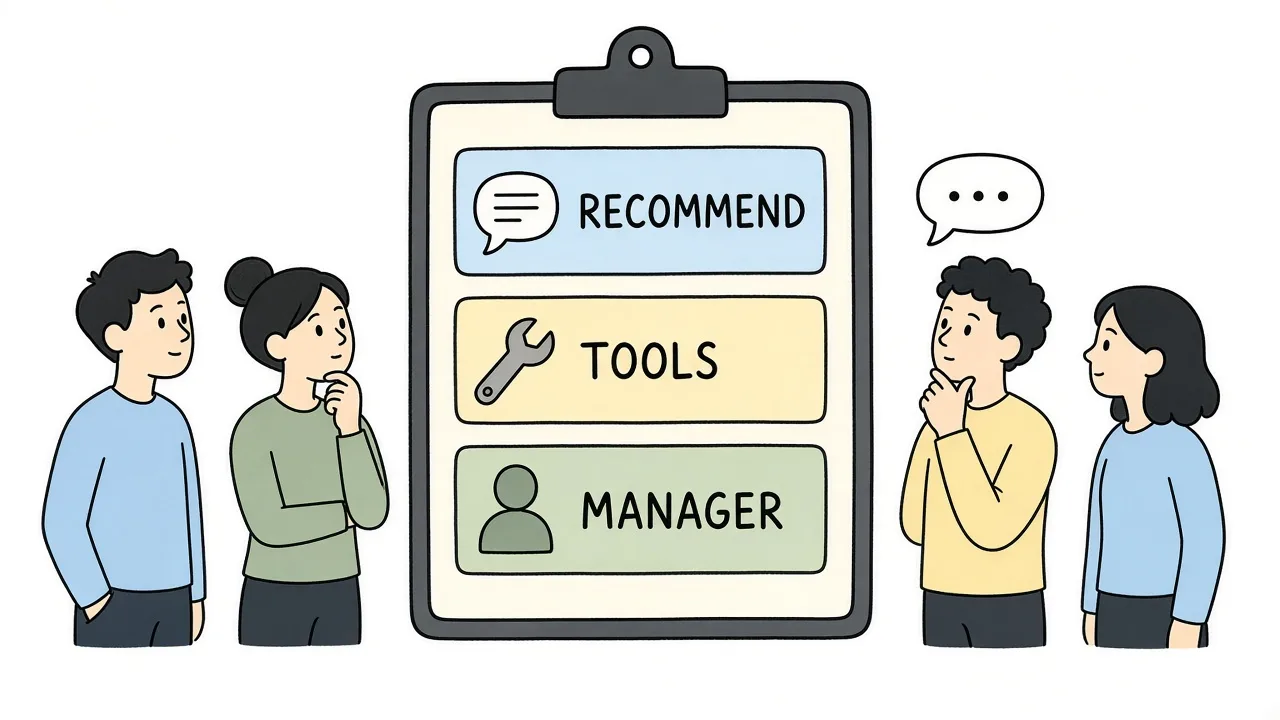
An engagement survey asks whether people would still choose this workplace, and what gets in the way.
An employee engagement survey asks employees how they feel about the work, the support around it, and whether they would recommend the organization. It is not a personality test, and it is not a performance review of one person.
People often mix it up with a satisfaction survey. Satisfaction is “how do you feel about pay, the office, the tools, this week.” Engagement is closer to “would you still put your effort here.” A happy person can still be ready to leave if the work feels pointless. A stretched person can still be deeply engaged if the work matters and someone has their back.
The purpose is practical. You want a few scores you can compare next quarter, plus one or two comments that tell you what to try. You do not need a 60-question instrument to learn that people lack feedback, or that one team cannot get the tools they need.
A pulse survey is the same idea on a shorter clock. Five or six questions, every quarter or after a change, instead of one long form in December. If you already run a culture survey, keep that for belonging and values. Use the engagement form for recommendation, tools, and manager support so the two do not ask the same thing twice.
Why is an employee engagement survey important?
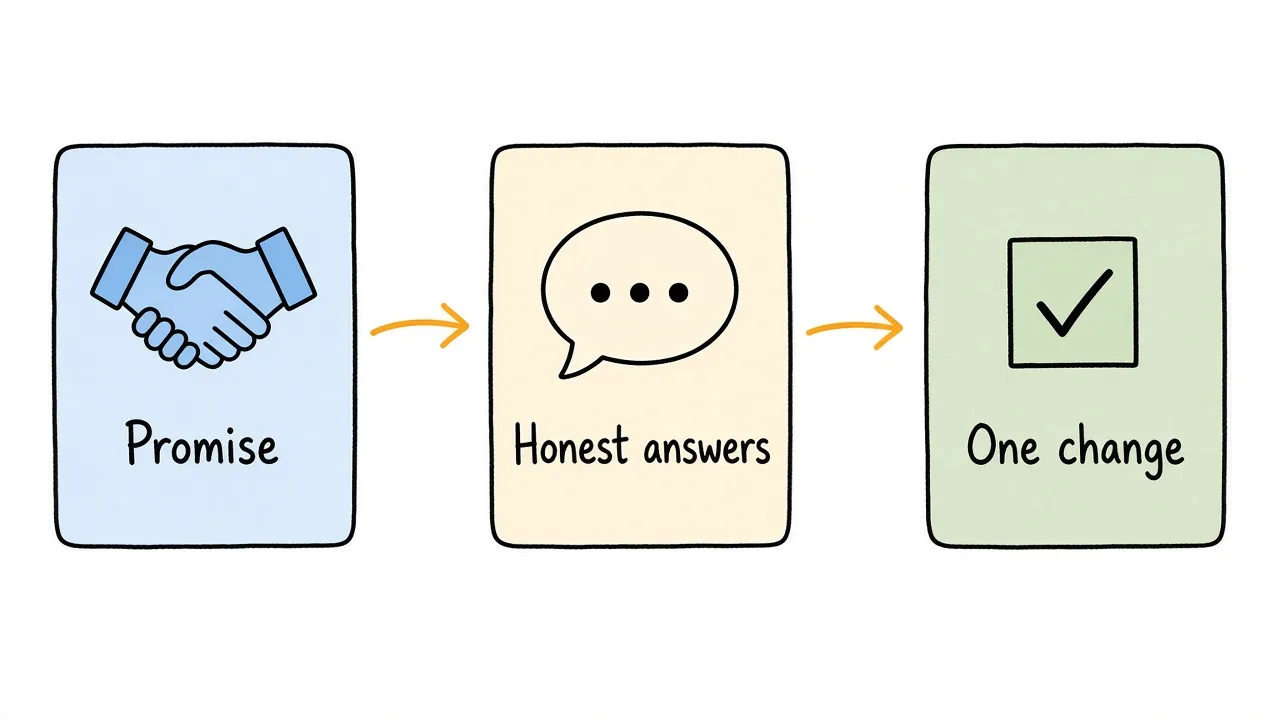
The survey matters when leaders have already agreed to use what they hear.
What is the purpose?
The purpose is to find a few things you can change, and to show people you heard them. If leadership has not agreed to act, skip the survey. CUPA-HR’s guide to engagement and climate surveys puts it plainly: it is better not to ask than to ask and then do nothing.
Three jobs are enough for one round:
- See whether people would recommend the workplace.
- See whether they have what they need, including support from a manager.
- Collect one concrete change, in their words.
Why people stop answering
Trust drops when the last survey vanished into a slide deck. It also drops when the form asks for department, tenure, and title in a team of eight. People can do that math. Say who will see individual answers, or say that nobody will, and mean it.
SHRM’s guidance on crafting an engagement survey is specific on small groups: do not share results for a team with fewer than 10 responses, and do not cut results by a demographic that would name someone. Those answers can still roll into the company total.
What should the questions cover?
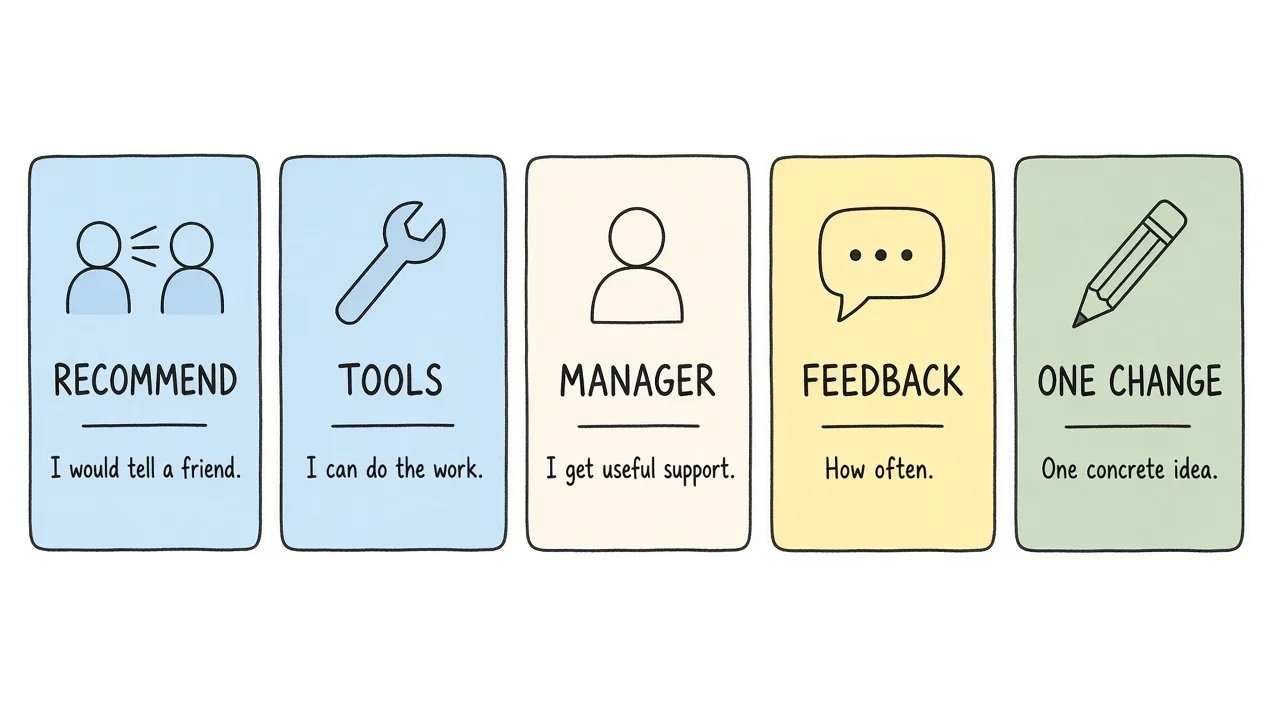
Five topics are enough: recommendation, tools, manager support, feedback, and one change.
Ask only what you might act on in the next month or quarter. A useful set for Harbor Studio looks like this.
| Topic | Example question | Why it is here |
|---|---|---|
| Recommendation | I would recommend this organization as a place to work (1 to 5) | A single trend you can repeat next quarter |
| Tools | I have what I need to do my job well (1 to 5) | Points at blockers, not at personality |
| Manager support | I get useful support from my manager (1 to 5) | Support is actionable; “my manager is nice” is not |
| Feedback rhythm | How often do you receive useful feedback? | Weekly, monthly, a few times a year, rarely |
| One change | What is one change that would help you do better work? | The comment you can actually try |
| Team (optional) | Engineering, Product, Sales, and so on | Only if the group is large enough to stay anonymous |
Leave the open question optional. SHRM notes that letting people skip a sensitive item raises the chance they finish the rest.
Sample wording you can paste
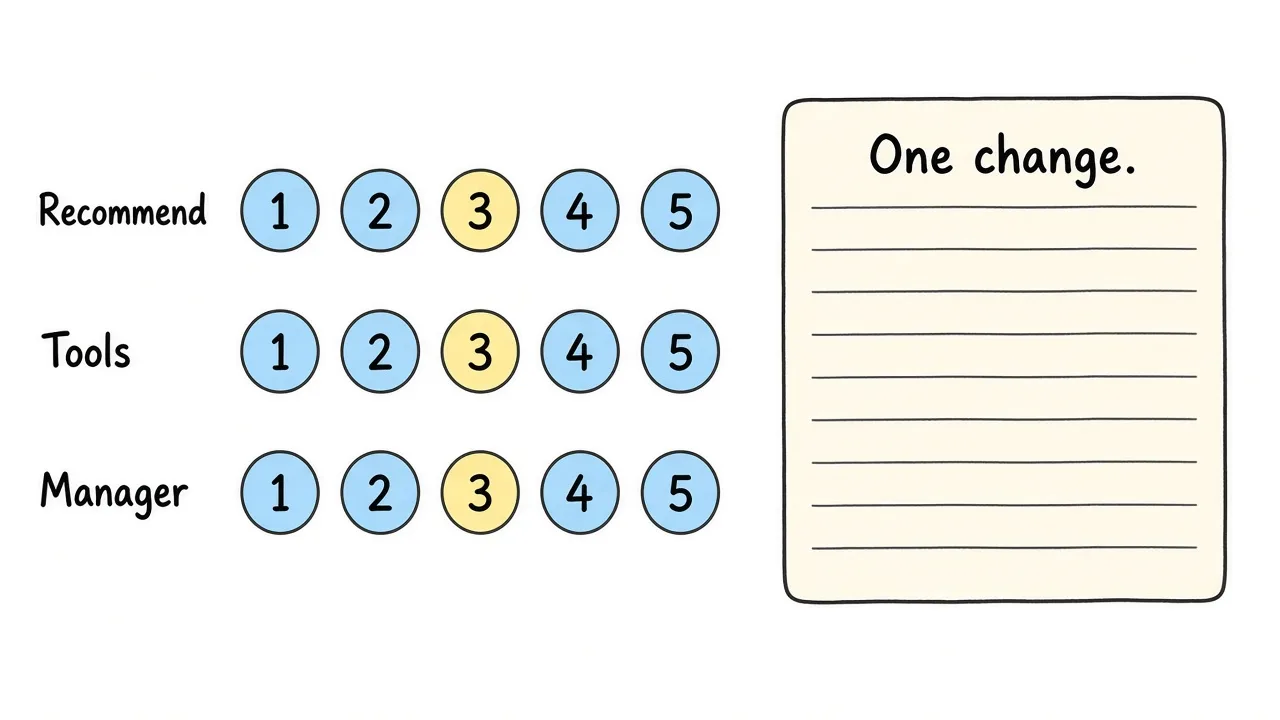
Scales you can repeat next quarter, plus one open question you can act on.
Scales of 1 to 5, from “strongly disagree” to “strongly agree”:
- I would recommend this organization as a place to work.
- I have what I need to do my job well.
- I get useful support from my manager.
Then one choice and one box:
- How often do you receive useful feedback? Weekly, monthly, a few times a year, rarely or never.
- What is one change that would help you do better work?
Skip name, employee ID, and “how long have you worked here” on a small team. If you need a cut by team, say so on the form and suppress any group under 10.
This is not a customer survey. A customer satisfaction survey asks buyers about a product. An engagement survey asks employees about the workplace. The scores are not interchangeable.
How do you create an employee engagement survey?
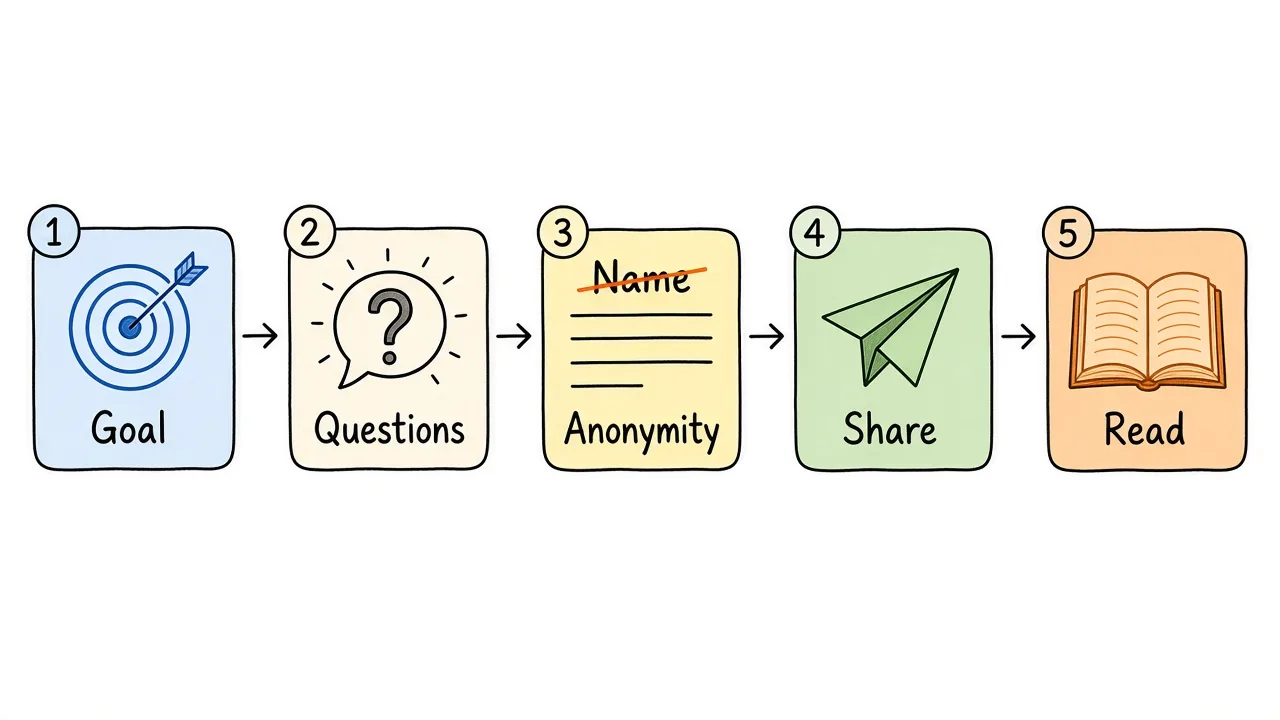
Decide the goal, write a short form, check anonymity, share one link, then read it.
Any form builder can do this. The shape matters more than the tool.
- Write the purpose in one sentence. Harbor Studio used: “Quarterly anonymous check-in on whether people would recommend us, have the tools they need, and get useful support.”
- Keep it to about six questions. The set above is enough.
- Say “anonymous” on the form if you are not collecting names. If you are collecting a team, say that results will be grouped and that small groups will not be reported on their own.
- Preview it on a phone. Most people will open the link between meetings.
- Decide the close date before you send it, so the reminder has a real deadline.
The walkthrough below builds that Harbor Studio survey in Formms, from the template through a live link.
1. Start from a template or a blank form
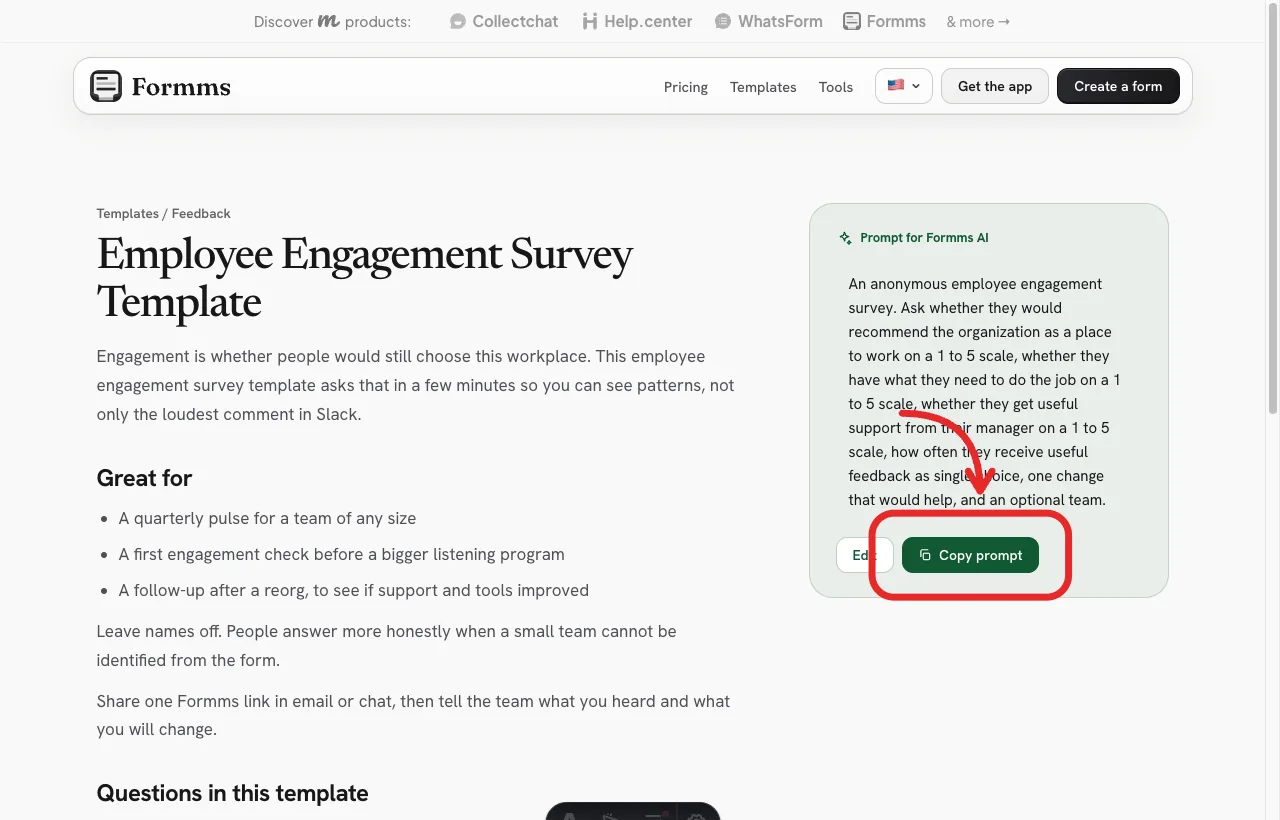
Start from the employee engagement survey template, or copy the prompt into a new form.
2. Open New form and describe the survey
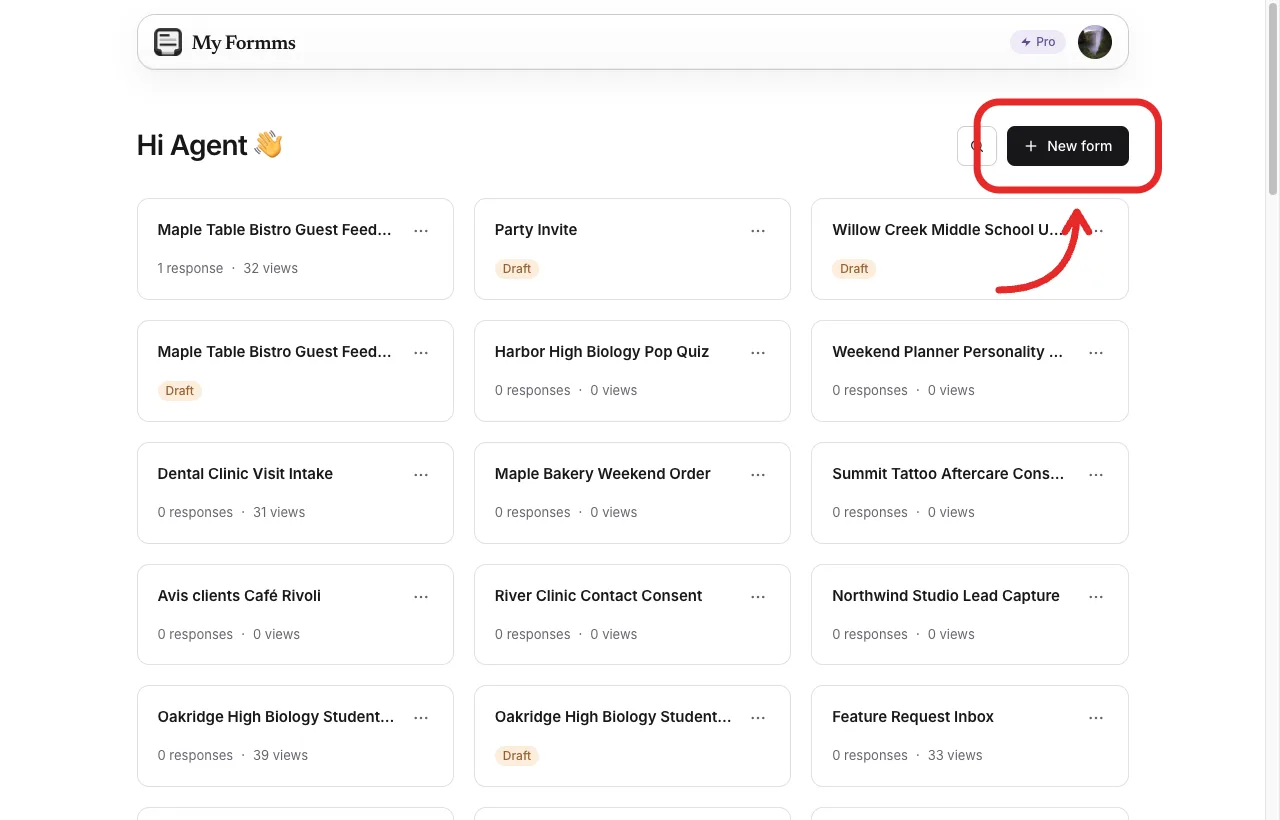
From the dashboard, open New form.
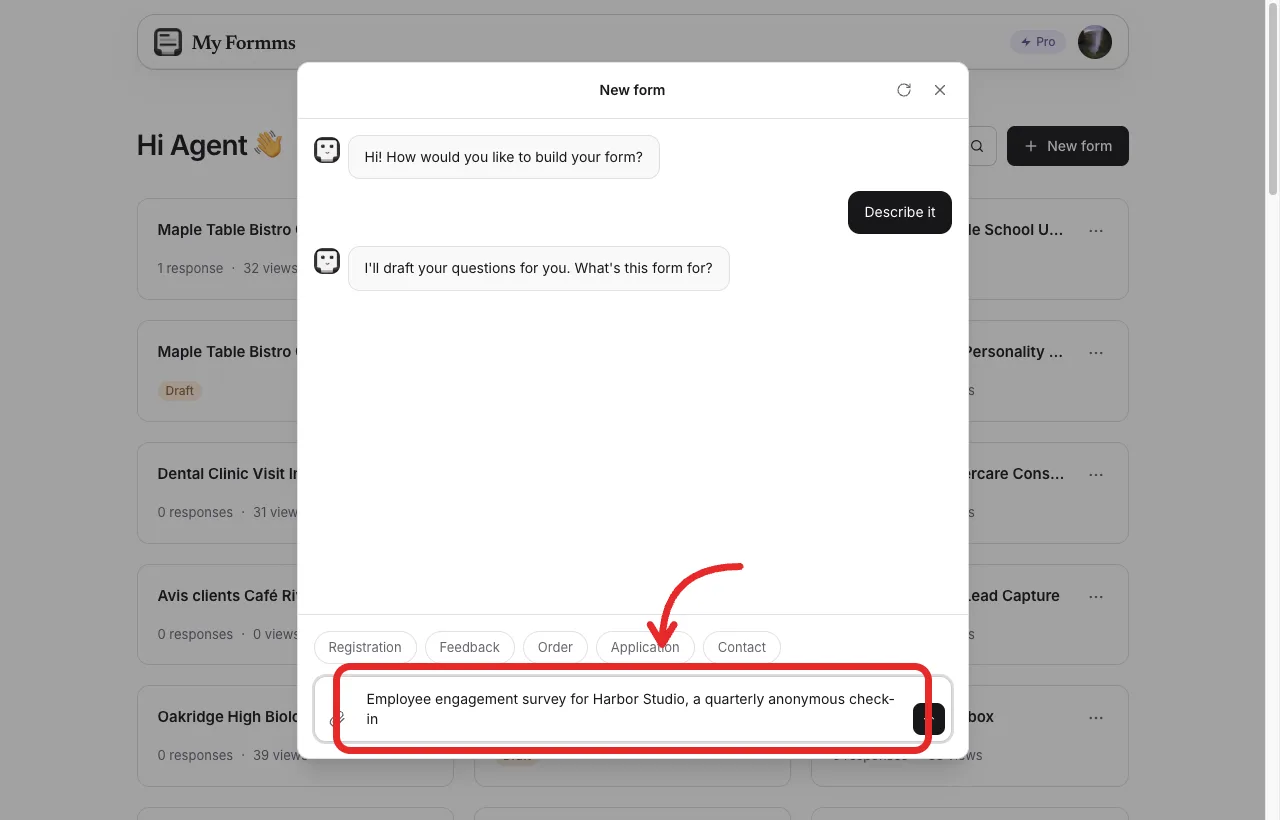
Describe the purpose in plain language: who it is for, and that it stays anonymous.
Example prompt:
Employee engagement survey for Harbor Studio, a quarterly anonymous check-in. Ask whether people would recommend the organization as a place to work on a 1 to 5 scale, whether they have what they need to do the job on a 1 to 5 scale, whether they get useful support from their manager on a 1 to 5 scale, how often they receive useful feedback, one change that would help, and an optional team. Do not ask for names.
If you would rather draft the questions in chat and then edit them, the guide on creating surveys with AI walks through that habit in more detail.
3. Review the draft, then build
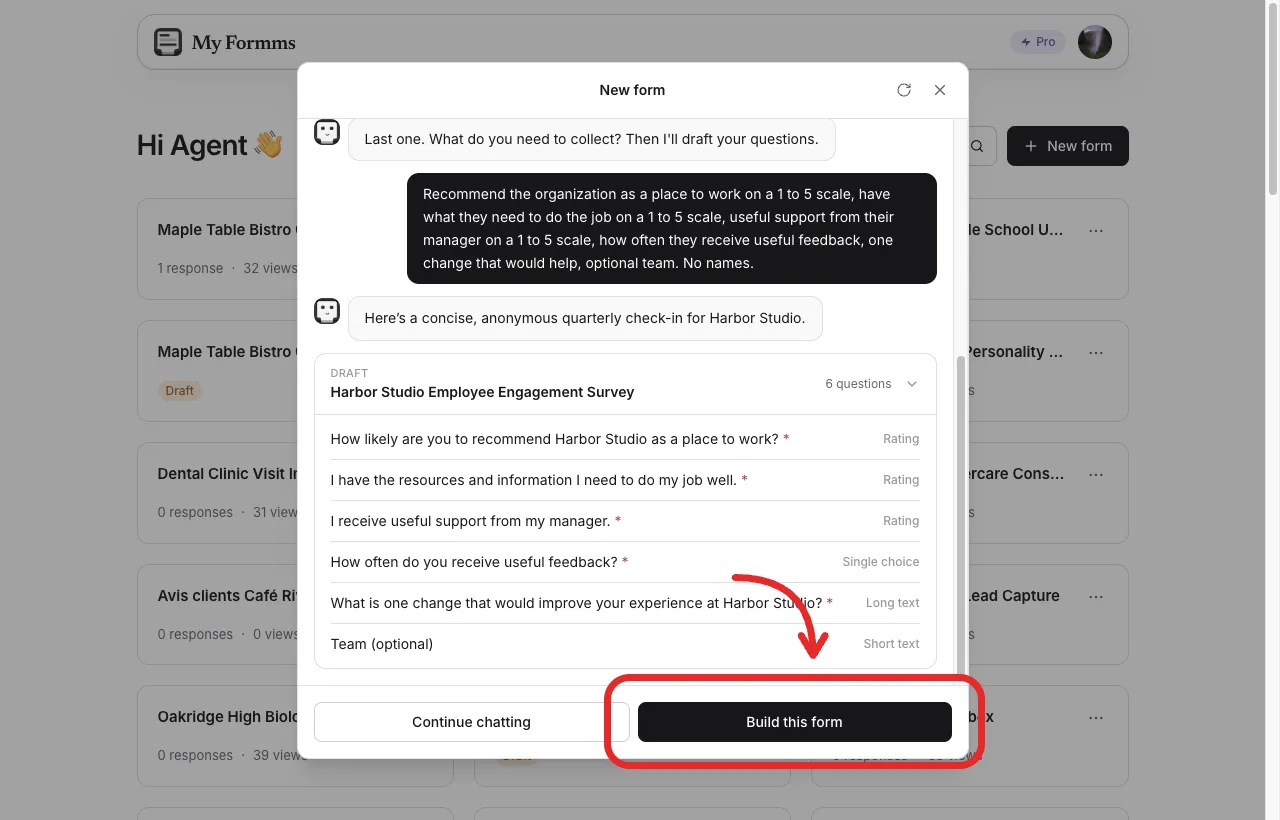
Check the draft questions, then choose Build this form when the list looks right.
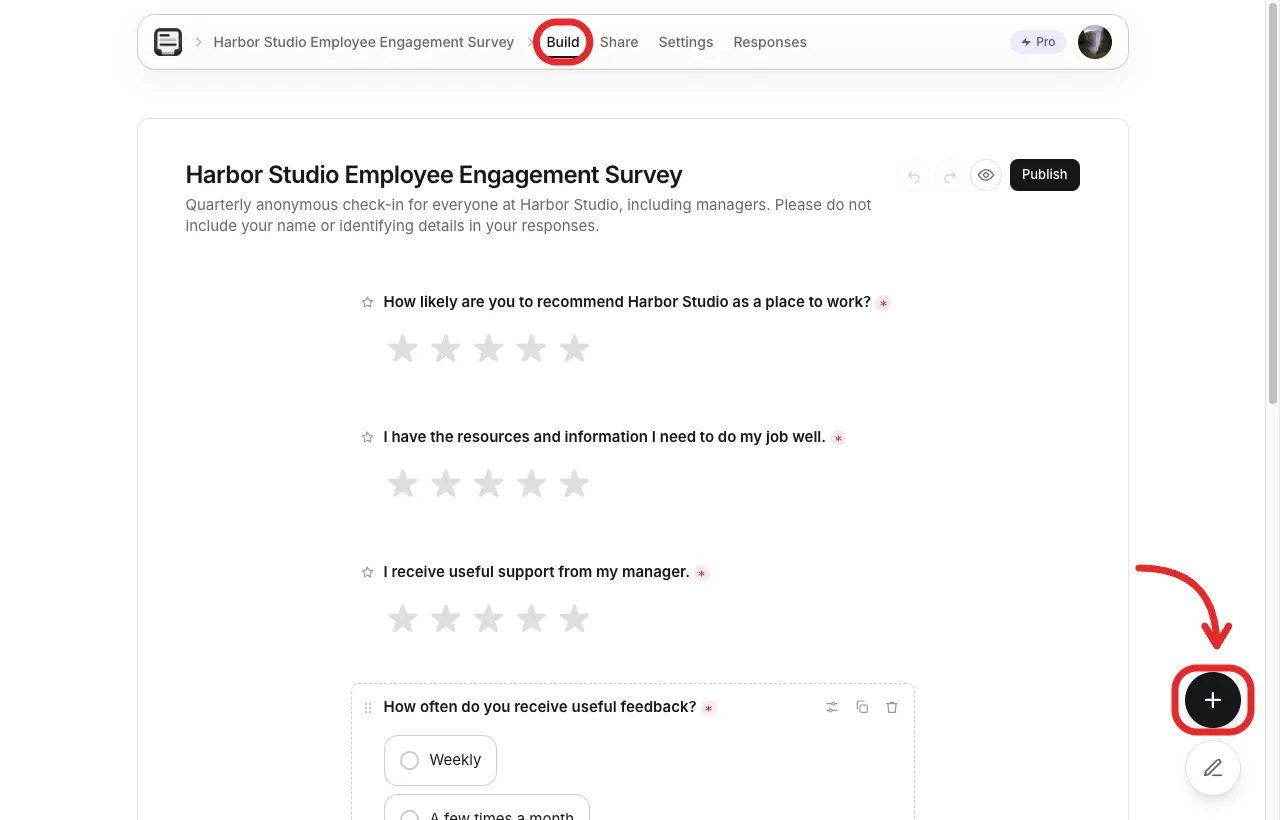
In Build, edit wording or add a question before you share the link.
Read every label out loud. “I get useful support from my manager” is something you can coach. “Rate your manager” invites a score of a person, which is a different and riskier project.
In this walkthrough the draft turned the three 1 to 5 items into star ratings, and it made the open question required. Stars are fine for a first pulse. If you want a numbered scale you can average the same way next quarter, change those questions in Build before you share. The employee engagement survey template already uses 1 to 5 scales and leaves the comment optional.
4. Share a link or a QR code
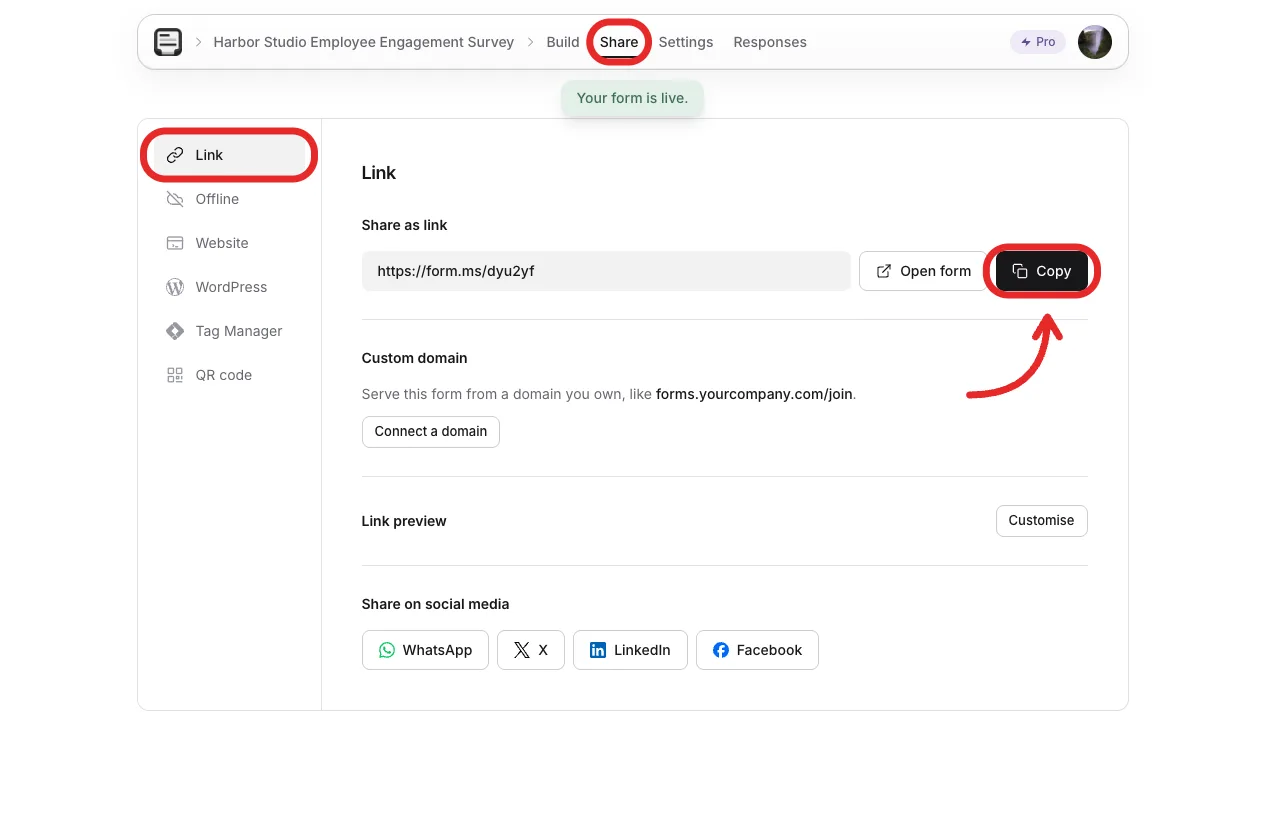
Copy one link for email or chat. One link is easier to remind people about.
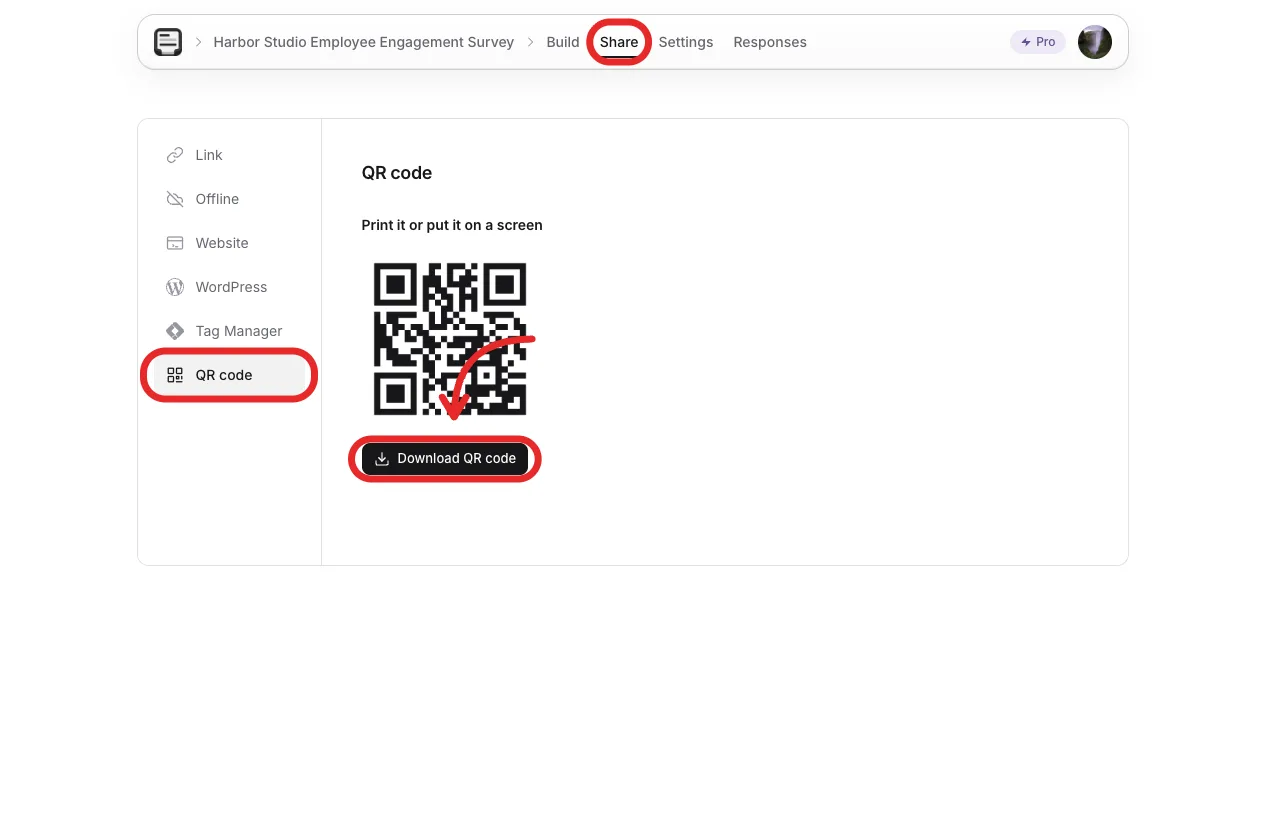
A QR code works on a slide in the all-hands, if people are in the room.
5. Confirm responses are open, then preview the live form
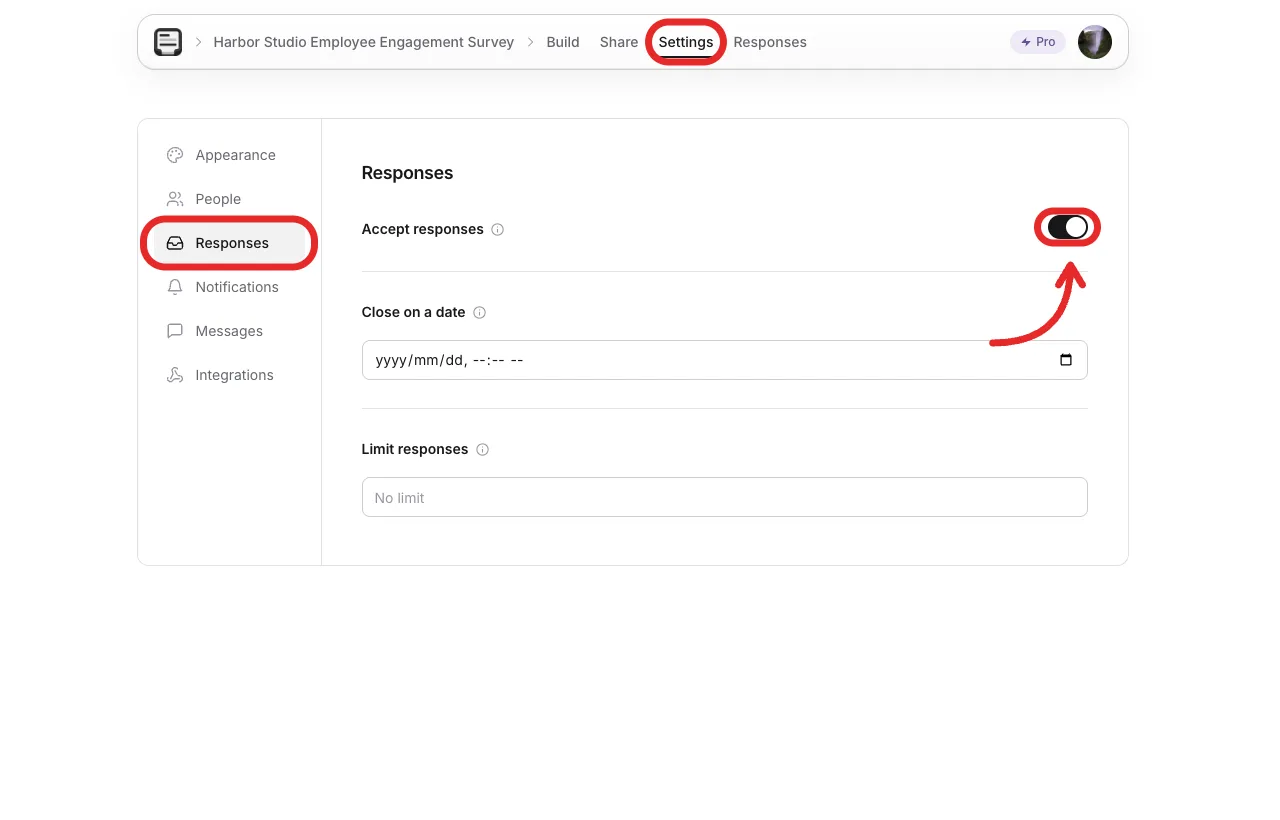
In Settings, confirm the form is accepting responses before you send it.
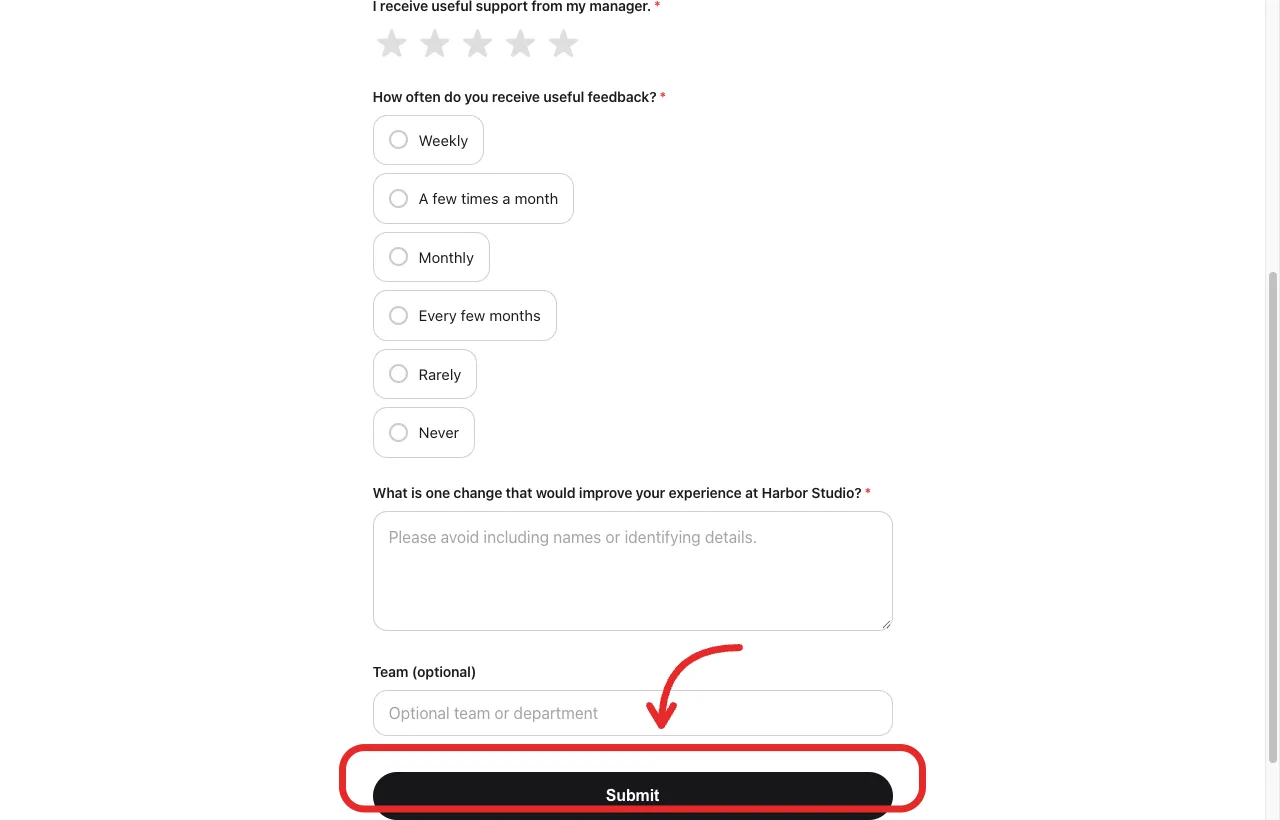
Open the public page and check that it finishes on a phone-sized window too.
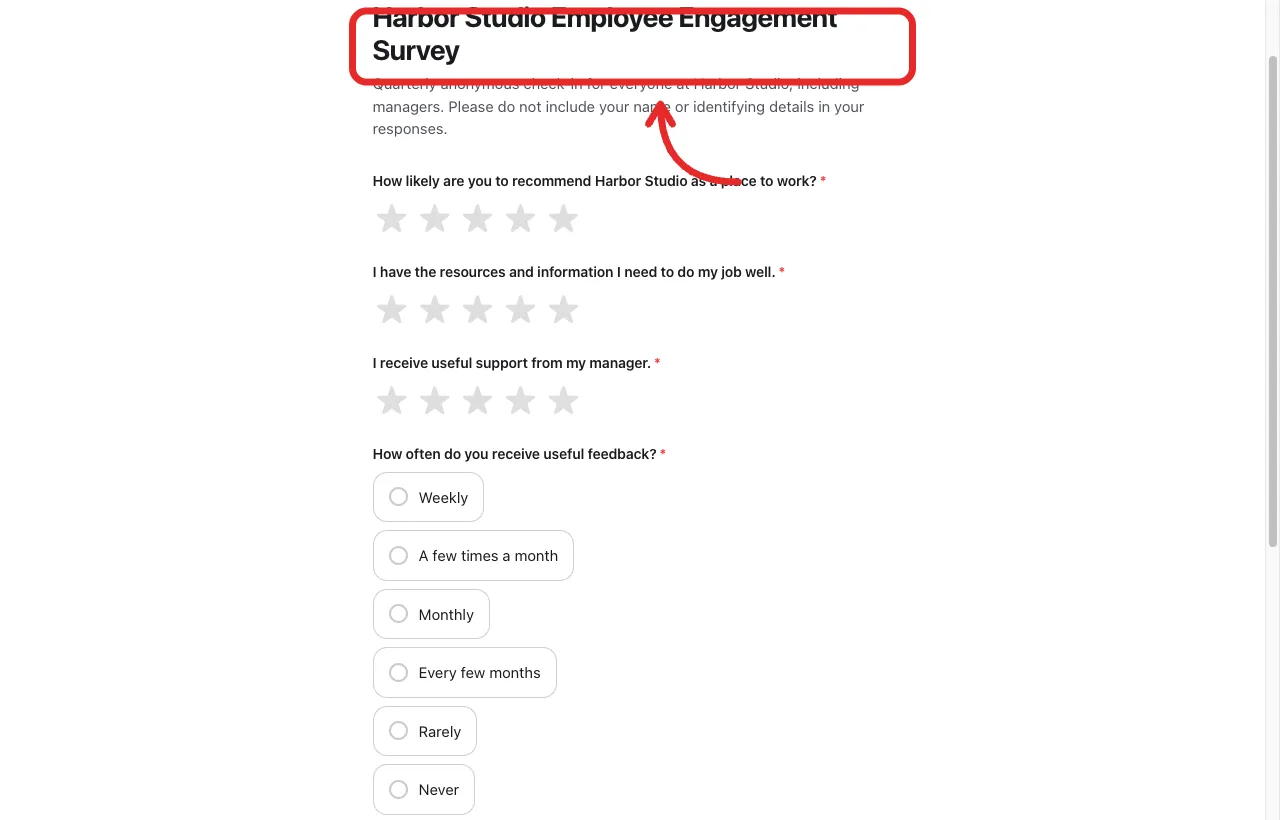
Preview the questions the way an employee will see them.
Live sample from this walkthrough: form.ms/dyu2yf.
How do you conduct it and get people to answer?
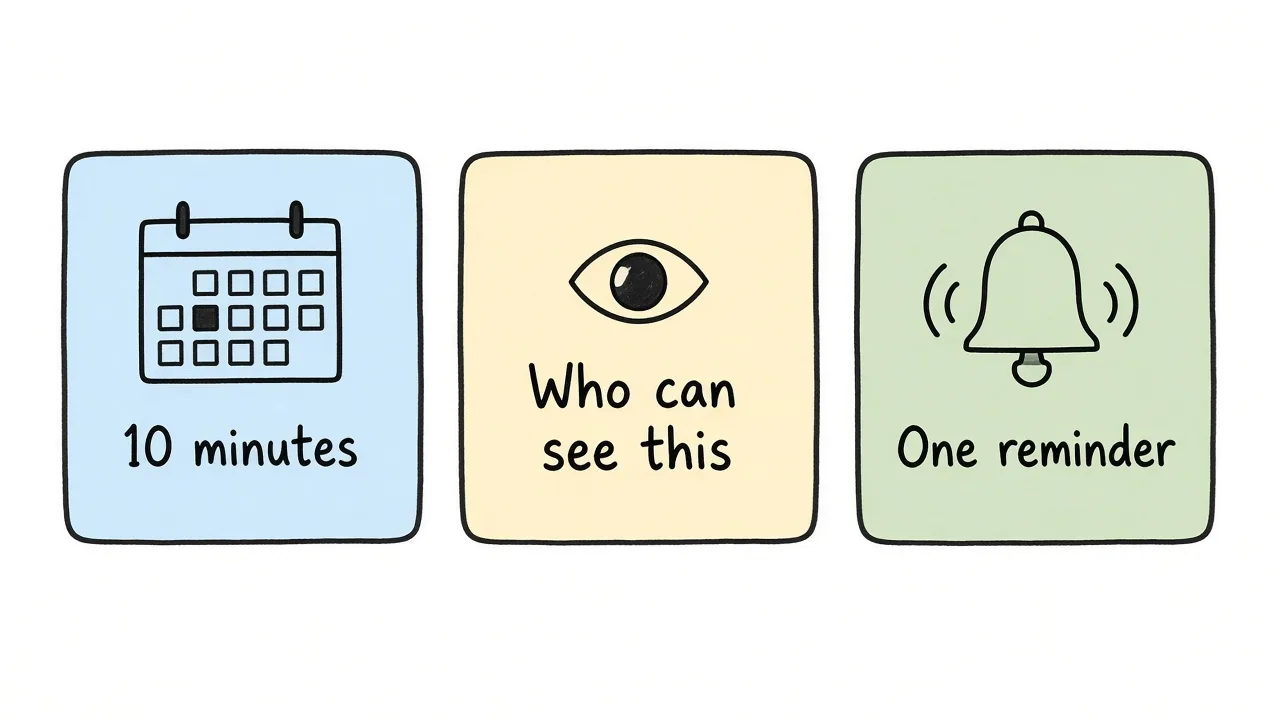
Give people time, say who sees the answers, and send one reminder before the close date.
How do you conduct an employee engagement survey?
Send it when people can actually finish it. A Friday 6 p.m. email competes with the weekend. A note during a calm week, with ten minutes on the calendar, gets finished.
The U.S. Office of Personnel Management employee survey playbook says to tell people, in plain language, whether responses are anonymous or confidential, who can see the data, and how results will be reported. Ambiguity on that point is one of the usual reasons participation stays low.
A simple note for Harbor Studio:
This check-in is anonymous. We are not asking for your name. If you pick a team, we will only show that cut when at least 10 people in the team answered. I will share the themes on Thursday the 24th, and one change we will try in November.
How do you increase participation?
- Keep it under about two minutes. Six questions, not thirty.
- Put the close date in the first line.
- Ask managers to give the time, and to leave the room while people fill it in.
- Send one reminder, not a daily ping.
- Tell people what happened last time, even if the last change was small.
- Offer the form in the language people actually work in. An English-only form in a bilingual team quietly drops half the answers.
Do not offer a prize that requires a name if you promised anonymity. A team coffee after the close date is fine. A raffle that needs an email is not.
How do you interpret and analyze the results?
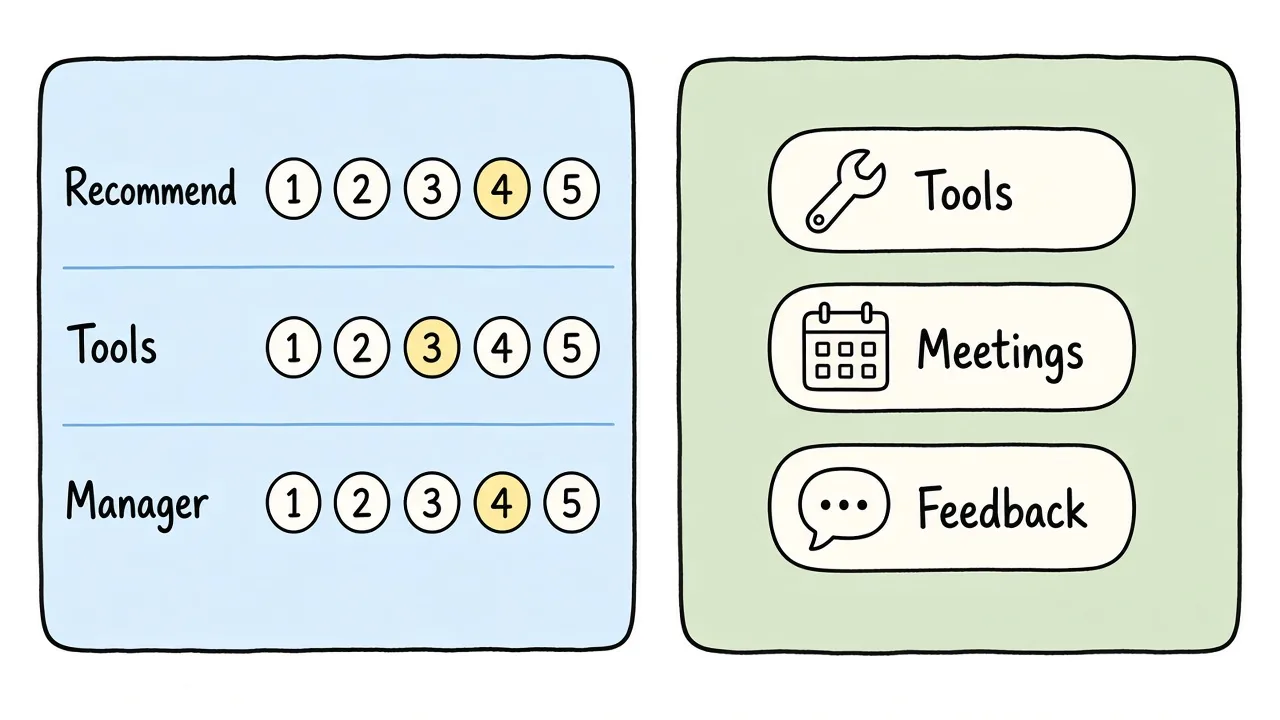
Average the scales, then group comments into a few themes before you pick one change.
How do you interpret employee engagement survey results?
Read the scales first, then the comments.
- Recommendation is your headline trend. Compare it to last quarter if you have one. A 4.2 with no history is a baseline, not a grade.
- Tools and manager support tell you where to look. If recommendation is high and tools are low, people like the place and still cannot do the work.
- Feedback rhythm is a distribution, not an average. “Rarely or never” from a third of the team is a management habit, not a rounding error.
- Ignore a single sharp comment. Do not ignore the same comment ten times.
Do not rank managers against each other from a six-question pulse. The form was not built for that, and a team of six cannot support it.
How do you analyze employee engagement survey results?
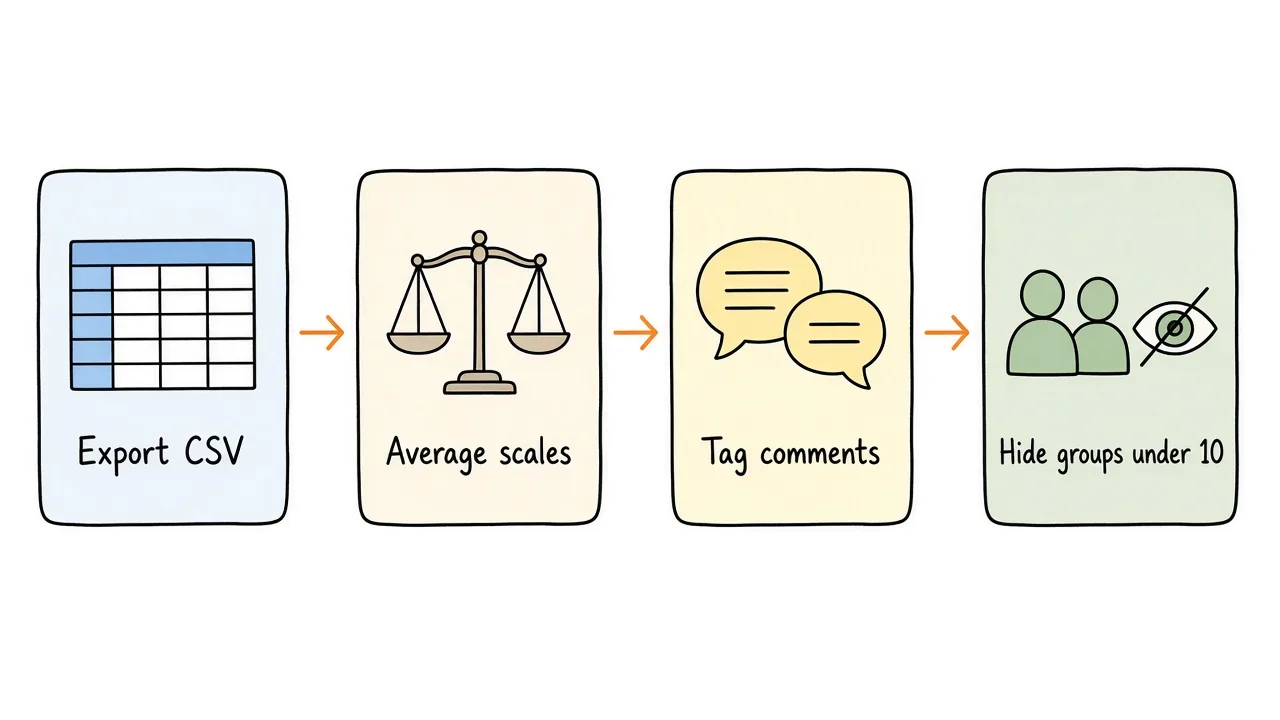
Export, average the scales, tag comments, and hide any group under 10.
- Export the responses (CSV is enough).
- Average each 1 to 5 scale. Note how many people answered.
- Count the feedback choices.
- Read the open answers and tag them with two or three labels, such as “tools,” “meetings,” or “feedback.”
- Drop any team cut under 10 people. Keep those answers in the overall numbers.
- Write three bullets: what is solid, what is weak, what you will try.
That is the analysis. A dashboard can wait until you run the same form twice.
How do you share the results, and then what?
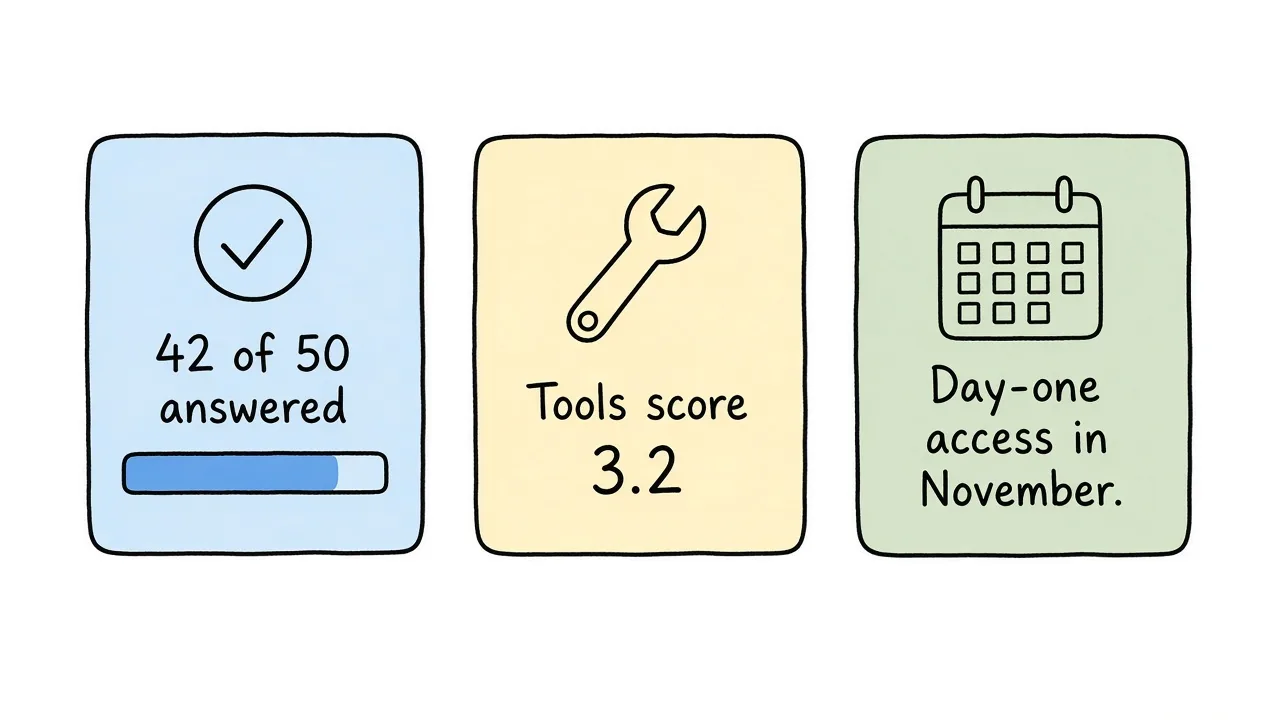
Share themes and one promise. Leave small-group cuts out of the room.
How do you communicate employee engagement survey results?
Tell people what you heard before you tell them the plan. A short note beats a 40-slide readout.
42 of 50 people answered. Recommendation averaged 4.1. The tools score was 3.2. The most common comment was waiting on access to the design files. In November we will give every new hire access on day one. We will ask again in January.
How do you present employee engagement survey results?
In a meeting, three slides or one page:
- How many people answered, and that small teams are not shown.
- The three scale averages, next to last quarter if you have it.
- Two comment themes and the one change you will make, with a date.
Skip a leaderboard. Skip a word cloud as the main slide. People came to hear what will be different.
What do you do with employee engagement survey results?
Pick one change you can finish. Publish the owner and the date. If the honest answer is “we cannot fix pay this quarter,” say that, and pick something you can fix.
How do you improve employee engagement survey results?
You improve the next scores by doing the thing you promised, then asking again with the same questions. Changing the wording every quarter makes the trend useless. A second pulse that only repeats the weak item (“Do you have access to the design files now?”) is a good check between full rounds.
If participation was poor, fix trust and length before you “improve engagement.” A higher score from 8 frightened people is not a better workplace.
How much does an employee engagement survey cost?
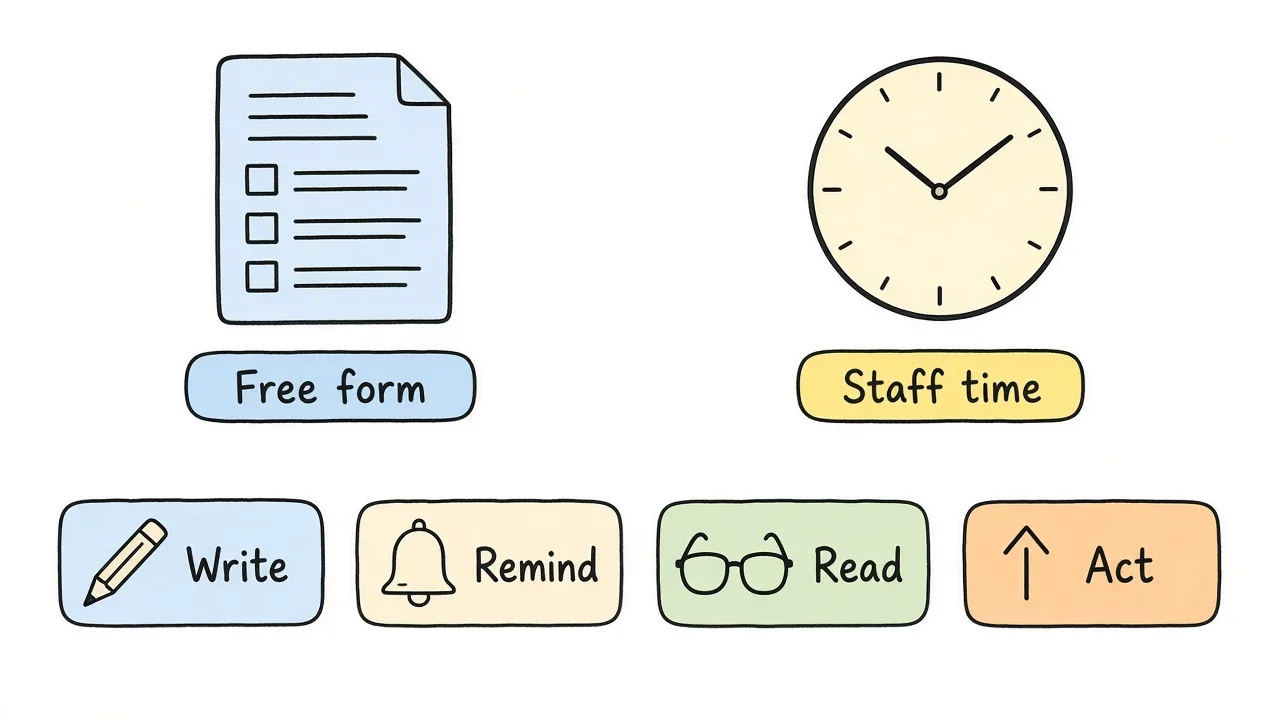
The form can be free. The time to read it and make one change is the real cost.
The form itself can cost nothing if you already have a place to host it. The bill that matters is time: an hour to write the questions, a week of reminders, and a few hours to read comments and choose one change.
Listening platforms often charge by employee or by project. Those prices vary, and a vendor quote is the only honest number. Do not budget from a blog post that invented one.
If you use Formms, the Free plan includes unlimited responses, a short link, a QR code, and CSV export. Pro is $12.99 a month if you want that tier. The questions and the follow-up still matter more than the plan.
Common mistakes
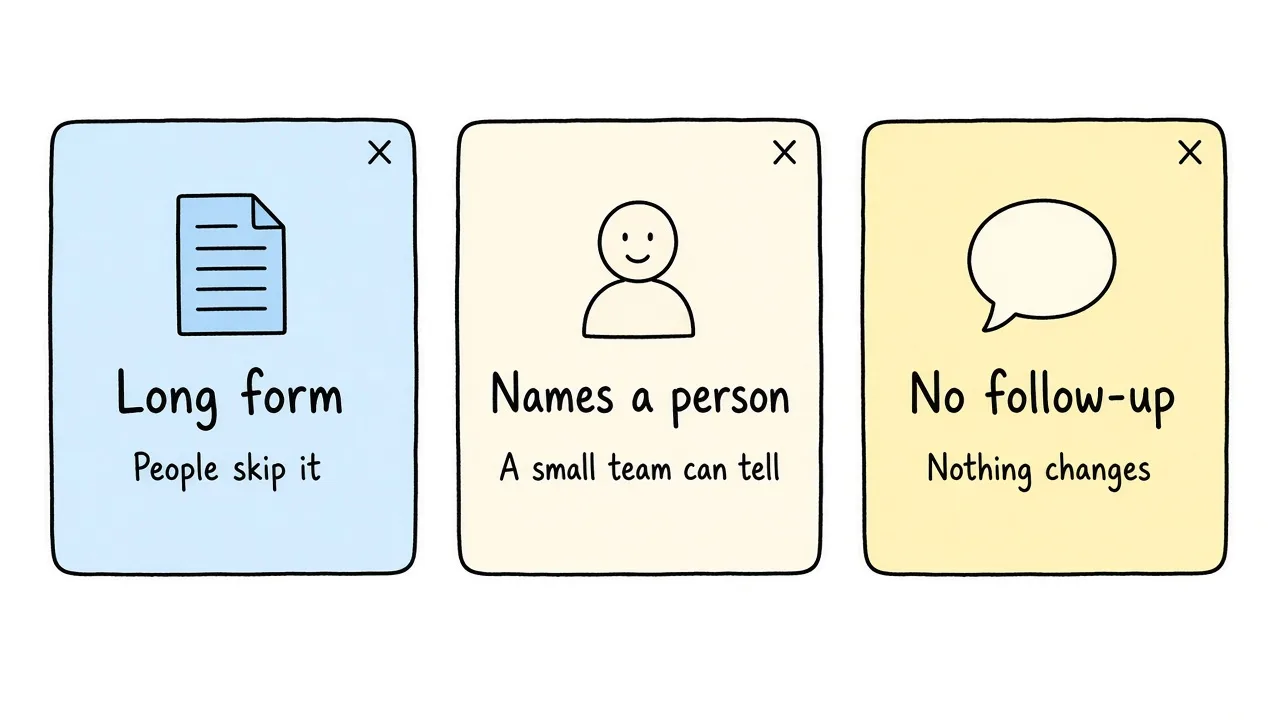
A long form, a cut that names people, and silence after the close date all teach people not to answer next time.
- Asking 40 questions because a template online had 40 questions
- Collecting name, team, tenure, and office in a group of 12
- Sharing a manager’s score from four responses
- Promising anonymity and then running a raffle that needs an email
- Sending the link and never saying what changed
- Rewriting the scales every quarter so you cannot tell whether anything moved
Frequently asked questions
What is an employee engagement survey?
It is a short form that asks whether people would still choose this workplace, whether they have what they need, and what one change would help. It is for employees, not customers.
Why is an employee engagement survey important?
It shows patterns you cannot see from one conversation, and it gives you a baseline to check after you change something. It only helps if you tell people what you heard.
What is the purpose of an employee engagement survey?
To choose a few actions. Recommendation, tools, and manager support are enough for a quarterly pulse. A long catalog of every HR topic is a different project.
How do you measure employee engagement with a survey?
Repeat the same 1 to 5 questions over time, especially “I would recommend this organization as a place to work.” Pair the scores with one open question so you know why a number moved.
How do you create an employee engagement survey?
Write a one-sentence purpose, ask about six questions, state whether it is anonymous, preview it on a phone, and set a close date before you send the link.
How do you design an employee engagement survey?
Use scales for the items you will compare later, one choice for feedback rhythm, and one optional comment. Leave off anything that would identify a person in a small team.
How do you conduct an employee engagement survey?
Send it during a calm week, put time on the calendar, say who can see the answers, and close it on the date you announced.
How do you increase participation in an employee engagement survey?
Keep it short, give one reminder, explain anonymity in plain language, and show what changed last time. Do not trade a prize for a name if you promised anonymity.
How do you interpret employee engagement survey results?
Treat the recommendation score as a trend, look at tools and manager support for where to act, and treat repeated comments as the signal. One angry note is not a theme.
How do you analyze employee engagement survey results?
Average each scale, count the choice question, tag open comments into two or three themes, and suppress any group with fewer than 10 answers.
How do you communicate employee engagement survey results?
Send a short note with how many people answered, one or two scores, the main comment theme, and the change you will make, with a date.
How do you present employee engagement survey results?
Use one page or three slides: response count, the scale averages, and one promised change. Leave small-group cuts out.
What do you do with employee engagement survey results?
Pick one change, name an owner, and tell the team. If you cannot act on a theme, say so instead of implying that every comment will become a project.
How do you improve employee engagement survey results?
Do the change you promised, then ask the same questions again. A higher score from a survey people do not trust is not an improvement.
How much does an employee engagement survey cost?
The form can be free. Budget the staff time to write it, remind people, read the comments, and make one change. Paid platforms usually quote by employee or by project, so ask them rather than guessing a price.
A short survey you will actually repeat
Ask whether people would recommend the workplace, whether they have the tools and the support, and what one change would help. Tell them who sees the answers. Share what you heard, do one thing, and ask the same questions next quarter.